English
11 - Eng
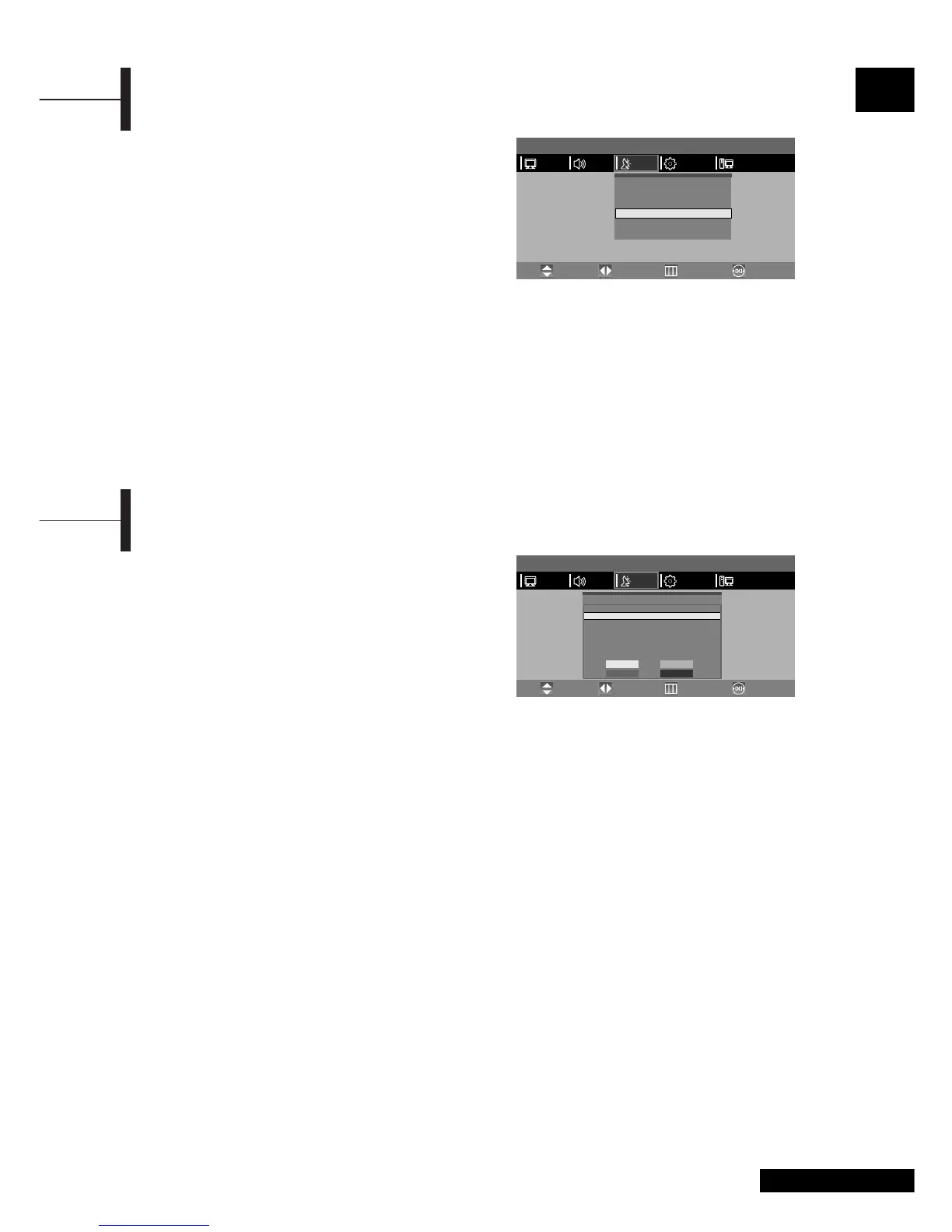
This function enables you to delete, copy, move or
skip the stored programs.
ΠSelect the channel to tune using the numeric or
channel buttons.
´ Press the TV.MENU button. The OSD MENU will
be displayed.
ˇ Select SETUP using the œ/√ button.
¨ Select PROGRAM EDIT using the ▲/▼ button and
then press the
√ button.
This feature allows you to prevent unauthorised users,
such as children, from watching unsuitable programmes
by muting out video and audio. Child Lock cannot be
released using front panel buttons. Only remote
control can release the Child Lock setting, so keep the
remote control away from children.
ΠPress the TV.MENU button. The OSD MENU will be
displayed.
´ Select SETUP using the œ/√ button.
ˇ Select MANUAL PROGRAM using the ▲/▼ button
and then press the
√ button.
¨ Select CHILD LOCK using the ▲/▼ button.
ˆ To lock the channel, select LOCK by pressing
the
œ/√ button.
Œ Select a program to the deleted with the ▲/▼ buttons.
´ Press the RED button. The selected program is
deleted.
All the following programs are shifted up one
position.
Delete a Program
Œ
Select a program to the copied with the ▲/▼ buttons.
´ Press the YELLOW button.
Move the program to the desired program number
with the
▲/▼ buttons.
All the following programs are shifted down one
position.
ˇ Press the YELLOW button again to release this
function.
Copy a Program
Œ Select a program to the moved with the ▲/▼ buttons.
´ Press the GREEN button.
ˇ Move the program to the desired program number
with the
▲/▼ buttons.
¨ Press the GREEN button again to release this
function.
Moving a Program
Œ Select a program to the skipped with the ▲/▼
buttons.
´ Press the BLUE button. The skipped program turns
to ‘YES’.
ˇ Press the BLUE button again to release this function.
When a program number is skipped it means
that you will be unable to select it using the
▲/▼
button during normal TV viewing. If you want to
select the skipped program, directly enter program
number with the number buttons or select it in the
program edit or table menu.
Skipping a Program Number
Program Edit
Activating the Child Lock
Œ~¨ STEP1~STEP4 is the same as that of Activating
the Child Lock.
ˆ When a login dialog box appears, enter the
password to deactivate the CHILD LOCK.
Note
• When child lock is activated, only entering the correct password
will proceed to the operation before you can do auto or manual
searches. Everything previously locked will be unlocked.
Activating the Child Unlock
MENU
PICTURE
Pr
00
01
02
03
04
05
06
07
Name
- - - - -
- - - - -
- - - - -
- - - - -
- - - - -
- - - - -
- - - - -
- - - - -
Program Edit
Ch
- - -
- - -
- - -
- - -
- - -
- - -
- - -
- - -
Sound
B/G
LP
B/G
B/G
B/G
B/G
B/G
B/G
DELETE
MOVE
COPY
SKIP
Skip
YES
YES
YES
YES
YES
YES
YES
YES
PCFUNCTIONSETUPSOUND
Move PreviousAdjust Exit
MENU
PICTURE
System
Fine Tune
Program NO.
Child Lock
Store
Search
œ
œ
œ
œ
œ
LP
0
1
OK
--
œ
√
√
√
√
√
√
PCFUNCTIONSETUPSOUND
Move PreviousAdjust Exit



 To Next Page