27 - Eng
English
Playback of a CD/CD-RW disc that contain a MP3 files.
To Play a MP3 File
ΠInsert the MP3 disc.
Make sure that the disc's label is facing up.
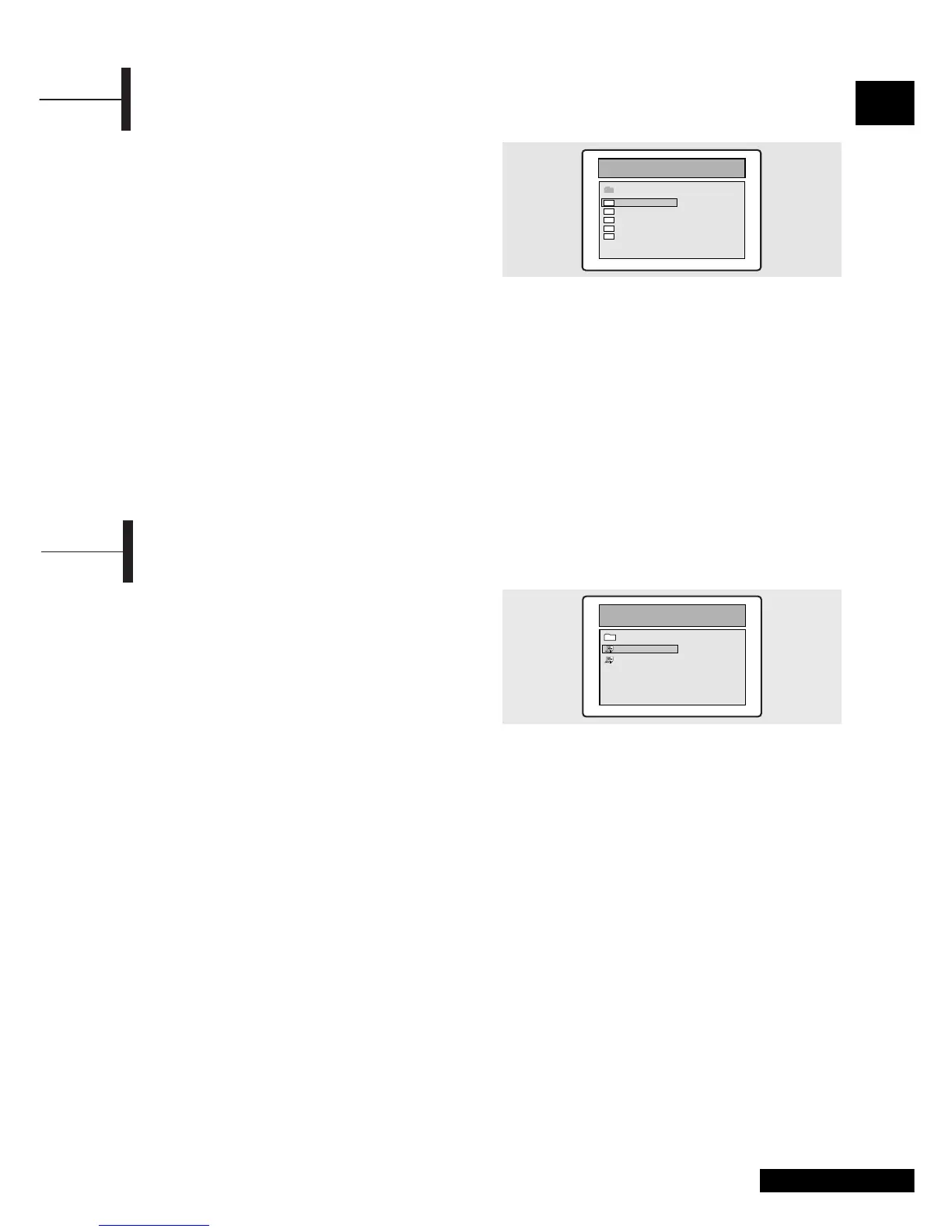
´ Using the ▲/▼ button to find the desired folder.
ˇ Using the ▲/▼ button to select the desired a mp3
files.
¨ Press the ENTER button to start playback a file.
Repeat Playback
Playback of a CD/CD-RW disc that contain a MP3 files.
ΠPress the REPEAT button.
• Each press of the
REPEAT button changes the
repeat mode in the following order:
Repeat track
➞ Folder repeat ➞ Repeat OFF.
Note
• The file name is only displayed in English.
• This player is compatible with the "MPEG-1 Audio Layer 3"
standard. It is not compatible with other standards, such as
"MPEG-2 Audio Layer 3", "MPEG-2.5 Audio Layer 3", MP1, MP2,
etc.
• Do not play CD-R/RW discs containing any files other than music
CD files, MP3 and JPEG files.
•Programmed playback is not possible with MP3 discs.
• When writing MP3 files on CD-R/RW discs, select "ISO9660 level 1"
as the writing software format.
Playing MP3 Discs
Playback of a CD/CD-RW disc that contain a MPEG-4 files.
CAUTION: This subtitle is selectable only when
it' s name is same with the title' s .
To Play a MPEG-4 File
ΠInsert the MPEG-4 disc.
Make sure that the disc's label is facing up.
´ Using the ▲/▼ button to find the desired folder.
ˇ Using the ▲/▼ button to select the desired a
MPEG-4 files.
¨ Press the ENTER button to start playback a file.
Press the SUBTITLE button to delete the subtitle
display while playback.
Note
•AVI file used to contain the audio and video data : these must be
stored on CD in the ISO 9660 format .
• Press STOP button when file do not appear on the screen .
• When playing the MPEG-4 disk , you can play the file with
extension of AVI only .
• DTS Audio is not supported .
• WMA is not supported .
• When burning a subtitle file to a CD-ROM in your PC , be sure to
burn it as an SMI file .
• Reverse of slow playback does not work MPEG-4 .
• Supported format : VIDEO - MPEG-4 3. 11 , 4. x , 5. x
AUDIO - AC3 , MP3(80kbps ~ 320kbps)
Playing MPEG-4 Discs (option)



 To Next Page