19 - Eng
English
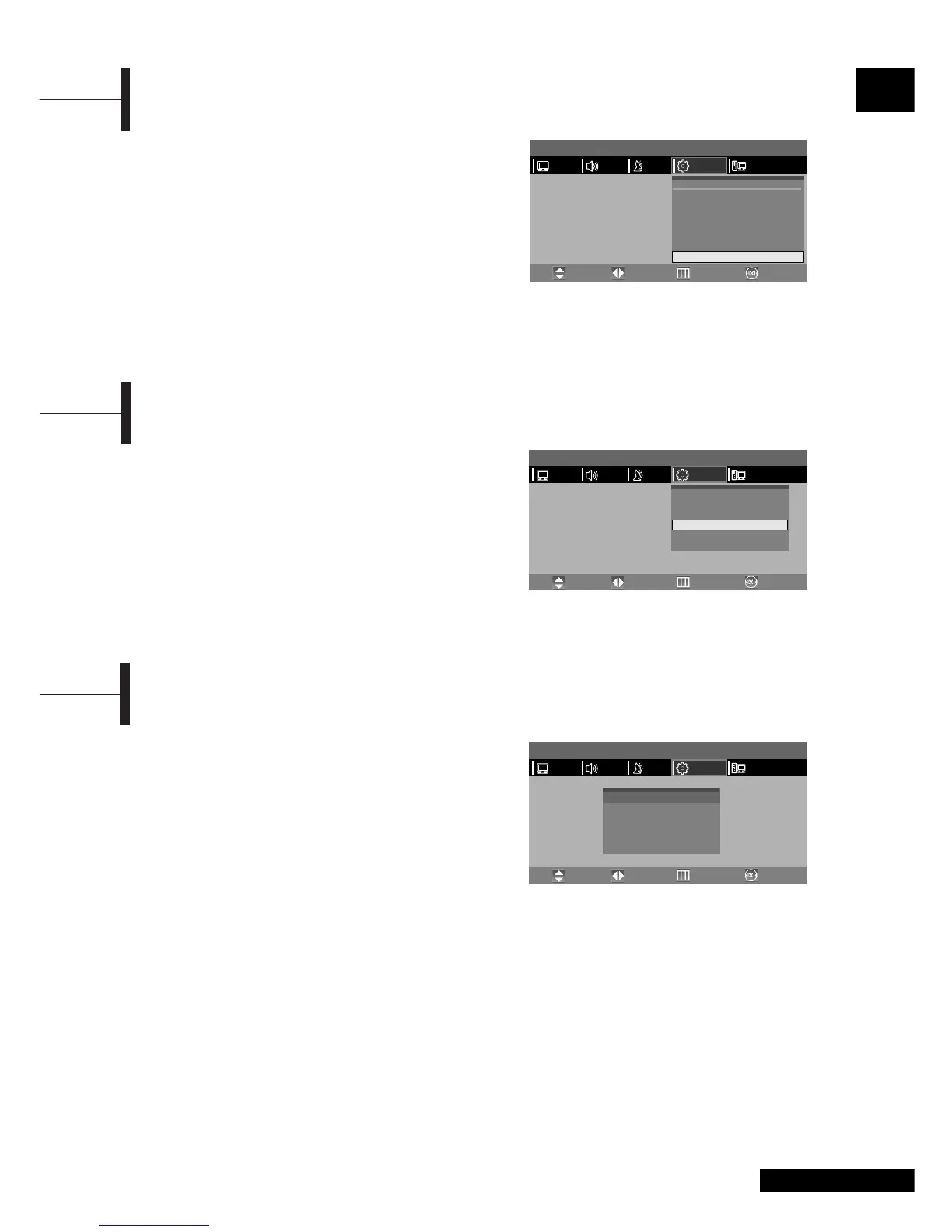
To play or unlock a locked channel in CHILD LOCK
channel mode requires password.
ΠPress the TV.MENU button. The OSD MENU will
be displayed.
´ Select FUNCTION using the œ/√ button.
ˇ Select CHANGE PASSWORD using the ▲/▼ button
and then press the
√ button.
¨ Enter the password using the numeric button.
Initial password is 0000.
ˆ Enter the change password using the numeric
button.
Ø To confirm, enter the confirm new password
using the
numeric button.
Please remember the password should be a 4
digit
numeric value.
Change Password
You can shut off the TV after a desired period of
time.
Press the SLEEP button.
Whenever you press this button, the mode is
changed to SLEEP OFF
➞ SLEEP 15 ➞ SLEEP 30 ➞
SLEEP 45 ➞ SLEEP 60 ➞ SLEEP 90 ➞ SLEEP 120 ➞
SLEEP OFF, in this order.
Œ~ˇ STEP1~STEP3 is the same as that of Setting the
clock.
¨ Select SLEEP using the ▲/▼ button.
ˆ Configure the SLEEP time using the œ/√ button.
Ø Press the EXIT button to exit the menu.
Setting the Sleep Timer
If the MELODY function is turned on, a melody plays
whenever the TV is turned on or off.
ΠPress the TV.MENU button. The OSD MENU will
be displayed.
´ Select FUNCTION using the œ/√ button.
ˇ Select MELODY using the ▲/▼ button.
¨ Select ON using the œ/√ button.
Whenever you press this button, the Melody
function is either on or off.
ˆ Press the EXIT button to exit the menu.
Melody Function
MENU
PICTURE
Time
Timer
On Time
Off Time
Program NO.
Volume
Sleep
œ
œ
œ
œ
œ
- - : - -
OFF
- - : - -
- - : - -
1
20
30
TIME
√
√
√
√
√
PCFUNCTIONSETUPSOUND
Move PreviousAdjust Exit
MENU
PICTURE
SIZE
PIP
TIME
MELODY
LANGUAGE
CHANGE PASSWORD
œ
WIDE
√
√
√
œ
ON
√
œ
ENGLISH
√
√
PCFUNCTIONSETUPSOUND
Move PreviousAdjust Exit
MENU
PICTURE
ENTER PASSWORD
- - - -
CHANGE PASSWORD
Confirm New Password
PCFUNCTIONSETUPSOUND
Move PreviousAdjust Exit



 To Next Page