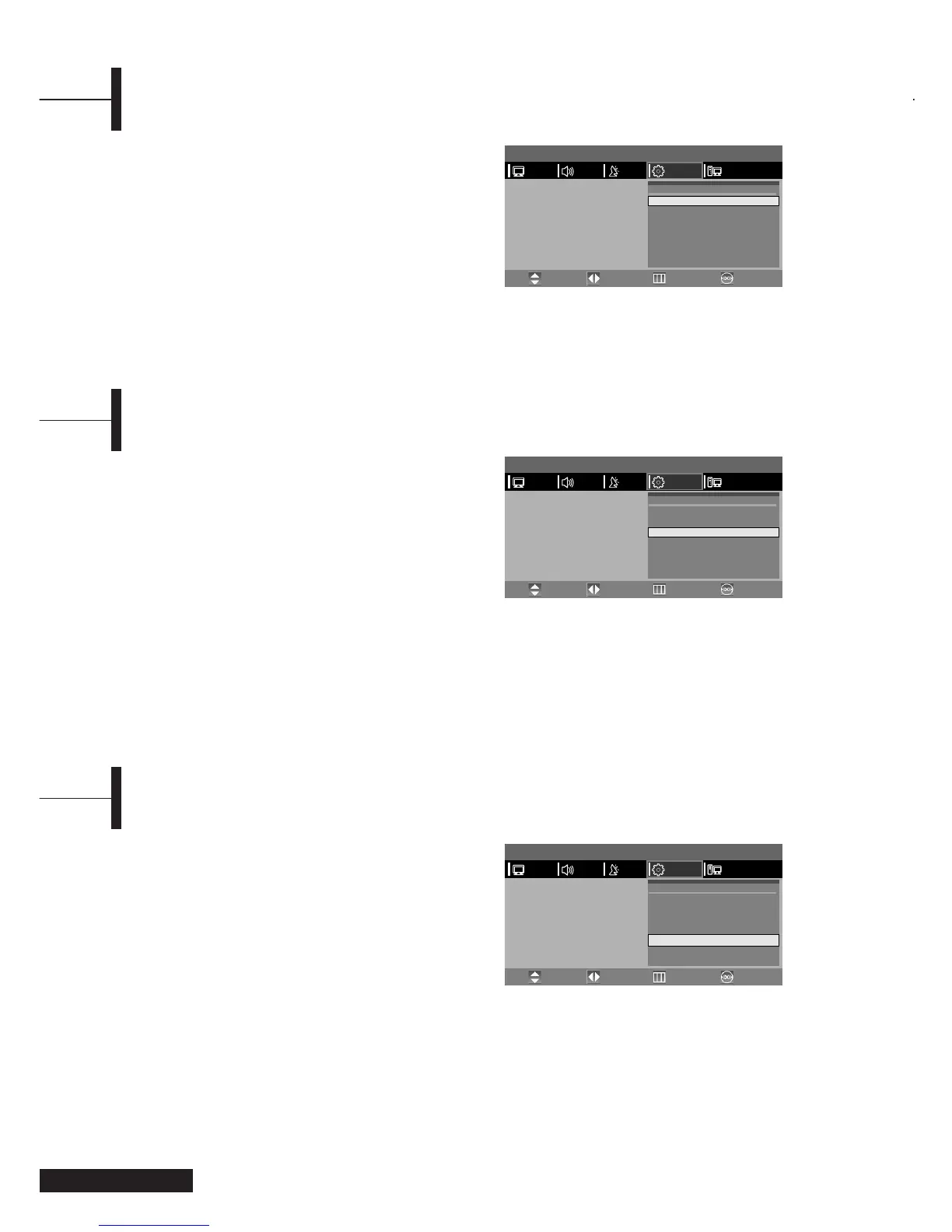
ΠPress the TV.MENU button. The OSD MENU will
be displayed.
´ Select FUNCTION using the œ/√ button.
ˇ Select TIME using the ▲/▼ button and then press
the
√ button.
¨ Move to the Hour using the √ button and then
set the Hour to the correct time using the
▲/▼
button.
ˆ Move to the Minute using the √ button and then
set the Minutes to the correct time using the
▲/▼ button.
Ø Press the EXIT button to exit the menu.
You can set the On/Off Timer to automatically turn
the TV on and off at a desired time. The current time
has to be configured first to set the On/Off Timer.
Œ~ˇ STEP1~STEP3 is the same as that of Setting the
clock.
¨ Select TIMER using the ▲/▼ button.
Select ON using the
œ/√ button.
- The ON/OFF TIMER works only when the timer
is configured to ON.
Example : Turning On At 6:10 AM
ˆ Move to ON TIME using the ▲/▼ button.
Ø Move to the Hours using the √ button and then
set the Hour to AM 6 using the
▲/▼ button.
∏ Move to the Minute using the √ button and then
set the Minutes to 10 using the
▲/▼ button.
” Press the √ button to finish the ON TIME
configuration.
’ Press the EXIT button to exit the menu.
For Off timer setting, select OFF TIME instead of ON
TIME.
Setting the Clock
Setting the On/Off Timer
You can configure the channel and volume to play
when the TV is turned on by the Timer.
Œ~ˇ STEP1~STEP3 is the same as that of Setting the
clock.
¨ Select PROGRAM NO. using the ▲/▼ button.
ˆ Select the desired channel to watch when the TV
is turned on using the
▲/▼ button.
Ø Select VOLUME using the ▲/▼ button.
∏ Select the volume level for when the TV turns
on using the
œ/√button.
” Press the EXIT button to exit the menu.
Selecting the ON Timer Channel/Adjusting the ON Timer Volume
Eng - 18
MENU
PICTURE
Time
Timer
On Time
Off Time
Program NO.
Volume
Sleep
œ
œ
œ
œ
œ
- - : - -
OFF
- - : - -
- - : - -
1
20
Sleep Off
TIME
√
√
√
√
√
PCFUNCTIONSETUPSOUND
Move PreviousAdjust Exit
MENU
PICTURE
Time
Timer
On Time
Off Time
Program NO.
Volume
Sleep
œ
œ
œ
œ
œ
- - : - -
OFF
- - : - -
- - : - -
1
20
Sleep Off
TIME
√
√
√
√
√
PCFUNCTIONSETUPSOUND
Move PreviousAdjust Exit
MENU
PICTURE
Time
Timer
On Time
Off Time
Program NO.
Volume
Sleep
œ
œ
œ
œ
œ
- - : - -
OFF
- - : - -
- - : - -
1
20
Sleep Off
TIME
√
√
√
√
√
PCFUNCTIONSETUPSOUND
Move PreviousAdjust Exit



 To Next Page