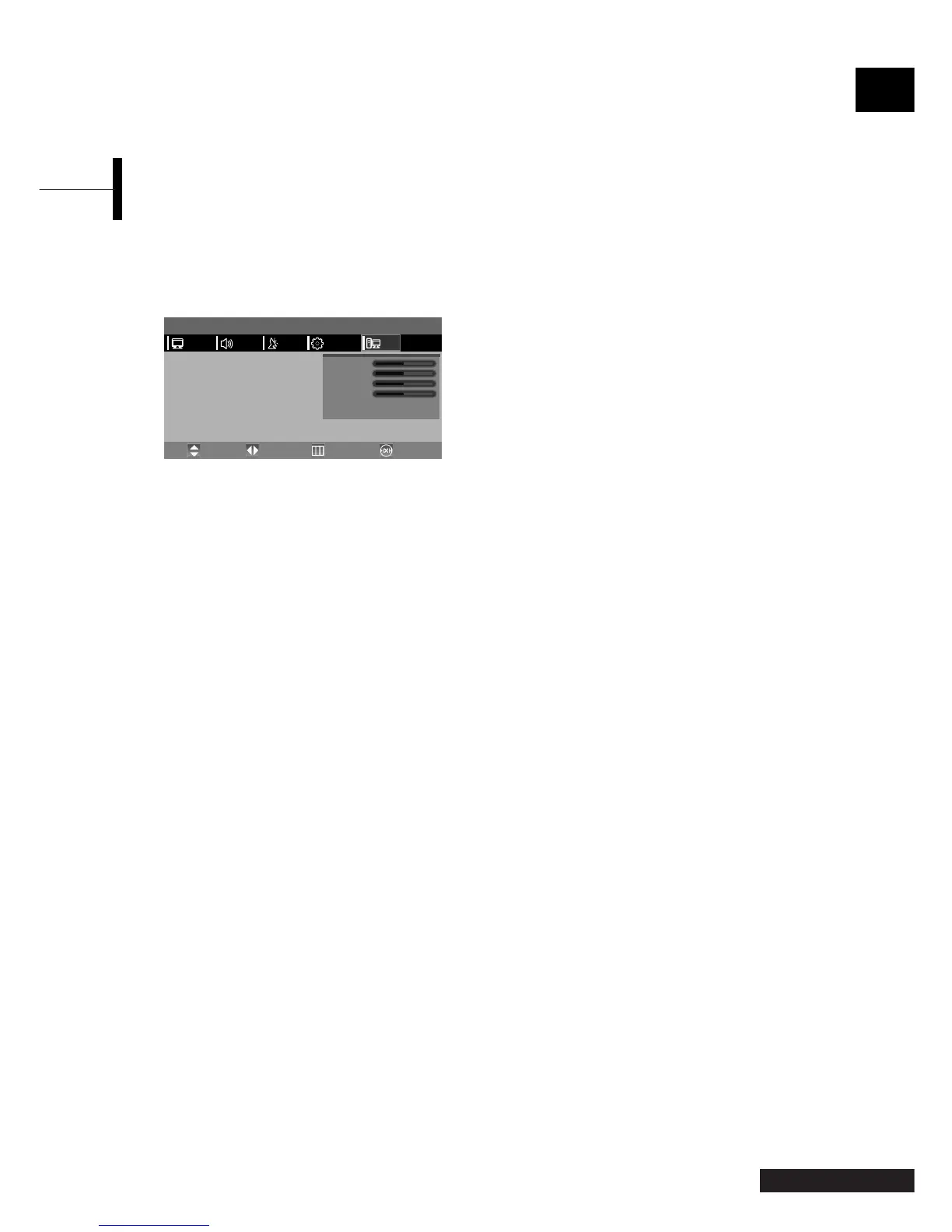
ΠPress the TV.MENU button. The OSD MENU will
be displayed.
´ Select PC using the œ/√ button.
Adjusting the Frequency Position
ˇ Select FREQUENCY using the ▲/▼ button and
adjust the freuency using the
œ/√ button.
Adjusting the Phase Position
ˇ Select PHASE using the ▲/▼ button and adjust
the phase using the
œ/√ button.
Adjusting the Horizontal Position
ˇ Select H POSITION using the ▲/▼ button and adjust
the horizontal position using the
œ/√ button.
Adjusting the Vertical Position
ˇ Select V POSITION using the ▲/▼ button and
adjust the vertical position using the
œ/√ button.
Initialising Settings (RESET)
ˇ Select RESET using the ▲/▼ buttons and then
select using the
√ button.
This returns you to the factory default screen.
¨ Press the EXIT button to exit the menu.
Auto Adjust
You can adjust the frequency and the phase of the
PC screen automatically.
ˇ Select AUTO ADJUST using the ▲/▼ button
and then select using the
√ button.
The PC screen is adjusted automatically.
23 - Eng
English
Adjusting the PC
MENU
Frequency
Phase
H Position
V Position
Reset
Auto Adjust
√
√
PCFUNCTIONSETUPSOUND
Move PreviousAdjust Exit
PICTURE



 To Next Page