English
13 - Eng
You can select a sound mode from among STANDARD,
MUSIC, SPEECH or USER mode according to your
personal preference.
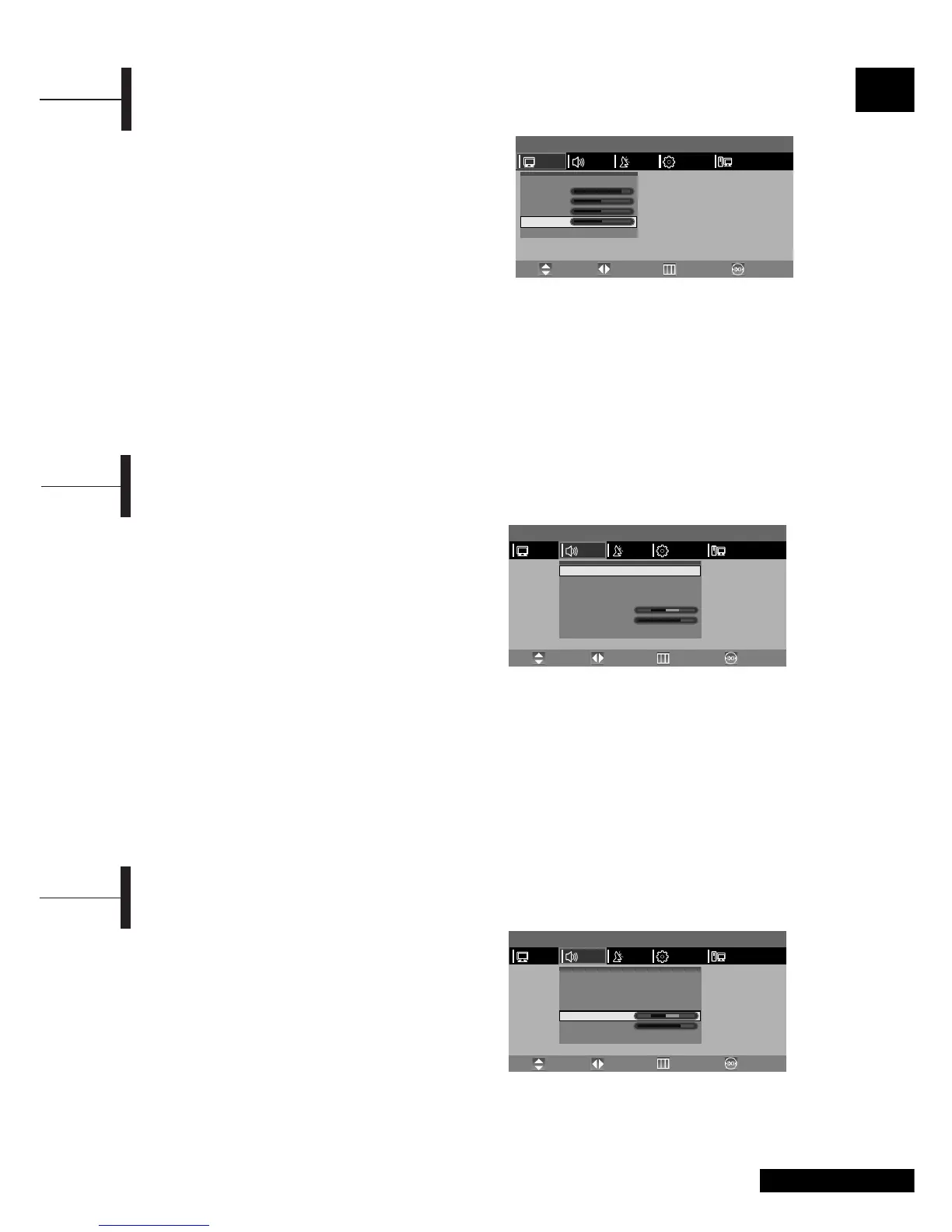
ΠPress the TV.MENU button. The OSD MENU will
be displayed.
´ Select SOUND using the œ/√ button.
ˇ Select the desired STATUS using the œ/√ button.
Whenever you press this button, SOUND STATUS
changes to STANDARD
➞ MUSIC ➞ SPEECH ➞
USER mode, in this order.
¨ Press the EXIT button to exit the menu.
Sound Status
•STANDARD: Select this to listen to sound normally.
• MUSIC: Select this to listen to the original sound.
• SPEECH: Select this to listen to clear voice sound.
• USER: Select this if you want to adjust the settings
according to your personal preferences.
Selecting the Sound Mode
Determines the volume ratio between the left and
right speakers.
ΠPress the TV.MENU button. The OSD MENU will
be displayed.
´ Select SOUND using the œ/√ button and then
press the
▼ button.
ˇ Select BALANCE using the ▲/▼ button.
¨ Select the desired status using the œ/√ button.
Also, the Sound Status is automatically changed
to USER mode.
ˆ Press the EXIT button to exit the menu.
Adjusting the Balance
ΠPress the TV.MENU button. The OSD MENU will
be displayed.
´ Select PICTURE using the œ/√ button.
ˇ Select the desired item to adjust using the ▲/▼
button.
¨ Select the desired status using the œ/√ button.
In addition, PICTURE STATUS is automatically
changed to USER mode.
ˆ Press the EXIT button to exit the menu.
Picture
• CONTRAST: Determines the difference in brightness
between an object and the background.
• BRIGHTNESS: Determines the brightness of the screen.
• SHARPNESS: Determines the sharpness of an object image.
• COLOR: Determines the colour density.
Adjusting the Picture Settings
MENU
Status
Contrast
Brightness
Sharpness
Color
œ
Standard
√
PCFUNCTIONSETUPSOUND
Move PreviousAdjust Exit
PICTURE
MENU
Status
AVL
Stereo
Dual
Balance
Headphone Volume
Equalizer
œ
SPEECH
√
œ
On
√
œ
Mono
√
œ
Mono
√
√
PCFUNCTIONSETUPSOUND
Move PreviousAdjust Exit
PICTURE
MENU
Status
AVL
Stereo
Dual
Balance
Headphone Volume
Equalizer
œ
SPEECH
√
œ
On
√
œ
Mono
√
œ
Mono
√
√
PCFUNCTIONSETUPSOUND
Move PreviousAdjust Exit
PICTURE



 To Next Page