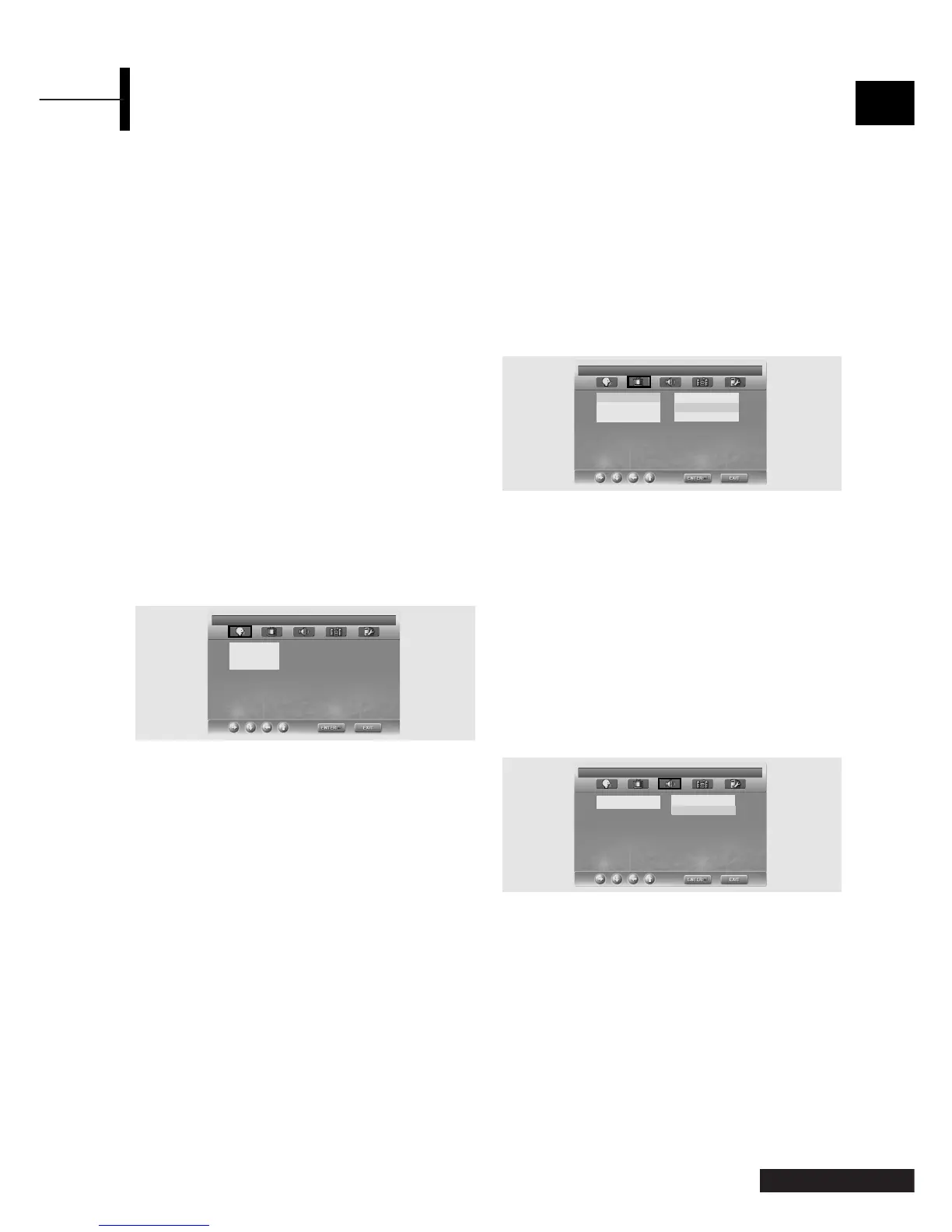
Once the initial settings have been completed, the
player can always be operated under the same
conditions whenever the power is switched on. These
settings are called SETUP data, and are easily
modified and stored using the SETUP menu. The
SETUP menu includes the information for GENERAL,
LANGUAGE, VIDEO, SPEAKER, AUDIO and CUSTOM
SETUP.
Language Setup
ΠPress the SETUP button during stop mode and
Press the
œ/√ button to move to Language
Setup.
´ Press the ▲/▼ button to move to desired item.
And press the
ENTER button.
ˇ Press the ▲/▼ button to select desired language.
• AUDIO: Use the audio language menu to select the subtitle
language that you prefer. If the disc you are playing has
that language available, it will display subtitles in that
language.
•
SUBTITLE: Use the subtitle language menu to select the
subtitle language that you prefer. If the disc you are
playing has that language available, it will display subtitles
in that.
•
DISC MENU: Use the Disc Menu option to select the
language you want a DVD's disc menu to be displayed
in(not the same as the player menu).
Video Setup
For selecting TV screen ratio.
ΠPress the SETUP button during stop mode and
Press the
œ/√ button to move to Video Setup.
´ Press the ▲/▼ button and press the ENTER
button.
ˇ Press the ▲/▼ button to select desired item.
TV DISPLAY
•4:3 / PS: Choose this setting if you want the movie to
fill the entire screen of your TV. This might mean that
the left and right edges won't be seen.
• 4:3 / LB: Choose this setting if you want to see movies
in their original aspect ratio. The movie might
appear with black bars at top and bottom of
the screen.
• 16:9 / WIDE: Choose this setting if you want the movie
to be seen in widescreen.
PIC MODE
• AUTO : The picture mode will be selected
automatically according to the disc information.
• FILM : The optimal display at still mode will be
selected.
• VIDEO : The optimal display at movie mode will be
selected.
• SMART : The optimal display will be displayed by the
combination of Film and Video.
SCREEN SAVER
-You can select the screen protection function 'On'
and 'Off'.
Speaker Setup
ΠPress the SETUP button during stop mode and
Press the
œ/√ button to move to Speaker Setup.
´ Press the ▲/▼ button to move to desired item.
And press the
ENTER button.
ˇ Press the ▲/▼ button to select desired item.
•
Downmix
-LT/RT: Choose this setting if you want to select the
surround sound for the front speaker.
- Stereo: Choose this setting if you want to select the
stereo output through the front speaker.
29 - Eng
English
Using the Setup Menu
LANGUAGE SETUP
DISC MENU ENGLISH
SUBTITLE ENGLISH
AUDIO ENGLISH
LANGUAGE SETUP
VIDEO SETUP
TV DISPLAY 4:3 PS
PIC MODE 4:3 LB
SCREEN SAVER 16:9 WIDE
SET TV DISPLAY MODE
SPEAKER SETUP
DOWNMIX
√
LT/RT
STEREO
SET DOWNMIX MODE
√



 To Next Page