Eng - 30
Audio Setup
ΠPress the SETUP button during stop mode and
Press the
œ/√ button to move to Audio Setup.
´ Press the ▲/▼ button to move to desired item.
And press the
ENTER button.
ˇ Press the ▲/▼ button to select desired item.
DIGITAL
- ON : Set to output digital sound.
- OFF : Set to disconnect the digital output sound.
DUAL MONO
- STEREO : For stereo sound output.
- LEFT MONO : For stereo the output of the left
channel of the audio track.
- RIGHT MONO : For selecting the output of the
right channel of the audio track.
- MIXED MONO : For selecting the output of
both the left and right channels of the audio
track.
Dynamic
- For increasing the output of the audio only.
(4/4, 3/4, 2/4, 1/4, OFF)
- Selecting OFF returns to the default value.
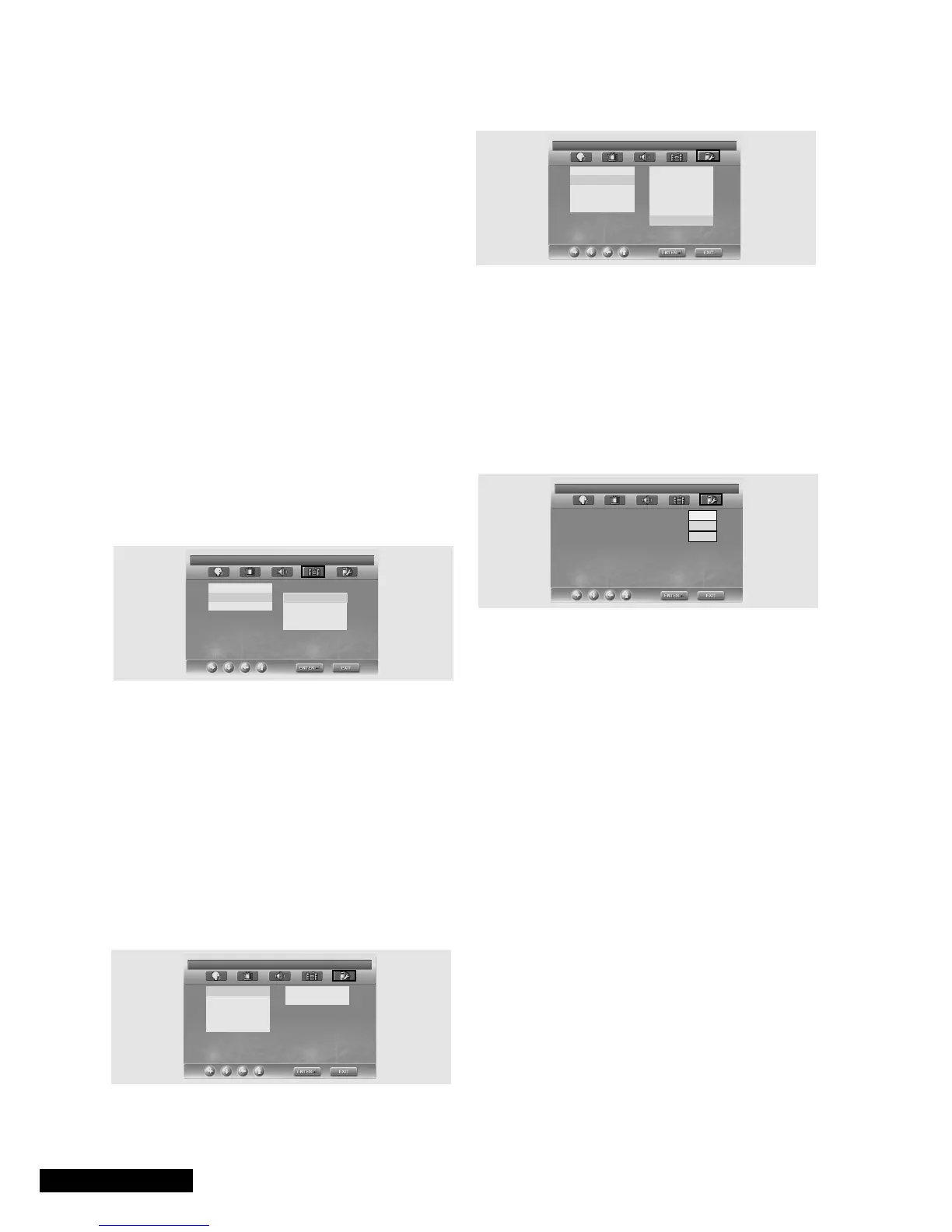
Custom Setup
ΠPress the SETUP button during stop mode and
Press the
œ/√ button to move to Custom Setup.
´ Press the ▲/▼ button to move to desired item.
And press the
ENTER button.
ˇ Press the ▲/▼ button to select desired item.
• Logo
- MPG Logo : To use the original initial screeen.
- JPG Logo : To use the initial screen downloaded from CD.
If you use MPEG-4(option), the JPG logo is applied.
If you use DVD(option), the JPG logo is not applied.
•
Parental
- Set a password and select rating level for DVD’s
unsuitable for children.
• Password Change
ΠPress the SETUP button during stop mode and
Press the
œ/√ button to move to Password Setup.
´ Press the ▲/▼ button and press the ENTER button.
ˇ Press the ENTER button again.
¨ Enter your old password, and new password in 4
digits.
ˆ Re-enter new password for confirmation then
press the
ENTER button.
• The Password is preset to 0000.
• Default
- If user selects reset from the setup menu, all the
value of setup menu will be initialized by factory
setting value. (Exception: Parental level and Password
values will not be changed.)
AUDIO SETUP
DIGITAL
DUAL MONO STEREO
DYNAMIC LEFT MONO
RIGHT MONO
MIXED MONO
DUAL MONO (1+1) SETUP
CUSTOM SETUP
Logo
PARENTAL
PASSWORD
DIVX(R) VOD
DEFAULTS
SET PARENTAL CONTROL
PASSWORD CHNAGE
OLD PASSWORD:
NEW PASSWORD:
CONFIRM PWD:
√
CUSTOM SETUP
Logo MPG LOGO
PARENTAL JPG LOGO
PASSWORD
DIVX(R) VOD
DEFAULTS
SET LOGO CONTROL
√
√
2
3 PG
4 PG 13
5
6 PG-R
7 NC-17
8 ADULT



 To Next Page