Eng - 28
To play Kodak Picture CD and JPEG File
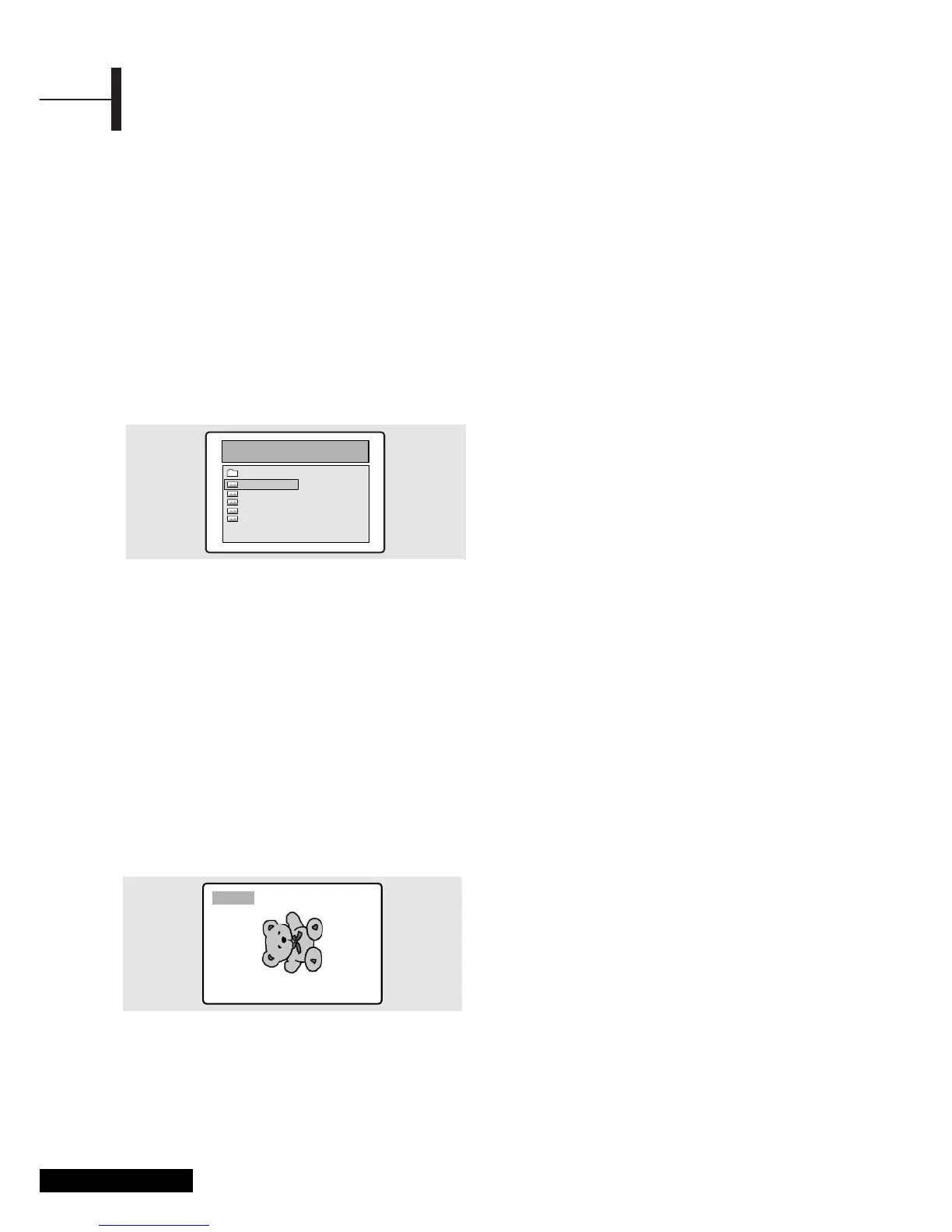
When a Kodak Picture CD is inserted, an automated
slide show is launched. When a JPEG file is loaded
the table of contents is displayed on TV screen.
ΠInsert the Kodak Picture CD or JPEC file disc.
• An automated slide show is launched.
• If you press the
■ button, File menu screen will
be appeared.
´ Select the picture.
• Select the picture, you want to see, by pressing
the
▲/▼ button.
ˇ Press the ENTER button.
• The selected item is displayed as a full size
picture.
Changing the Size of the Screen
ΠPress the ZOOM button.
• Each press of the
ZOOM button changes the
zoom mode in the following order:
(
œœ) 25% ➞ 50% ➞ 100%(default) ➞ 150% ➞
200%(√√).
Image Rotation
Œ Press the ▲▼œ√ button. There are 4 modes to
rotate a picture:
•
▲ button : invert
•
▼ button : mirror
•
œ button : Turn left
•
√ button : Turn right
Changing JPEG Slideshow Transition Mode
ΠPress the ANGLE button.
• 13 slideshow transition modes are provided.
• Each press of the
ANGLE button is pressed
during JPEG image playback, the display mode
on screen shows 13 variations as follows:
- mode 1 : It displays from top to buttom in turn.
- mode 2 : It displays from buttom to top in turn.
- mode 3 : It displays from top to buttom to
center in turn
- mode 4 : It displays from center to top and
buttom in turn.
- mode 5 : It displays from vertical blind.
- mode 6 : It displays from from left to right in turn.
- mode 7 : It displays from right to left in turn.
- mode 8 : It displays from left and right to center
in turn.
- mode 9 : It displays from center to left and right
in turn.
- mode 10 : It displays from outside to inside in turn.
- mode 11 : It displays from horizontal blind.
- mode RAND : It displays at random.
- NONE
Starting music slide show
ΠWhenever SUBTITLE button pressed at STOP mode,
SLIDE SHOW MODE1
➞ SLIDE SHOW MODE2 ➞
SLIDE SHOW MODE3 ➞ SLIDE SHOW OFF
will be selected reeatedly.
´ Starting slide show mode 1
• After selecting SLIDE SHOW MODE 1, press
ENTER button. MP3 FILE No.1 Track will be
played with JPEG Picture changing automatically.
ˇ Starting slide show mode 2
• Select SLIDE SHOW MODE 2 and press the
arrow button to select the MP3 File tracks.
• Press A-B on the remote and Press ENTER.
• The seltcted MP3 FILE will be played with JPEG
Picture changing automatically.
¨ Starting slide show mode 3
• Select SLIDE SHOW MODE 3 and press ENTER button.
While MP3 FILE No.1 Track is playing, JPEG picture
will not be changed.
• When the MP3 FILE track moves to the next one, the
JPEG picture will be moved to the next one too.
ˆ Stoping slide show mode
• Press STOP button to stop MP3 FILE and SLIDE SHOW.
Playing Kodak Picture CD and JPEG File



 To Next Page