17 - Eng
English
You can select the location of the PIP window from
among the corners of the TV screen.
Œ~¨ STEP1~STEP4 is the same as that of Viewing
Picture-in-Picture.
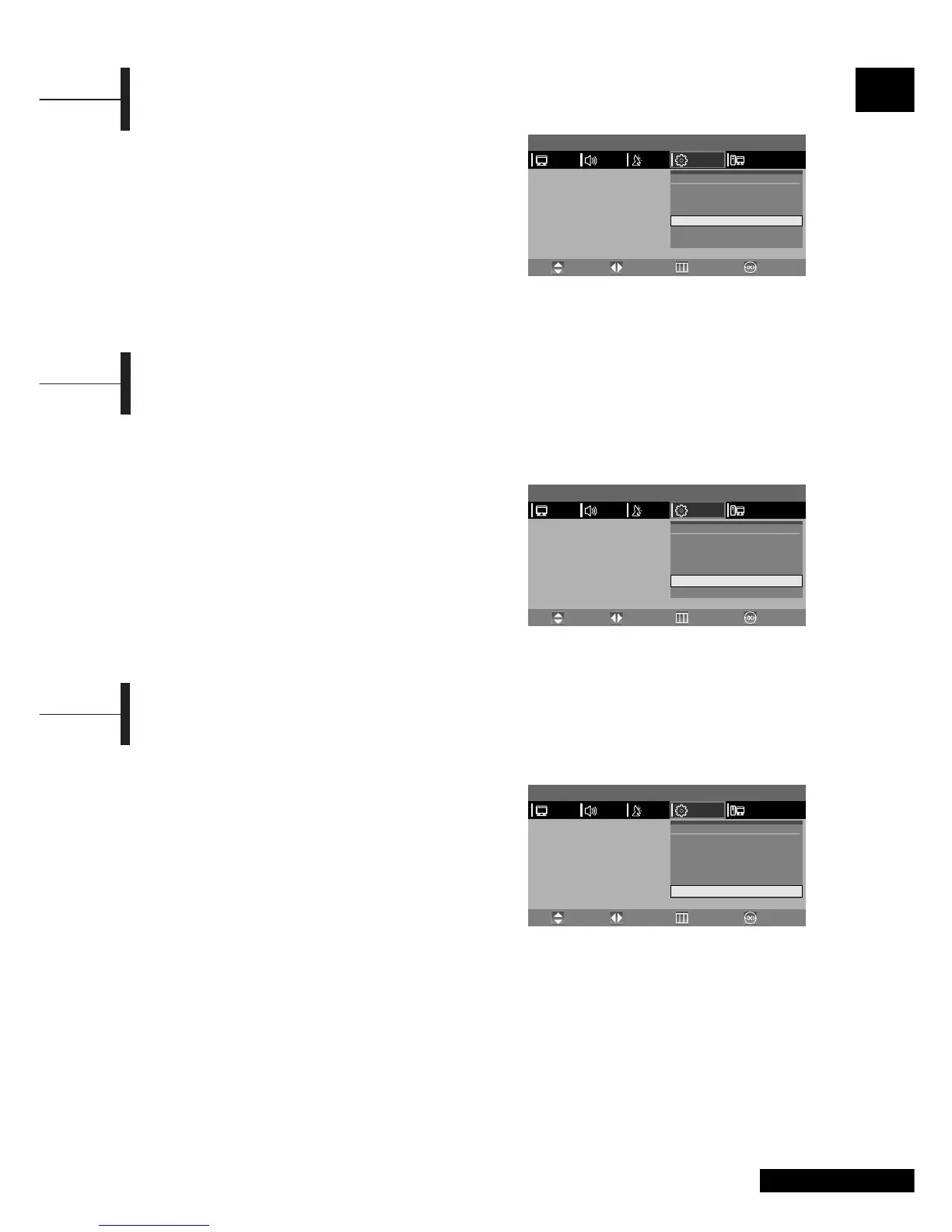
ˆ Select POSITION using the ▲/▼ button.
Ø Select the desired position using the œ/√ button.
Whenever you press this button, the PIP window
moves from one corner to the next of the TV
screen.
∏ Press the EXIT button to exit the menu.
Changing the Position of the PIP Window
You can select the desired audio source from either the main screen or the PIP window.
Press the SOUND button.
Whenever you press this button, the mode is changed to MAIN
➞ PIP.
When MAIN is selected: Audio of the main screen is heard.
When PIP is selected: Audio of the PIP/DW screen is heard.
Œ~¨ STEP1~STEP4 is the same as that of Viewing
Picture-in-Picture.
ˆ Select SPEAKER OUTPUT using the ▲/▼ button
and then press the
√ button.
Ø Select a desired status (MAIN or PIP) by
pressing the
œ/√ button.
Selecting the Speaker Output in the PIP Screen Mode
You can simultaneously listen to the sound of the
main picture using the internal speaker as well as
listen to the sound of the sub-picture using the
headphones, by setting up the headphone output
configuration or vice versa.
Œ~¨ STEP1~STEP4 is the same as that of Viewing
Picture-in-Picture.
ˆ Select HEADPHONE OUTPUT using the ▲/▼
button and then press the √ button.
Ø Select a desired status (MAIN or SUB/PIP) by
pressing the
œ/√ button.
Note. This function is supported in RF mode only.
Selecting the Headphone Output in the PIP Screen Mode
MENU
PICTURE
PIP
Source
Channel
Position
Speaker Output
Headphone Output
œ
œ
œ
œ
œ
œ
PIP
COMPONENT
1
Right Bottom
Main
Main
PIP
√
√
√
√
√
√
PCFUNCTIONSETUPSOUND
Move PreviousAdjust Exit
MENU
PICTURE
PIP
Source
Channel
Position
Speaker Output
Headphone Output
œ
œ
œ
œ
œ
œ
PIP
COMPONENT
1
RightBottom
Main
Main
PIP
√
√
√
√
√
√
PCFUNCTIONSETUPSOUND
Move PreviousAdjust Exit
MENU
PICTURE
PIP
Source
Channel
Position
Speaker Output
Headphone Output
œ
œ
œ
œ
œ
œ
PIP
COMPONENT
1
RightBottom
Main
Main
PIP
√
√
√
√
√
√
PCFUNCTIONSETUPSOUND
Move PreviousAdjust Exit



 To Next Page