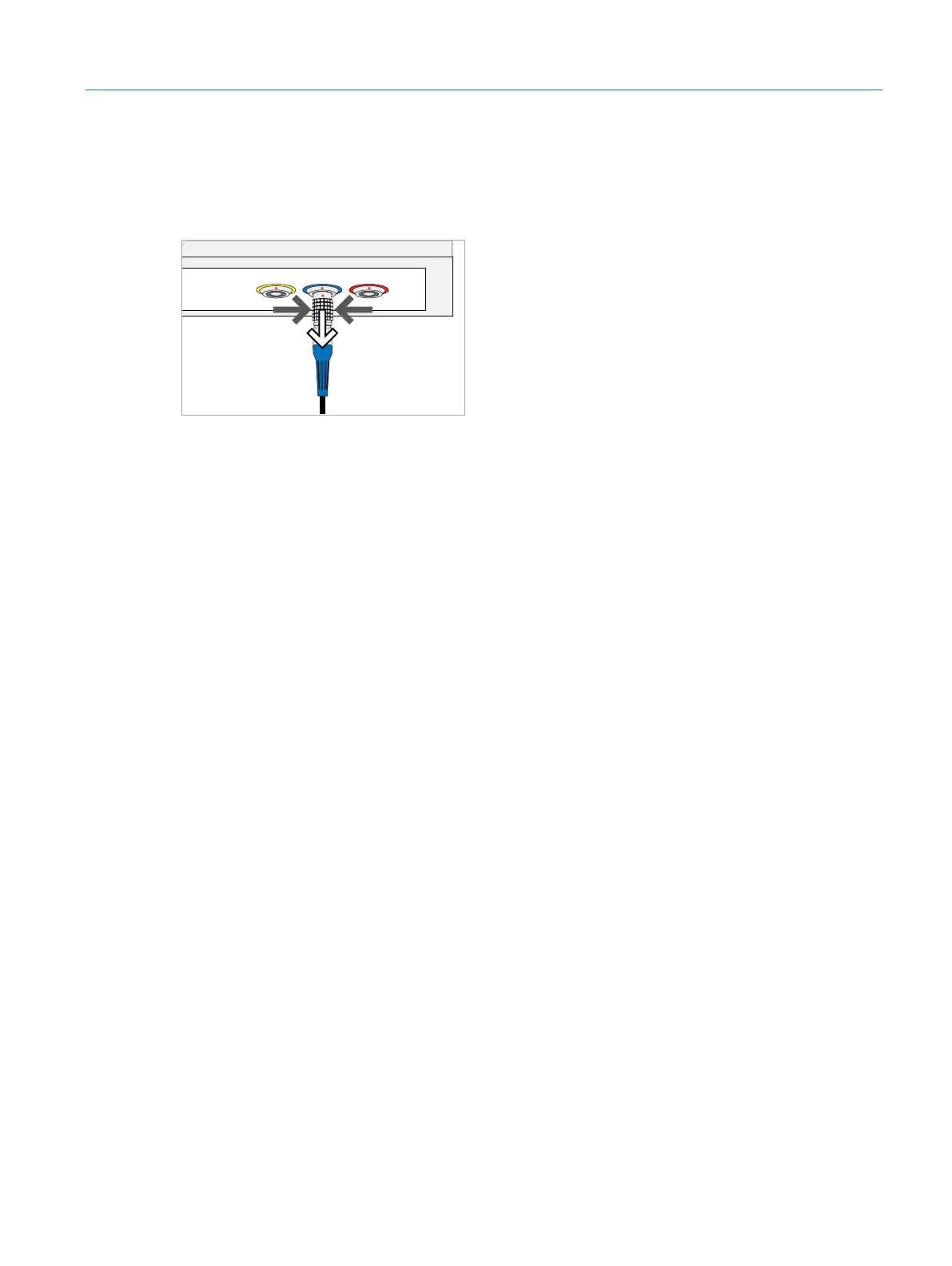
Disconnecting the handpieces:
1. While holding the handpiece plug at the base (the part with the grid pattern),
pull it out of the port. Do not pull on the cord or other parts of the plug.
Fig. 27: Disconnecting the handpieces
2. Always store the handpieces in their box when they are not in use.
4.17 Connecting an Additional Monitor or Projector
To connect an additional monitor or video projector to the simulator, use the HDMI
port of the simulator PC (ÂFig. 6 on page21). The HDMI port outputs the image
which is seen through the microscope.
37
Installation
Eyesi Surgical Simulator – Installation and Operating Guide



 To Next Page