5.4 Adjusting the Height of the Operating Table
A motor in the lifting column lets you adjust the height of the operating table.
CAUTION Possible injury through table height adjustment
Contusions or other injuries may occur if body parts get caught between the
moving parts of the simulator table and neighboring objects while adjusting the
table height.
f As far as possible, keep hands, fingers, and other body parts away from
the lifting column, simulator PC, and other moving parts while adjusting the
table height.
f Keep a safety distance of the simulator to neighboring objects of minimum
15cm (6”).
Adjusting the operating table:
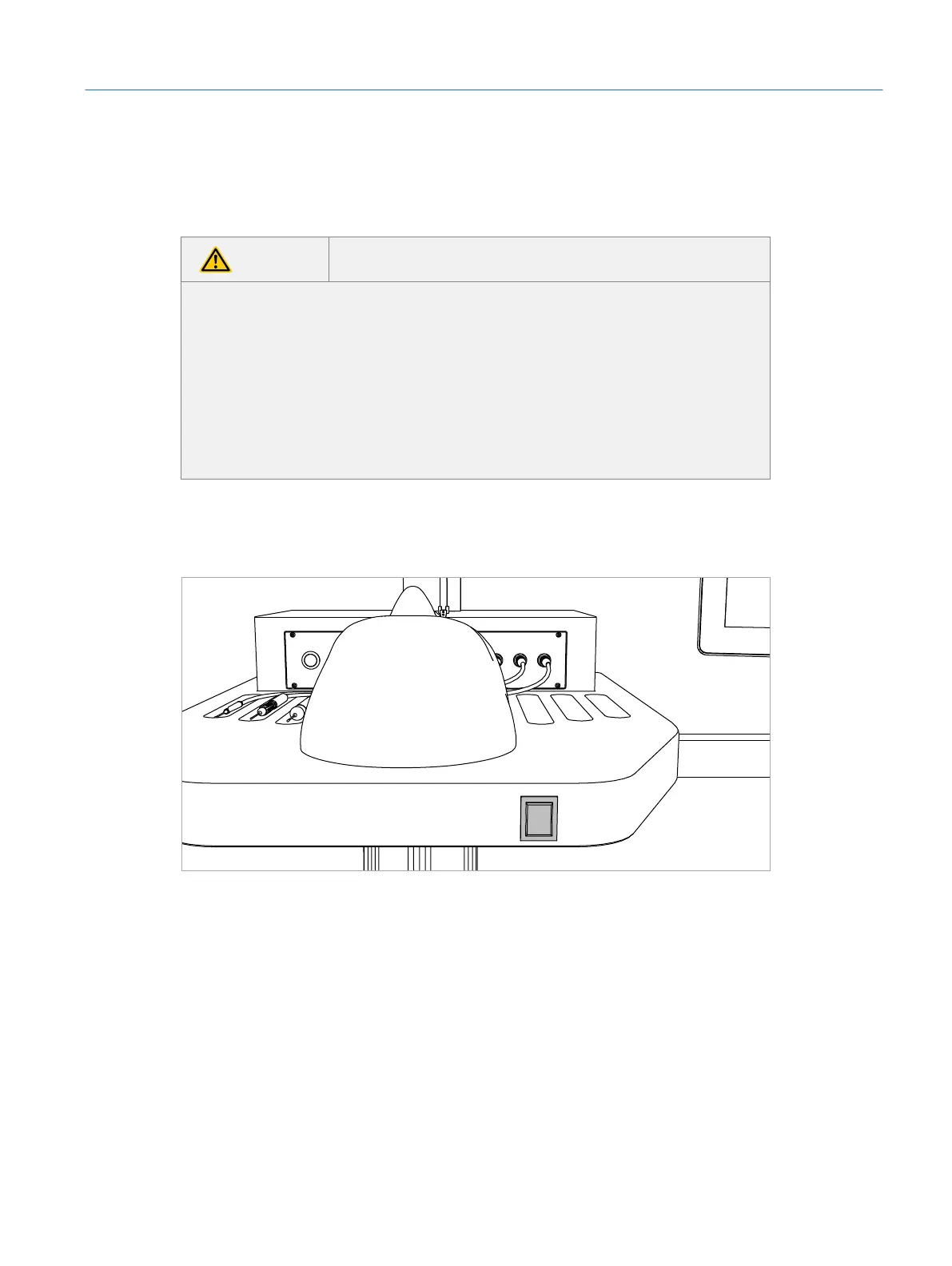
1. Press the button at the front edge of the table to move the table up or down.
Fig. 34: Adjusting the table height
41
Operation
Eyesi Surgical Simulator – Installation and Operating Guide



 To Next Page