2. Select Shutdown in the drop-down list.
▷ The simulator starts to shut down.
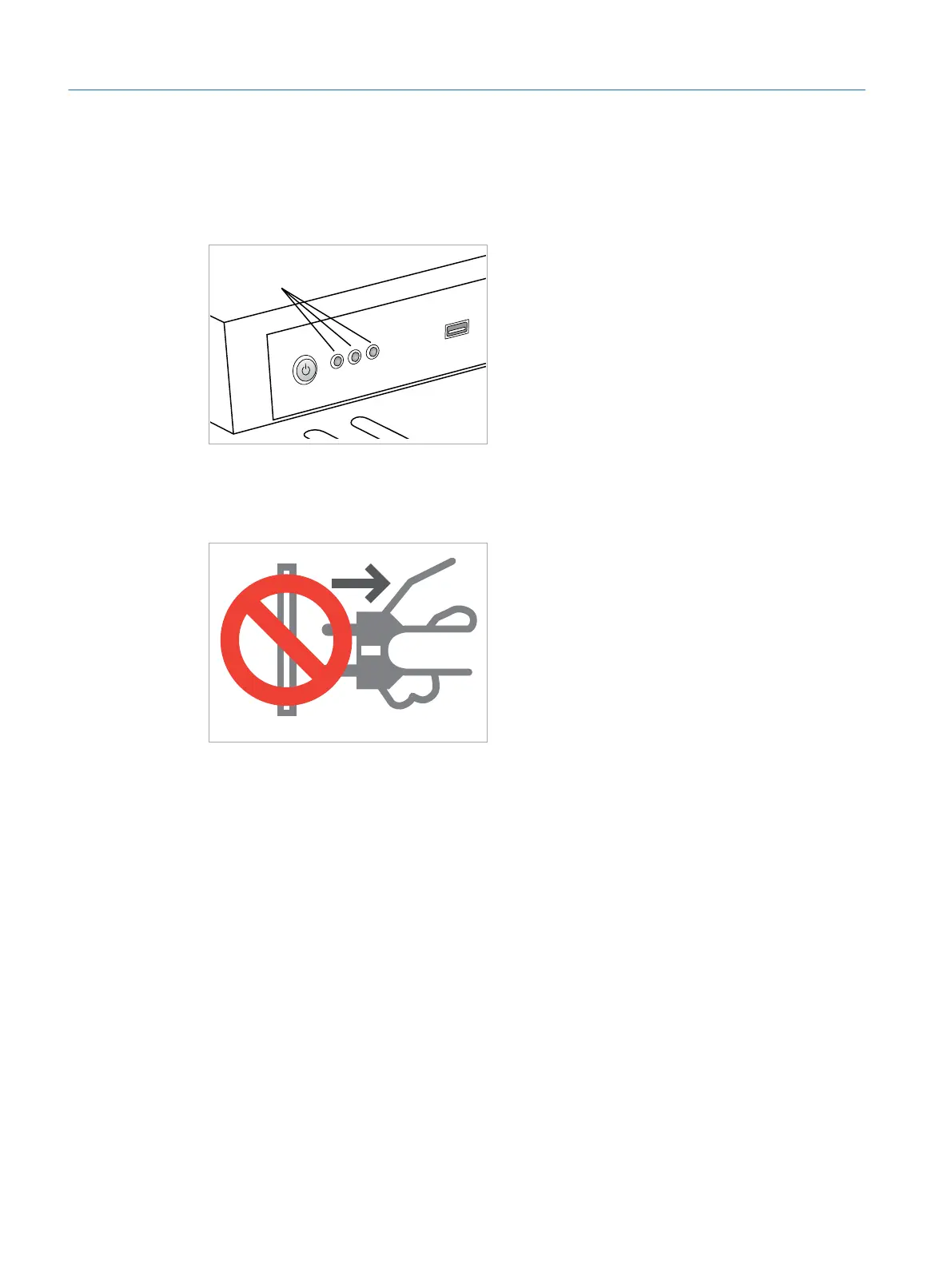
3. Wait until all LEDs are off.
OFF!
Fig. 32: All LEDs have to be off
4. Do not disconnect the simulator from the power supply before all LEDs are off!
Normally, it is not necessary at all to disconnect the power supply.
Fig. 33: Do not disconnect until shut down is complete
Eyesi Surgical Simulator – Installation and Operating Guide
40
Operation



 To Next Page