1 General Information
This guide describes the assembly, disassembly, and basic operation of the Eyesi
Surgical Simulator, as far as relevant for the safe and error-free operation of the
product. This guide does not describe the simulator software or any issues related
to the software.
1.1 Further Documentation
 For information on the administrator interface, please refer to the separate
administrator guide.
 For information on training on the simulator as a regular trainee, please refer to
the separate user guide.
 For a description of the pre-installed Eyesi Courseware, please refer to the
separate courseware guide for educators.
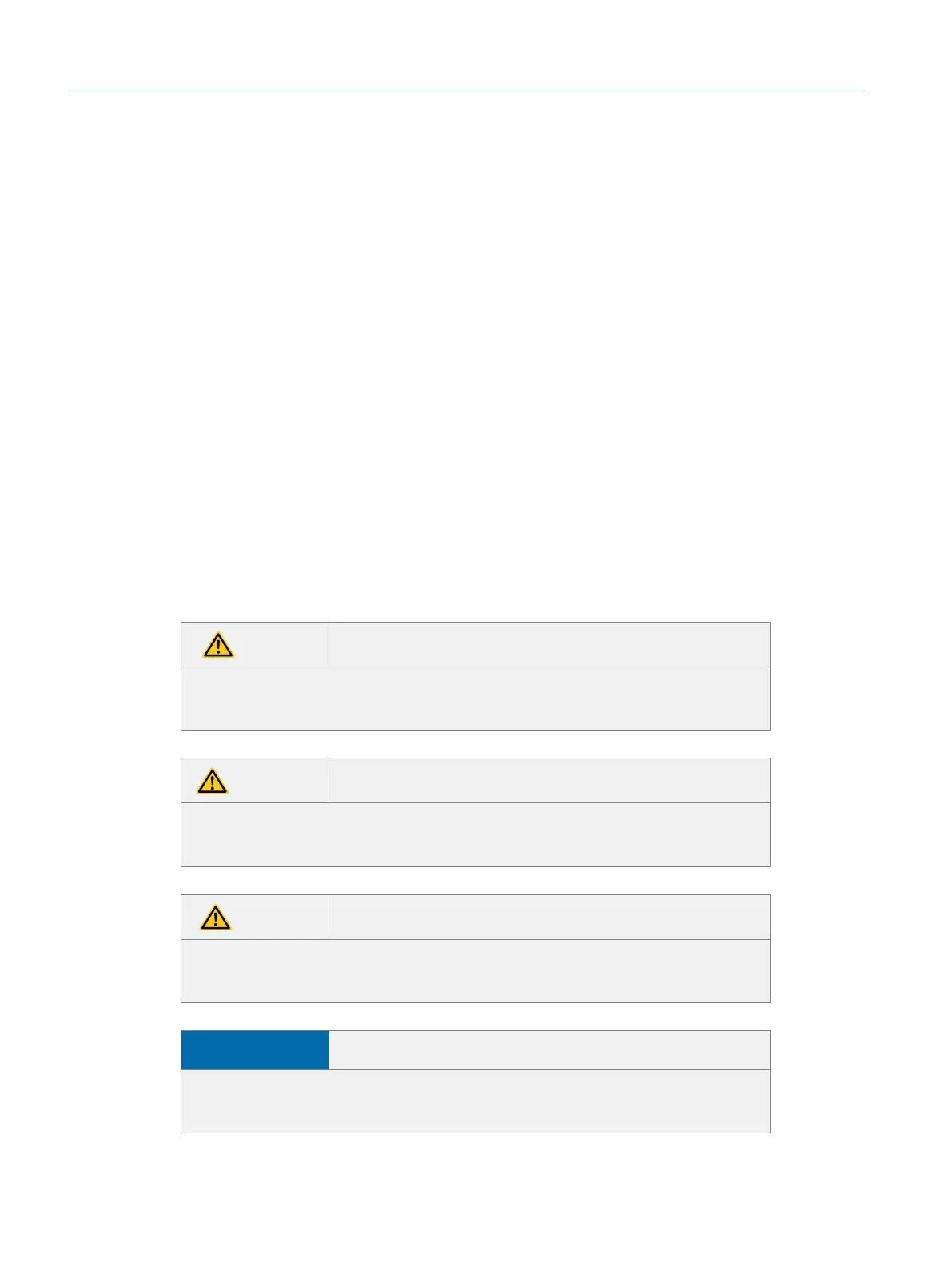
1.2 Symbols
DANGER
Indicates a hazardous situation which, if not avoided, will result in death or seri-
ous injury.
WARNING
Indicates a hazardous situation which, if not avoided, could result in death or
serious injury.
CAUTION
Indicates a hazardous situation which, if not avoided, could result in minor or
moderate injury.
NOTICE
Indicates practices not related to personal injury, but possibly related to prop-
erty damage, malfunction, or data loss.
Eyesi Surgical Simulator – Installation and Operating Guide
6
General Information



 To Next Page