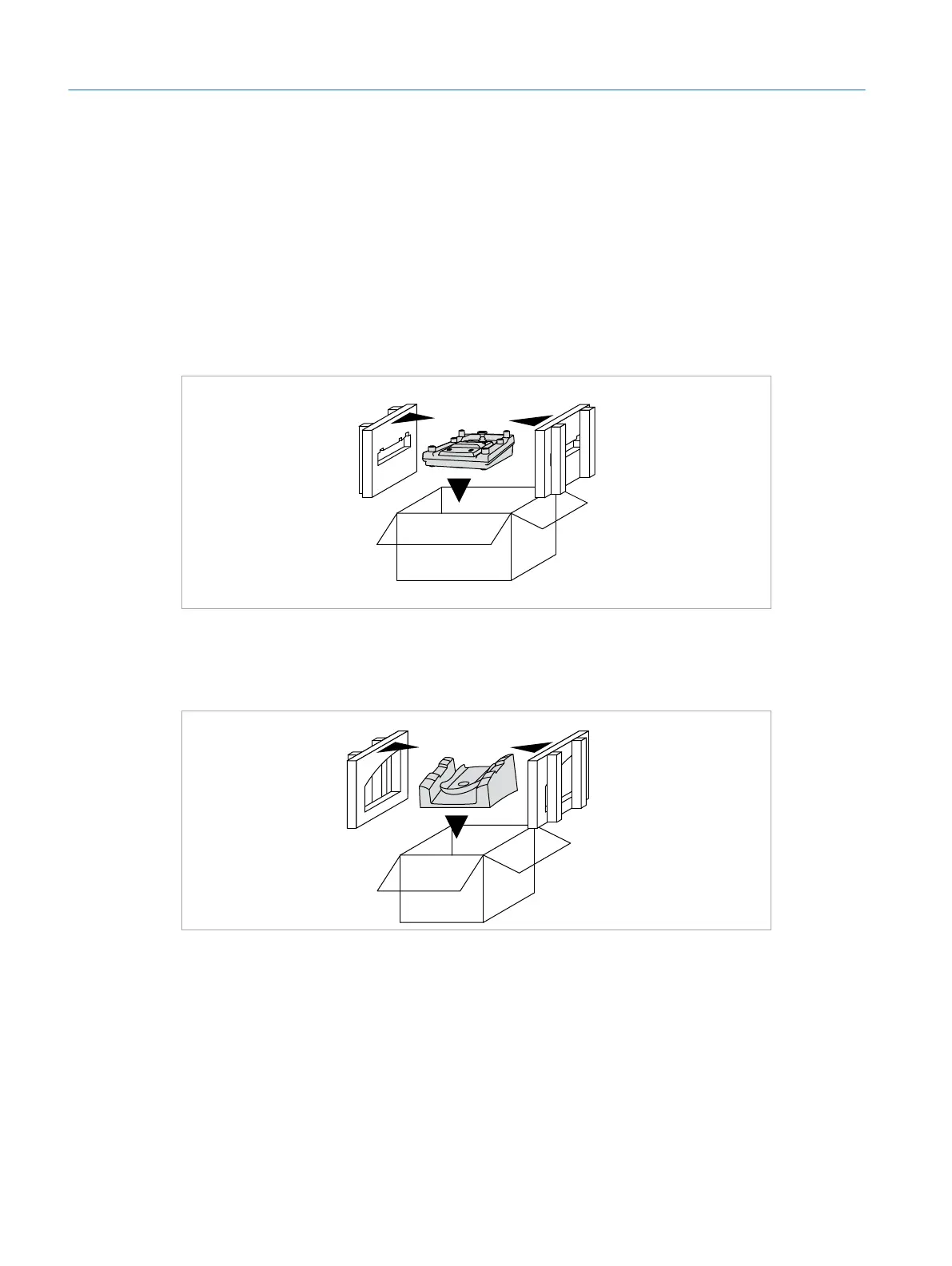
Handpieces and Surgical Interface Heads (Box 9/10)
f Place the case containing the cataract handpieces and the cataract surgical
interface head into box9.
f Place the case containing the vitreoretinal handpieces and the vitreoretinal
surgical interface head into box 10.
Microscope Foot Pedal (Box 5)
f Place the microscope foot pedal into box 5.
Box 5
Instrument Foot Pedal (Box 8)
f Place the instrument foot pedal into box 8.
Box 8
Touch Screen (Box 6)
f Place the touch screen into box 6.
Eyesi Surgical Simulator – Installation and Operating Guide
68
Appendix – Packing Guide



 To Next Page