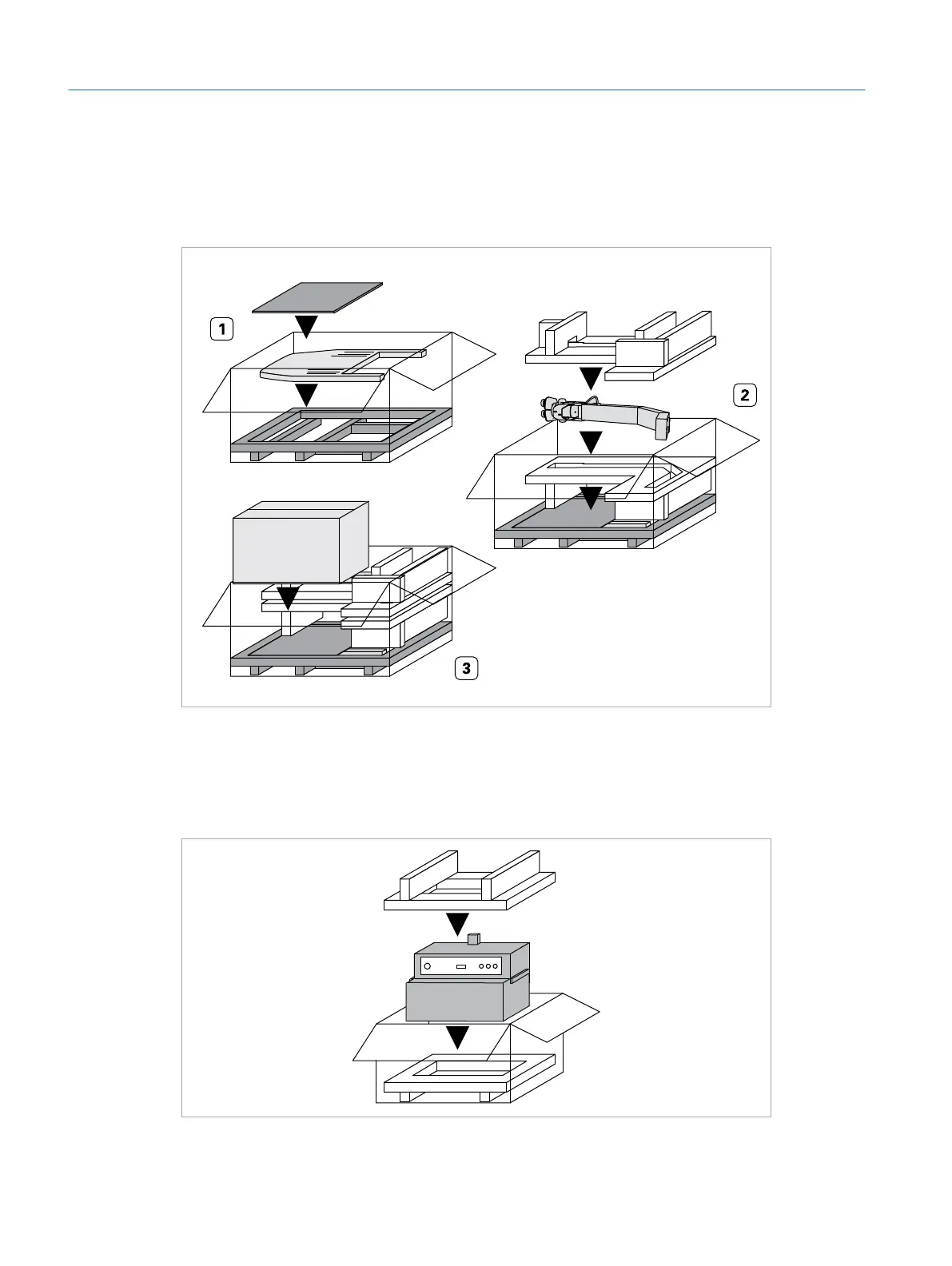
Operating Table, Microscope, and Box 4 (Box 3)
f Place the operating table, the microscope, and the Box 4 containing the BIOM
into box 3.
Box 4
Box 3
Simulator PC (Box 2)
f Place the simulator PC into box 2.
f Also place the supplied tools into box 2.
Box 2
Eyesi Surgical Simulator – Installation and Operating Guide
70
Appendix – Packing Guide



 To Next Page