VWR CO2 Incubator Basic | 43
Handling and control |
Chapter 7
Control self-test
After the device has been turned on, the control goes through a test routine.
1. Turn the device on
Press power switch.
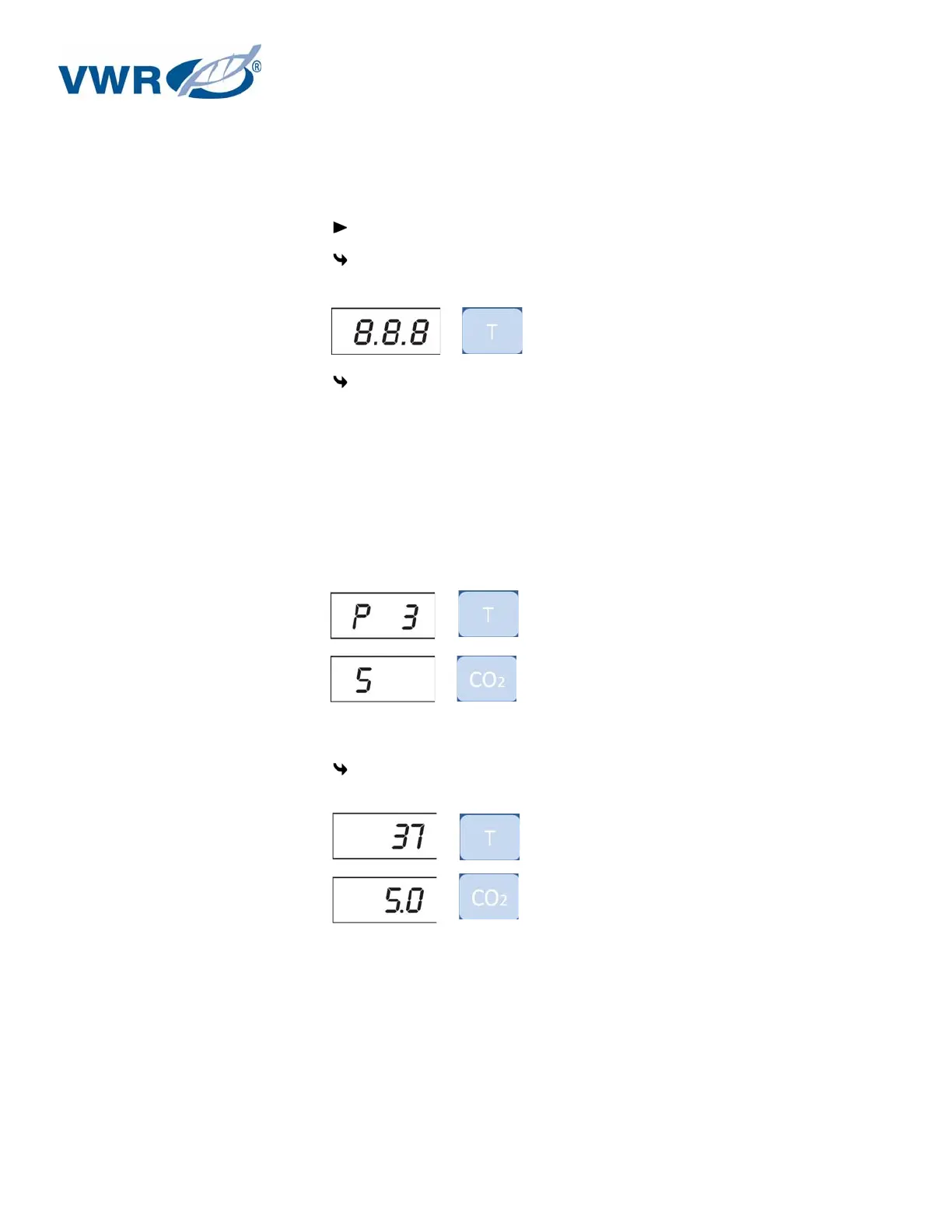
All indicators on the operating panel come on, all displays show the numeric value 8 to
indicate that the test routine is being run
The temperature display shows a three-digit number for the corresponding
assembly/parameter set:
P 1: Operating and display board
P 2: Measuring cell
P 3: Main board
P n: Parameter number
The CO
2
display shows the software version/device version.
2. Test routine completed
The temperature display shows the current temperature value, the CO
2
display shows the
current CO
2
value.
NOTE!
Factory pre-settings:
Upon delivery of the device, the following nominal values have been set:
Temperature: 37 °C
CO
2
content: 0.0%


 To Next Page