| Handling and control
44 | CO2 Incubator Basic VWR
Chapter 7
Setting the nominal temperature value
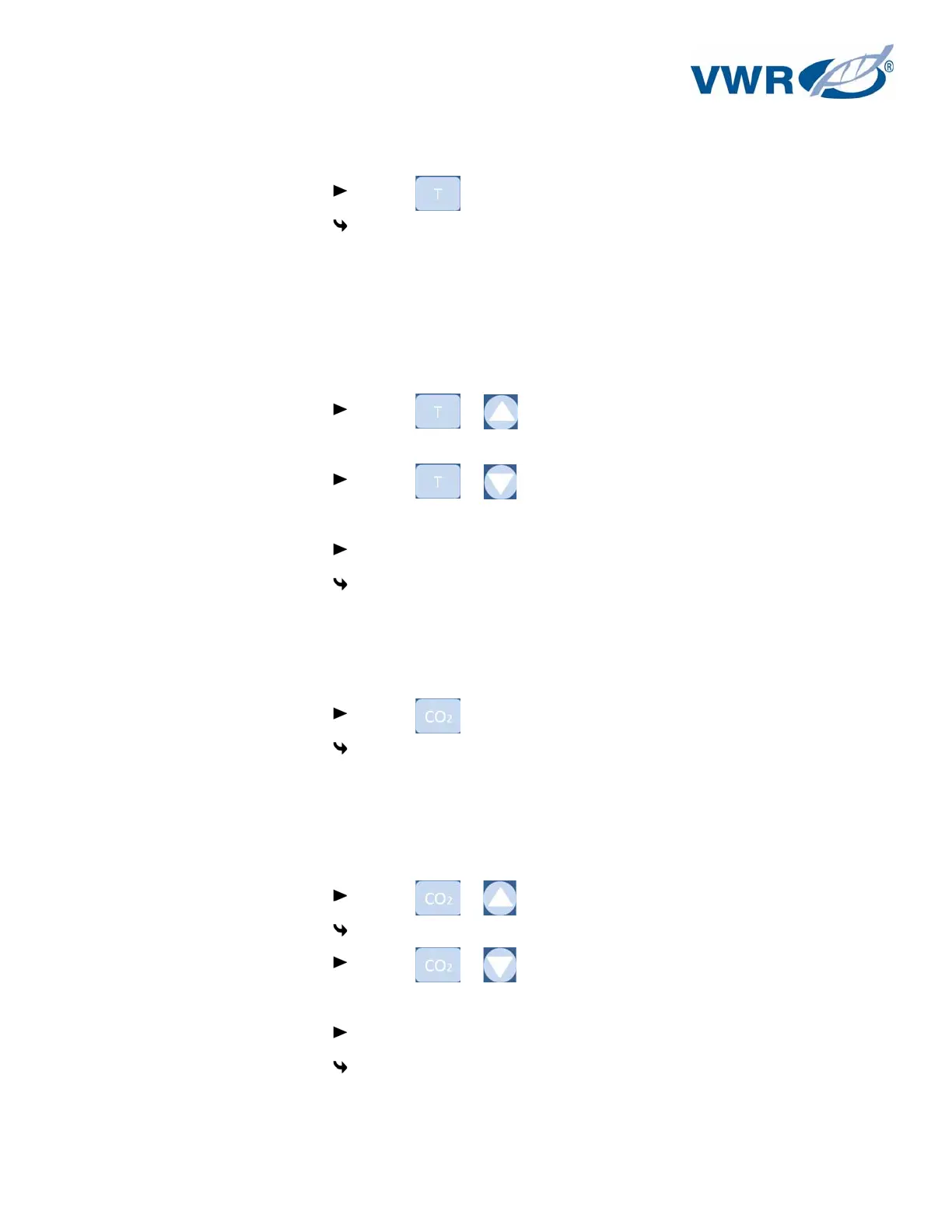
1. Indicate the nominal value:
Press the key.
The temperature display shows the current nominal value.
2. Enter the nominal value:
The nominal value can be increased or reduced in increments; if you keep the key depressed, the
UP/DOWN function switches to a rapid increase/reduction; after approx. 3 seconds, another
increase/reduction occurs.
To increase the nominal value:
Press the + keys.
To reduce the nominal value:
Press the + keys.
3. Accept and store the nominal value:
Release both keys.
The temperature display shows the current actual value measured in the work space.
Setting the CO
2
nominal value
1. Indicate the nominal value:
Press the key.
The CO
2
display shows the current nominal value.
2. Enter the nominal value:
The nominal value can be increased or reduced in increments; if you keep the key depressed, the
UP/DOWN function switches to a rapid increase/reduction; after approx. 3 seconds, another
increase/reduction occurs.
Press the + keys.
To reduce the nominal value:
Press the + keys.
3. Accept and store the nominal value:
Release both keys.
The CO
2
display shows the current nominal value measured in the work space.


 To Next Page