| Handling and control
48 | CO2 Incubator Basic VWR
Chapter 7
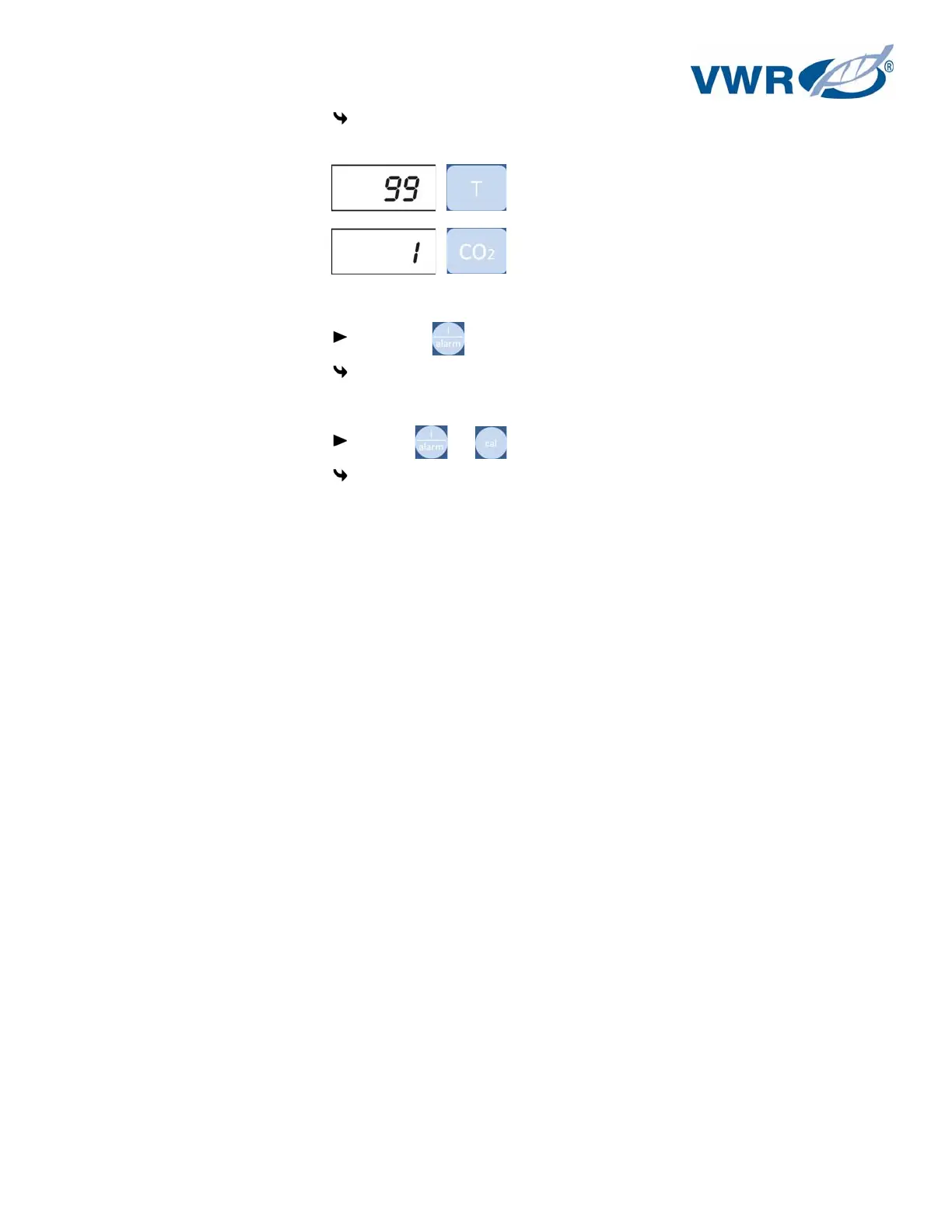
The temperature display shows the last 10 failure codes that had been registered. The
CO
2
display shows the number of the individual failure code within the table.
5. Exit the failure code table:
Release the key.
The temperature and CO
2
displays show the current actual values.
6. Erase the failure code table:
Keep the + depressed for 5 seconds.
The temperature and CO
2
displays flash to indicate that the failure table has been erased.


 To Next Page