27
Subject to errors and modifications
W&T Assigning/Changing IP Parameters
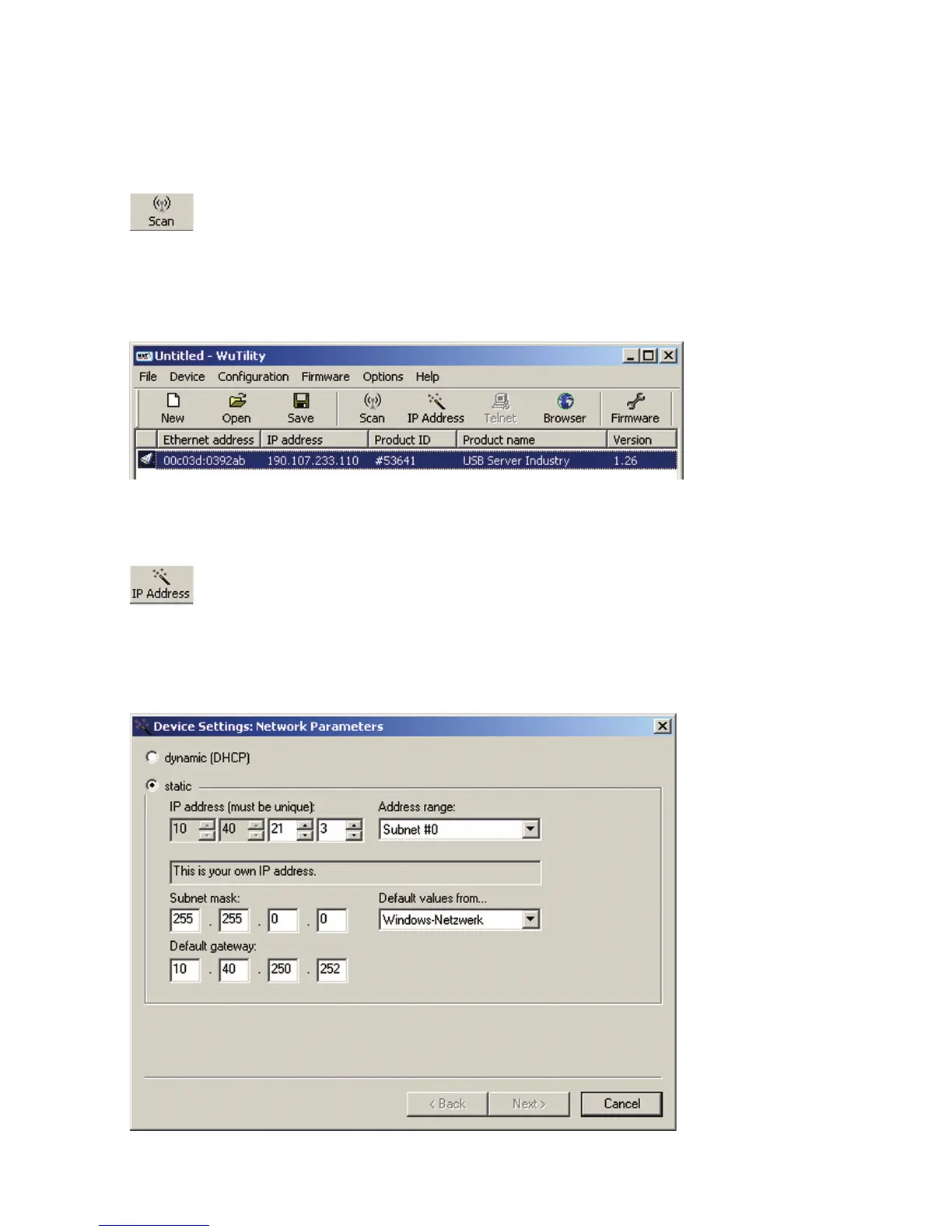
procedure can be repeated as often as desired by clicking on
the Scan button:
Within the inv entory list you can identify the desired USB-Ser-
ver by its MAC address. For initial installations this IP address
is 190.107.233.110.
Select the desired USB-Server and then click on the IP address
button:
In the resulting dialog window activate the radio button Static
and enter the desired values for the IP address, the subnet mask
and the gateway address.
i
Each IP address must
be unique within the
network.


 To Next Page