35
Subject to errors and modifications
W&T Ports and indicators
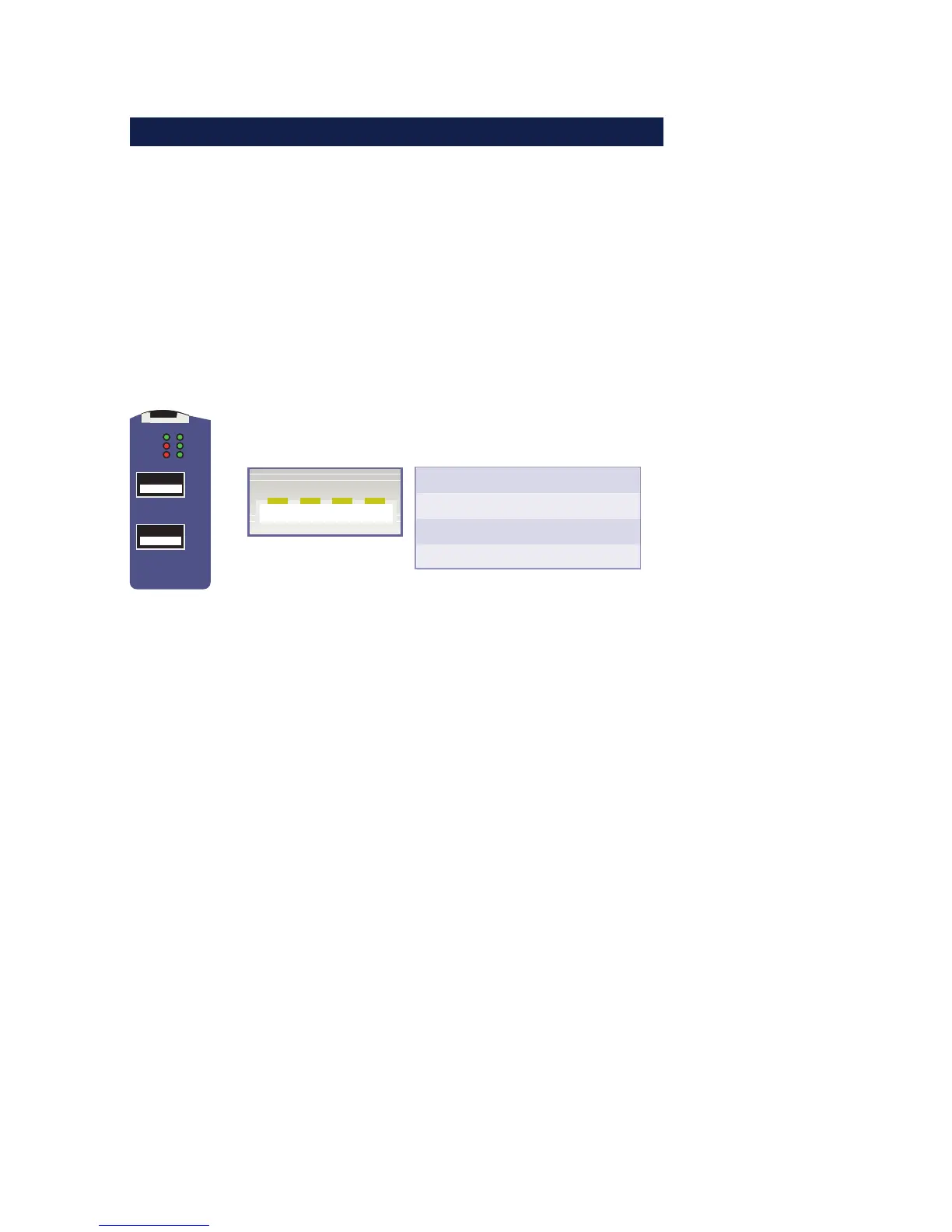
4.3 USB ports
The USB standard specifies both the wiring of the port and the
names of the signal lines. The configuration shown below
corresponds to a USB standard port. Both USB ports are able to
provide devices with 5V and a maximum of 500mA each,
independently of each other. To prevent hardware damage the
respective USB port is automatically disconnected when there
is an overload and this is indicated by the associated LED
turning on.
Error
USB 1
USB 2
USB 2
USB 1
Connect
USB 2
USB 1
PowerStatus
4213
USB Port
Pin
1
2
3
4
Name
VCC
D-
D+
GND
Description
+5 V
Data -
Data +
Ground
Both ports of the W&T USB-Server conform with USB 1.0, 1.1
and 2.0 with transmission speeds of 1.5 Mbit/s (Low), 12 Mbit/
s (Full) and 480 Mbit/s (High). This means most USB devices
using the transfer modes Control, Interrupt and Bulk are
supported. Isochronal mode, which is used mainly in audio and
video applications, is in development.
1
In accordance with the USB standard, connecting and
unplugging USB devices is always possible and
permissible from a purely electrical point of view (hot-
plugging). To prevent data loss - for example when using
memory sticks - we recommend disconnecting devices only
when there is no connection between a network computer and
the USB device and the associated Status LED is off.



 To Next Page