52
W&T Web-Based-Management
6.2 WBM - configuration sessions
Setting on the W&T USB-Server are made within password-
protected configuration sessions. These are exclusive, i.e. only
one session can be active at a time.
6.2.1 Login
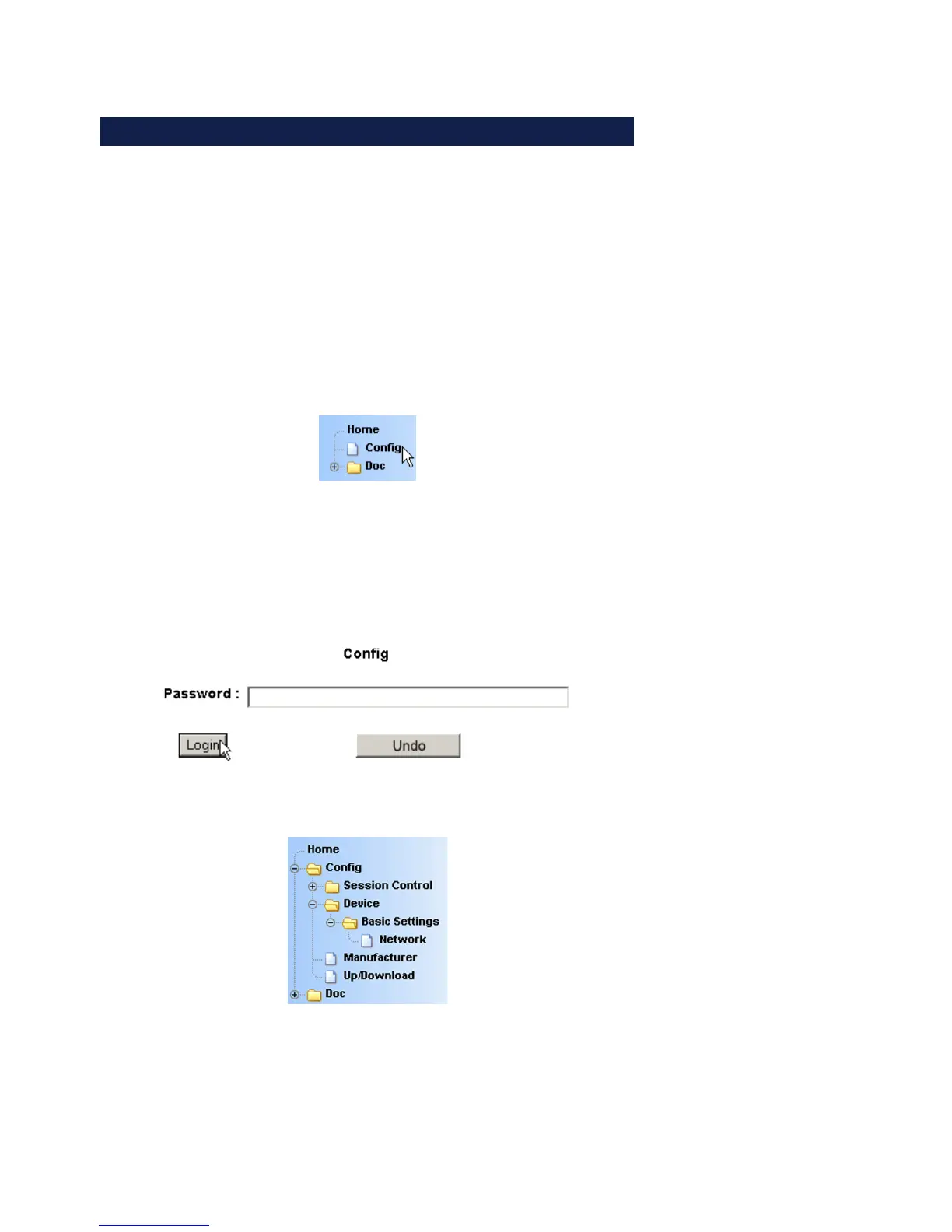
The Config link in the navigation tree takes you to the login
page of the USB-Server.
In its factory default setting the USB-Server does not require a
password. In this case the Password entry field remains blank,
and clicking on the Login button starts a configuration session.
If a password as assigned by the user, it must of course be
entered.
After successful login an expanded configuration tree appears.



 To Next Page