48
W&T The W&T USB Port Redirector
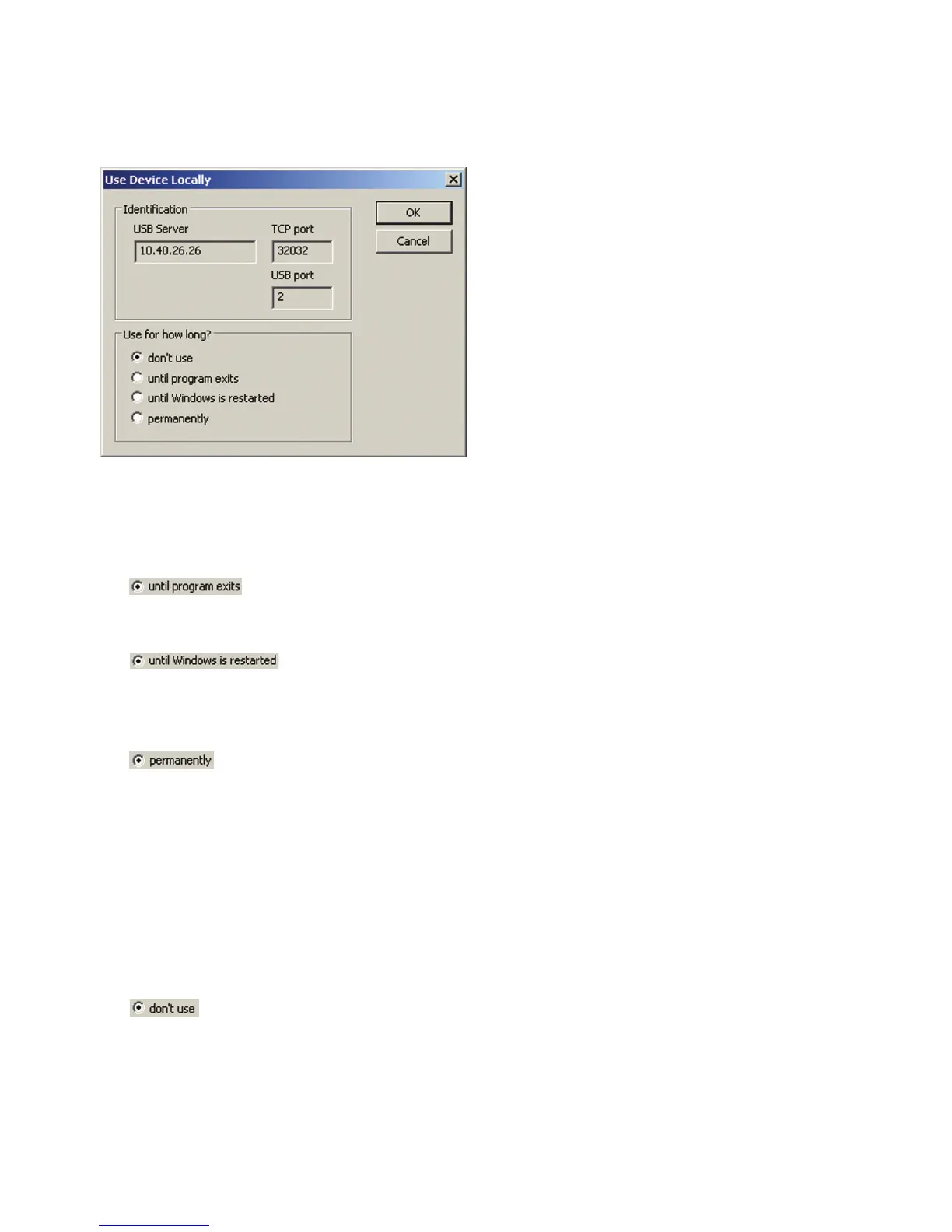
The Properties menu opens the following dialog box:
While adding you have three options. Clicking on the OK button
after selecting the desired option opens the connection to the
USB device and triggers the plug event in the Windows system.
•
The device remains connected until the configuration tool
is closed.
•
The device remains linked in the system until Windows is
closed. The Start/Stop configuration tool can be closed
without affecting the connection to the device.
•
The USB device is linked permanently. When the computer
is restarted an attempt is automatically made to link the
device again.
5.4.3 Closing a connection - Unplug
Just as for linking a USB device, suspending it is done using
the Properties dialog box.
•
Clicking on the OK button after selecting closes the
connection to the USB device and triggers the Unplug event
in the Windows system.



 To Next Page