36
W&T Ports and indicators
4.4 LED indicators
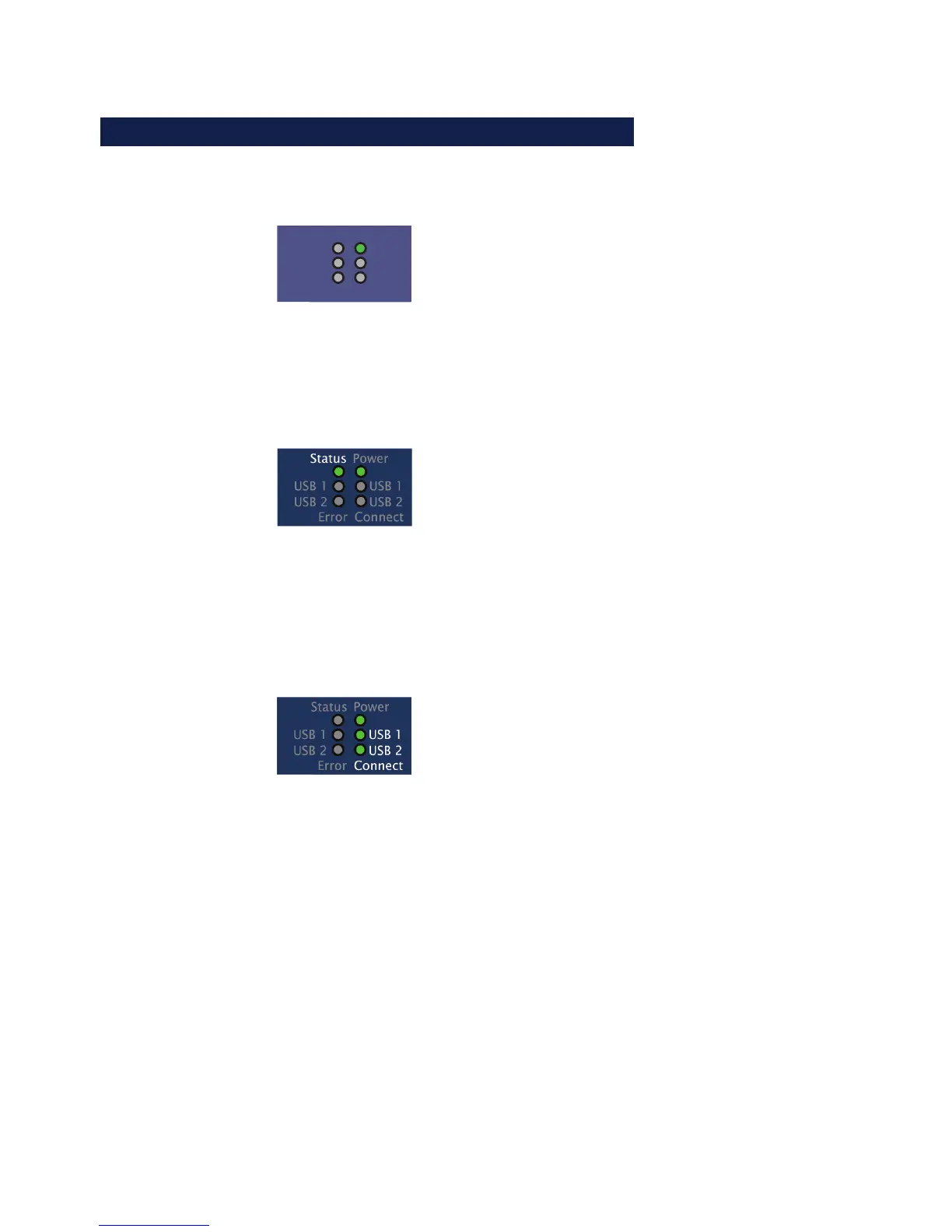
The USB-Server has six LEDs on the front panel.
Power
Error
USB 2
USB 1
Connect
USB 2
USB 1
PowerStatus
OFF: No power is present. Check for proper connection of
the supply voltage on PoE or from the external power
supply.
ON: There is power from PoE or the external power supply.
Status
OFF: There is no link to a switch or hub. Check the cabling
to the switch/hum and whether it us turned on or not.
ON: There is a link to a switch or hub.
Flashing: Indicates network-side data traffic between the
USB-Server and a network component.
Connect USB1|2
OFF: There is no connection to a W&T USB Port Redirector in
the network..
ON: There is an active connection between the USB device
connected to an associated port and the W&T USB Port
Redirector. The USB device is incorporated into a system
and unplugging it may result in data loss.



 To Next Page