9
Subject to errors and modifications
W&T Quickstart
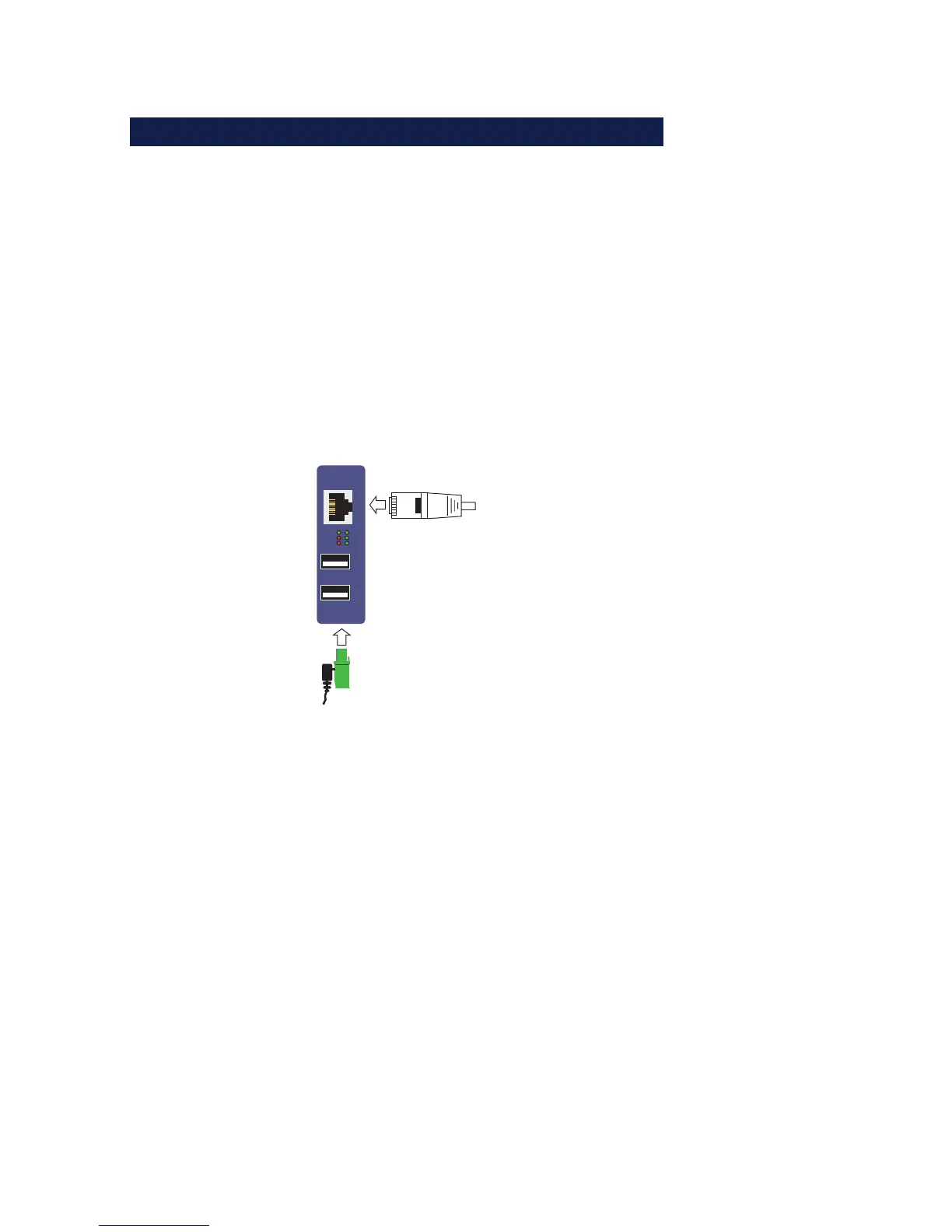
Step 2: Power and network connection
Power-over-Ethernet
When PoE is used (IEEE802.3af) power for the W&T USB-Server
is provided by the network infrastructure, so that simply
connecting the network cable is all that is required.
Using an external power supply
Alternately power can be brought in externally to the screw ter-
minal located on the underneath of the device. The wide-range
input of the USB-Server allows use of DC voltage from +24 -
+48V. The input is reverse polarity protected, i.e. the polarity of
the supply voltage is not critical.
Error
USB 1
USB 2
USB 2
USB 1
Connect
PowerStatus
USB 2
USB 1
Network
Presence of the correct voltage is indicated by the Power LED.
Network connection
Connection to the 10/100BaseT network is accomplished using
a 1:1 wired, standard RJ45 patch cable. If a link can be
established with the switch, this is indicated by illumination of
the green Status LED.
1
Detailed information about the supply voltage and the
network connection of the W&T USB-Server can be found
in the Hardware section.



 To Next Page