43
Subject to errors and modifications
W&T The W&T USB Port Redirector
5.2.2 Installation from download
From the homepage http://www.wut.de the simplest methodd
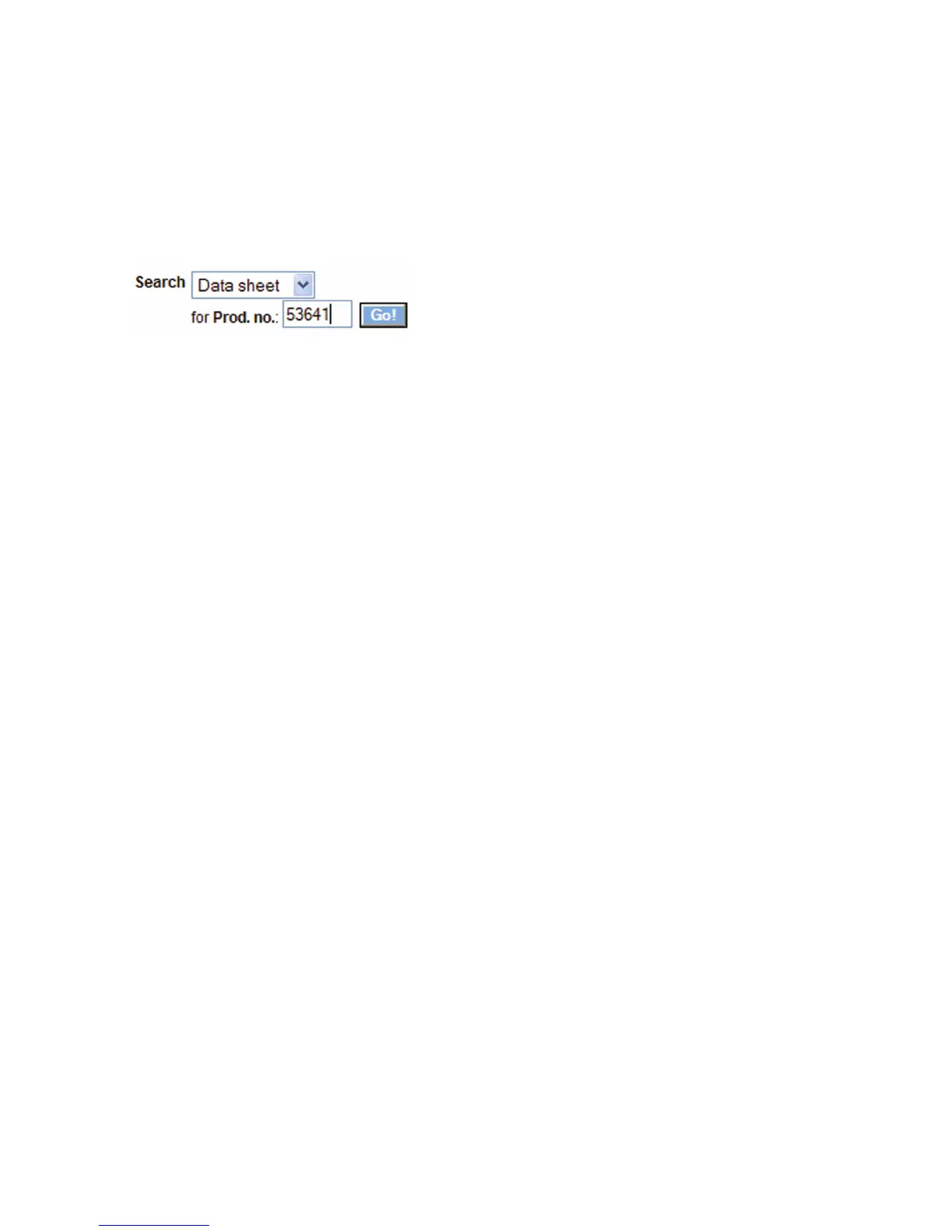
is to enter article number 53641 in the Search function. Set the
drop-down box to Drivers and then click on the Go button.
The following page contains a direct link to the current version.
After downloading and unzipping the archive, start the
installation by starting the MSI file.
5.2.3 Uninstalling
For uninstalling, the program group W&T USB Port Redirector
has its own Uninstall entry. Alternatively you can uninstall using
the Windows software management function in the Control Pa-
nel.



 To Next Page