46
W&T The W&T USB Port Redirector
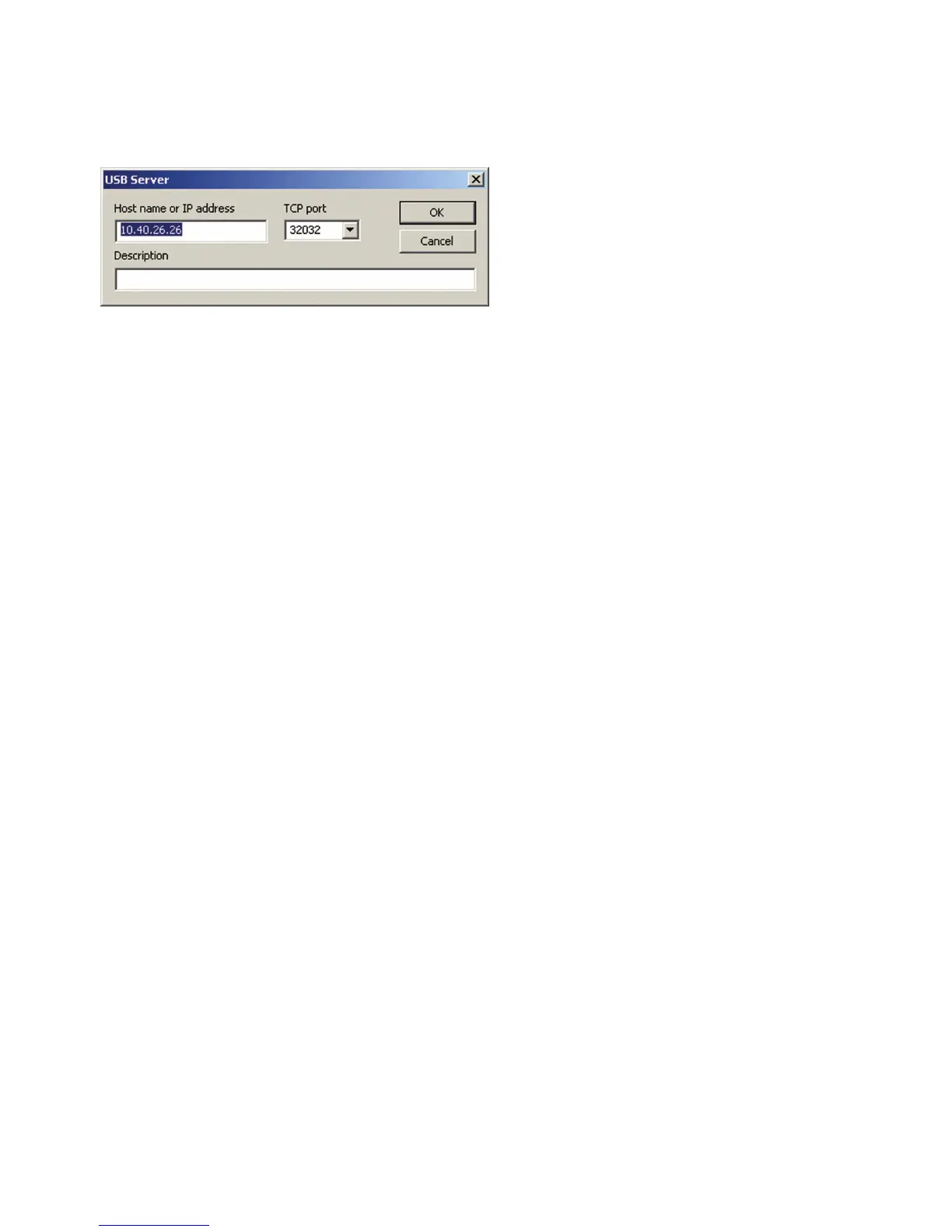
The menu path Devices r Add opens the following dialog:
Enter here the IP address or the host name of the desired USB-
Server. The local TCP port on the USB-Server used for further
communication is factory set to 32032. If the UsbServerPort is
reconfigured via Web Based Management in the USB-Server, the
specification TCP-Port must be changed accordingly in the
Properties dialog box.
Clicking on OK adds the USB-Server to the inventory list and
the configuration tool attempts to use the specified TCP port
to locate the connected USB devices.
5.3.3 Saving and opening inventory lists
Especially in routed environments with manually added USB-Ser-
vers you should save created inventory lists.
The configuration tool always opens automatically at startup
and checks the availability of the USB-Servers and USB devices.
In addiiton, the local network is always searched for new
devices.
Saved but no longer accessible devices remain in the list but
are shown as grayed out.



 To Next Page