54
W&T Web-Based-Management
6.3 WBM - Assigning passwords
The password may be up to 32 characters and protects the
following configuration accesses to the W&T USB-Server.
• Web Based Management
• Uploading configurations
• Firmware update
• Reset Port
• Setting using WuTility
1
Deleting an unknown or forgotten password to the
can only be done by a hardware reset of the USB-Server
to its default settings.
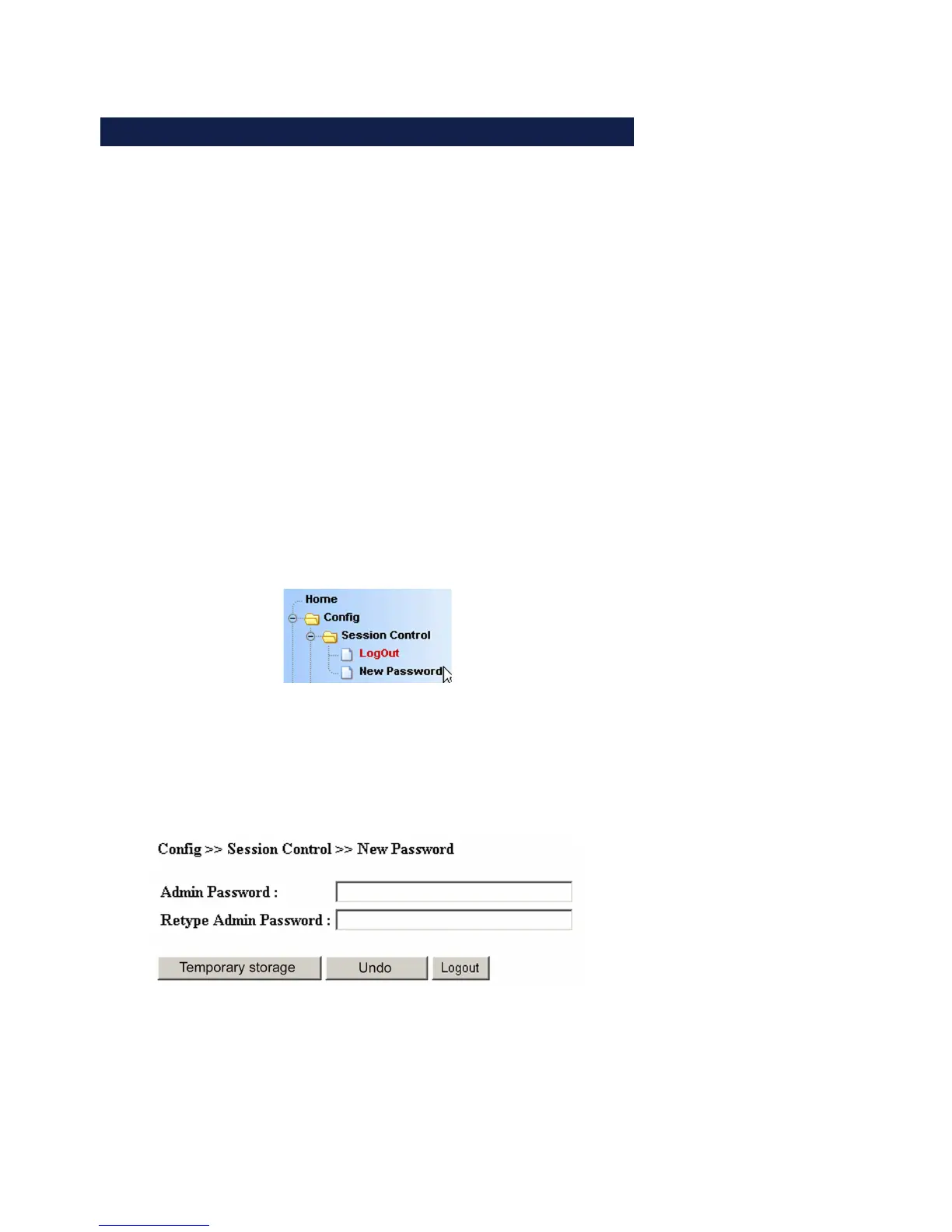
Config r Session Control r New password in the navigation tree
takes you to the Web page for assigning or changing the
password.
Enter the new password into both fields. To delete an existing
password, leave both fields blank. Clicking on the Apply or Log-
out button temporarily saves the change. Final saving to the
non-volatile memory is done from the Logout page and clicking
on the Save button.



 To Next Page