45
STORED PROGRAMS
The WaterRower S4 monitor includes an AutoStore function
which automatically stores the last 9 historic workout
program settings. Programs may be viewed (and selected)
using the S4 monitor’s AutoPreview function.
RETRIEVING AUTOSTORE PROGRAMS
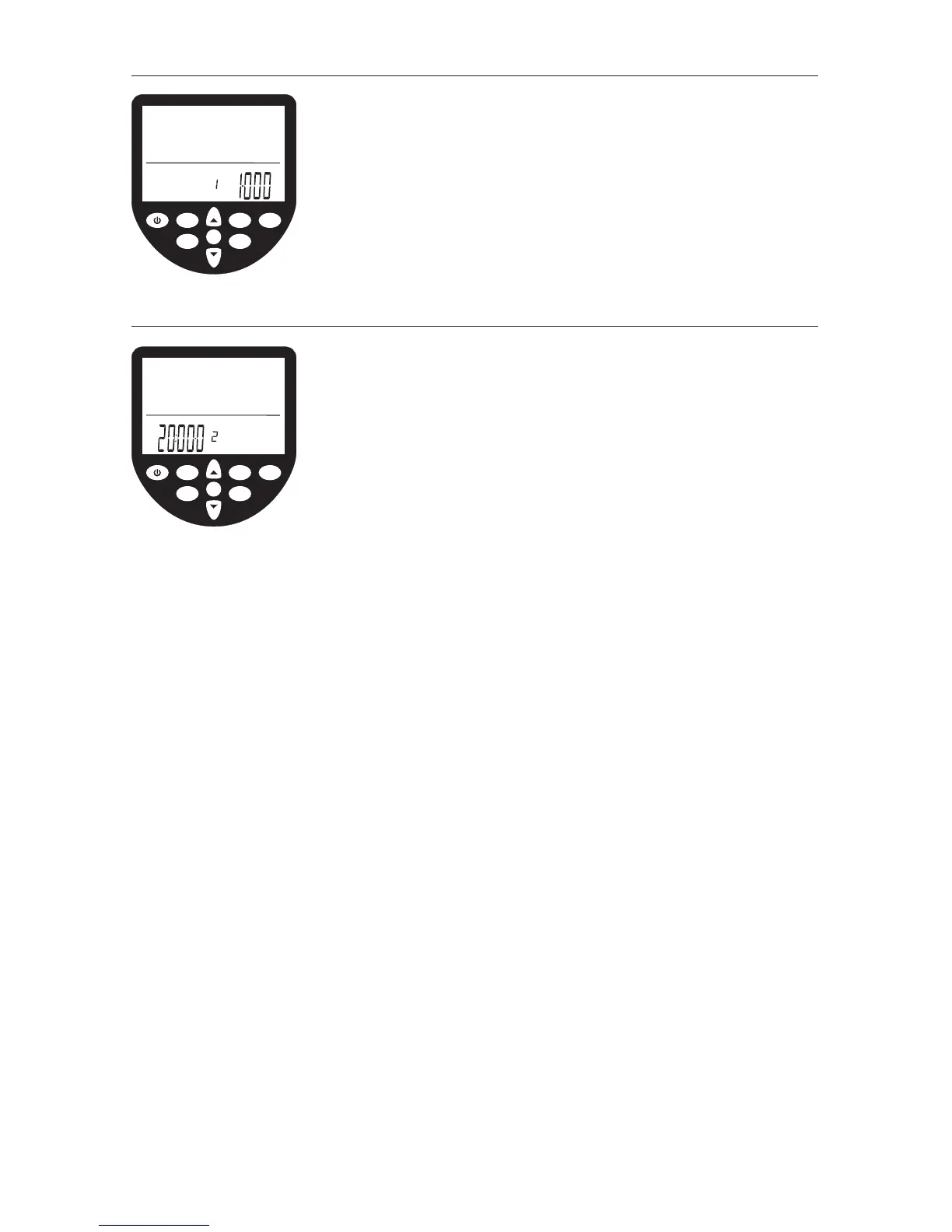
• Scroll through your historic workout settings using the
STORED PROGRAMS button. The historic sequence of workouts
(1 thru 9) will appear in the program window.
• The S4 monitor’s AutoPreview feature will automatically
scroll through the workout settings. When the workout
you desire is highlighted, press OK to select.
OK
WaterRower Series IV Performance Monitor
workout
programs
stored
programs
zones
hold/reset
units
advanced
on
duration projected
distance
heartrate
strokerate
intensity
meters
miles
km
strokes
workout
load
OK
WaterRower Series IV Performance Monitor
workout
programs
stored
programs
zones
hold/reset
units
advanced
on
duration projected
distance
heartrate
strokerate
intensity
workout
interval
load


 To Next Page