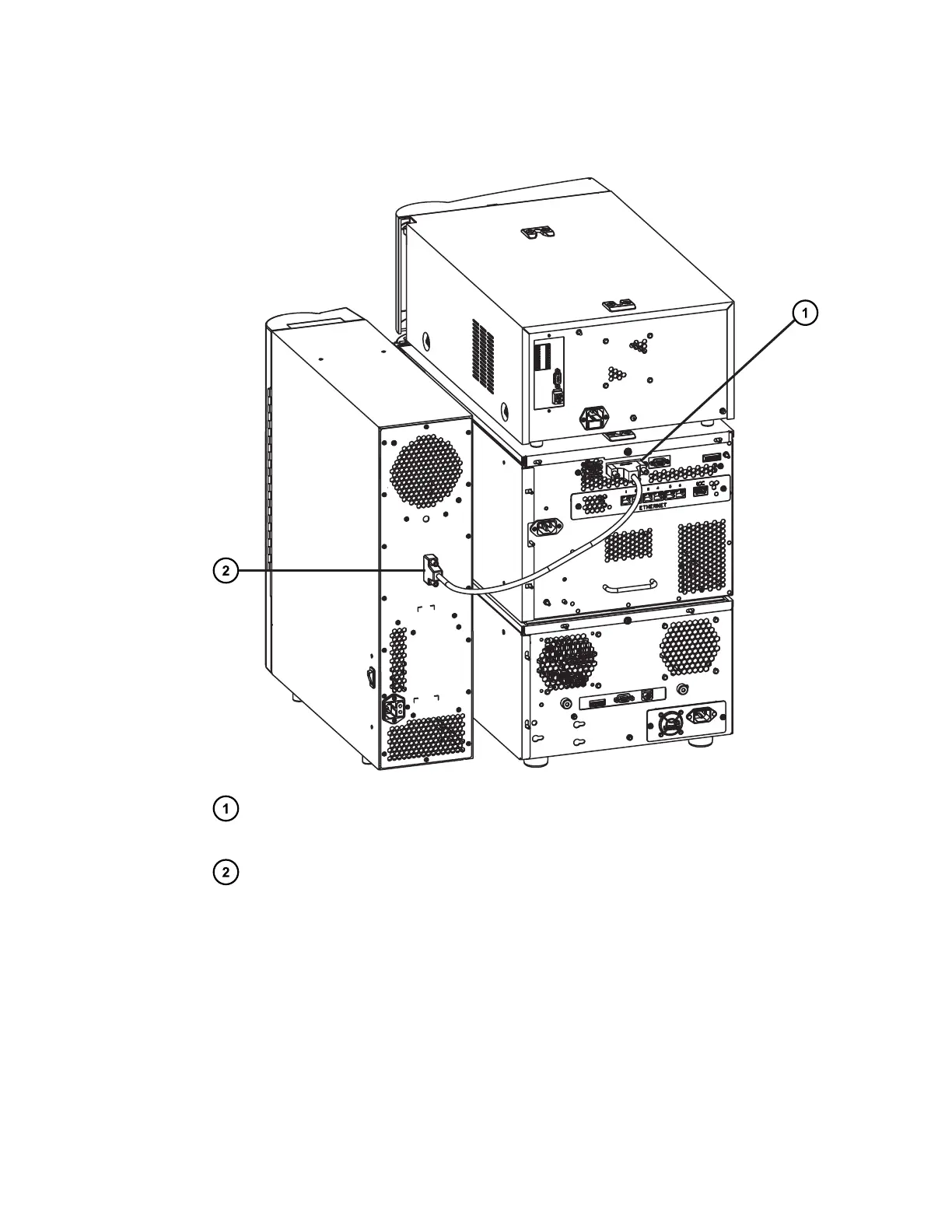
Figure 2–13: Connecting the 30-cm CH or 30-cm CHC module to the sample
manager
Interconnect cable's mated connector inserted into D-sub receptacle on the sample
manager's rear panel
Interconnect cable's mated connector inserted into D-sub receptacle on 30-cm CH or
30-cm CHC module's rear panel
3. Insert the interconnect cable's mated connector into the D-sub receptacle on the sample
manager's rear panel.
4. For the 30-cm CHC module only, connect the female end of the power cord to the
receptacle on the rear panel of the module and the male end to a grounded, ac-power
outlet.
December 5, 2017, 715004751 Rev. C
Page 33











 To Next Page