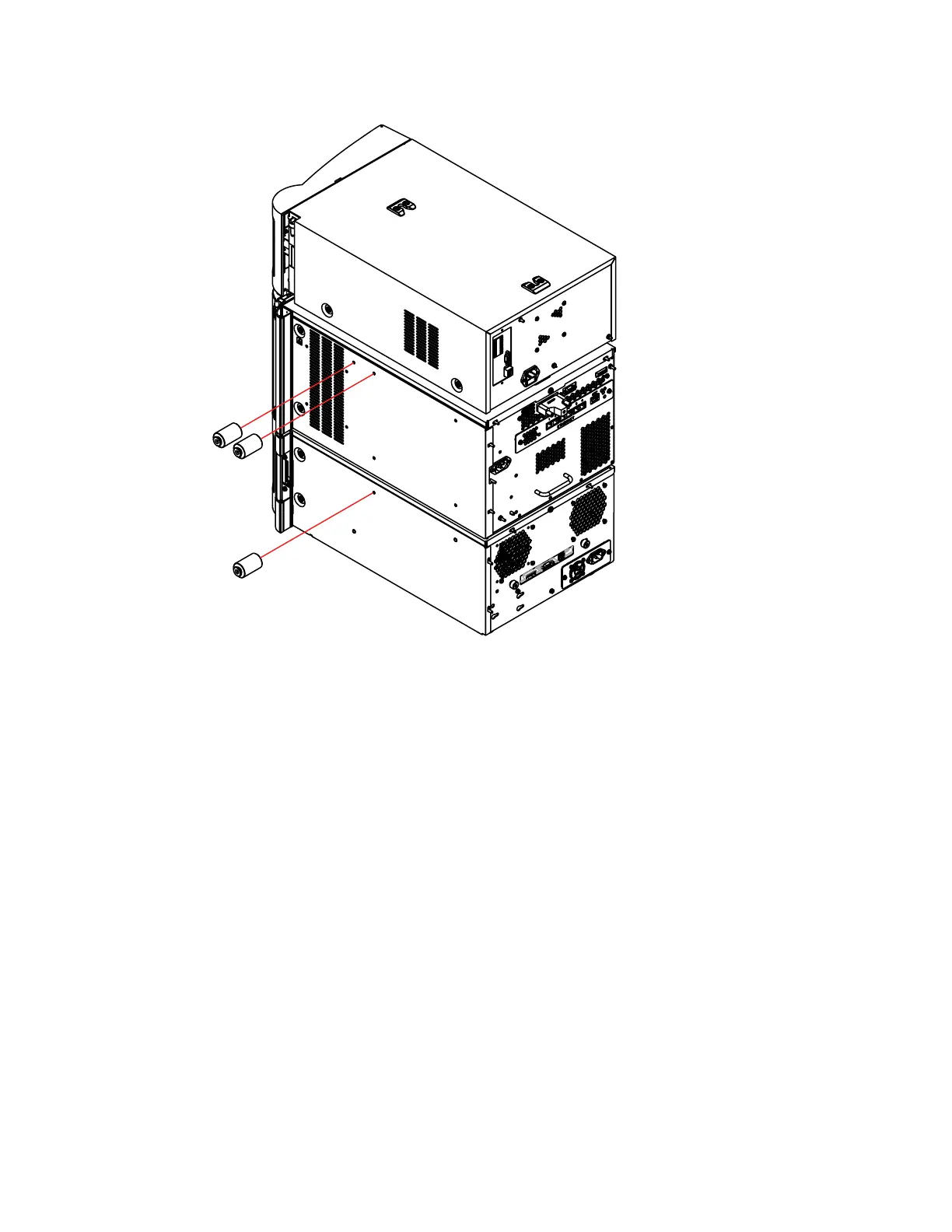
6. Using the T20 TORX driver, tighten each of the M4 × 50 screws, to secure the standoffs.
2.1.2
Attaching the column-compartment adaptor bracket
To prepare the 30-cm CH or 30-cm CHC module for securing to the system stack, you must
attach the adaptor bracket to the left-hand side of the column-compartment chassis. The adaptor
bracket is fitted with key-hole slots that align with standoffs, securing the column compartment to
the system stack.
Required tools and materials
• T10 TORX driver
• Column compartment startup kit, containing the necessary mounting hardware
To attach the adaptor bracket:
1. Using the T10 TORX driver, remove and discard the 4, M3 flat-head screws from the left-
hand side of the column module.
December 5, 2017, 715004751 Rev. C
Page 22











 To Next Page