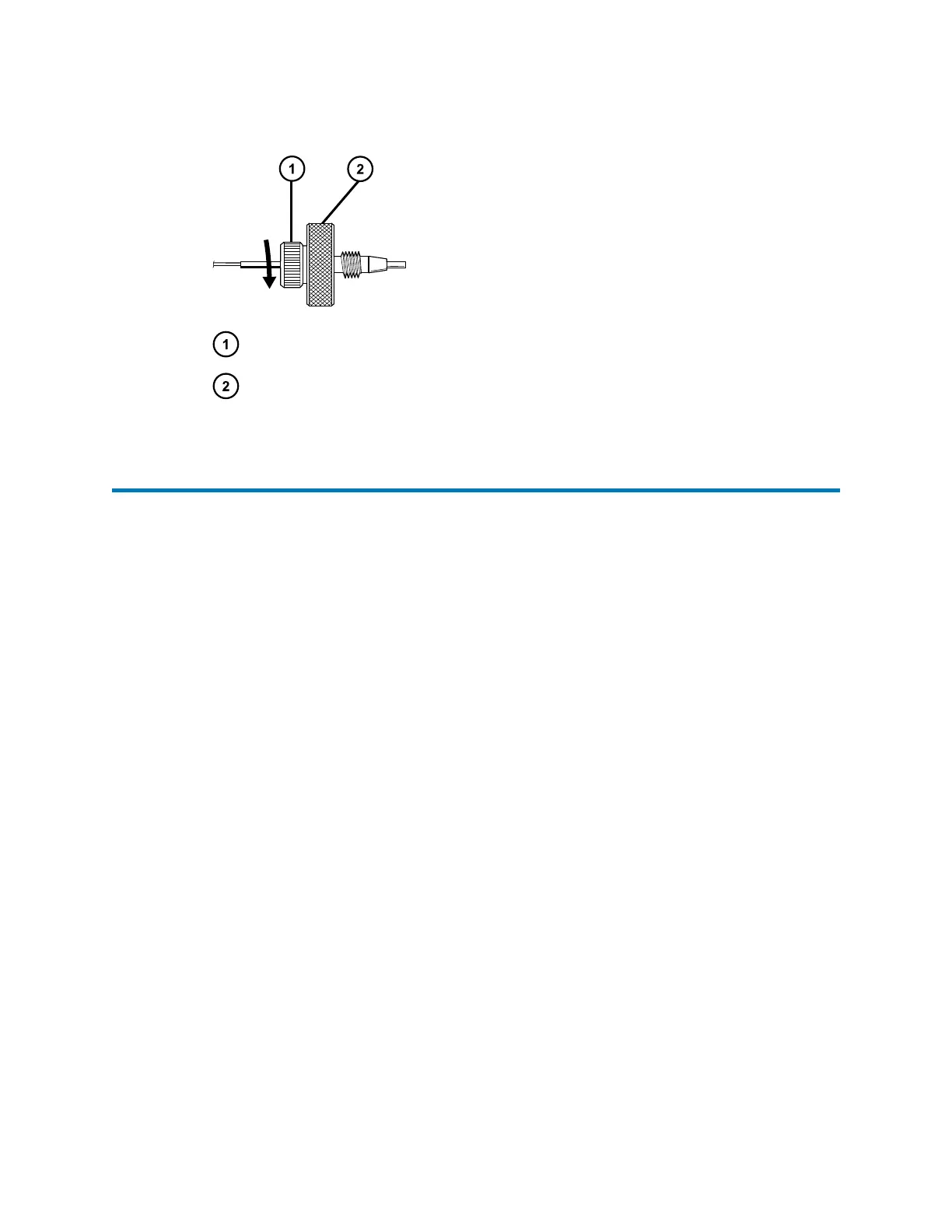
Figure 3–7: Screwing cap nut onto fitting
Cap nut
Fitting
3.8 Replacing the rotor seal of the column-selection valve
Replace the rotor seal of the column-selection valve when you observe chronic leaking at the
valve or a loss in system pressure when the valve is connected. As a preventative maintenance
measure, replace the seal when the valve life exceeds 10,000 cycles. You can configure and
view the cycle count via the Waters console. For instructions explaining how to do so, see the
console Help.
Note: If, after replacing the rotor seal on a valve with a high cycle count, you observe no
improvement in valve performance, replace the valve assembly.
Tools and materials
Column-selection valve kit, containing replacement parts and tools
To replace the rotor seal:
1. Using the hex key, loosen and remove the three, socket-head stator screws, referring to
the figure below.
December 5, 2017, 715004751 Rev. C
Page 60











 To Next Page