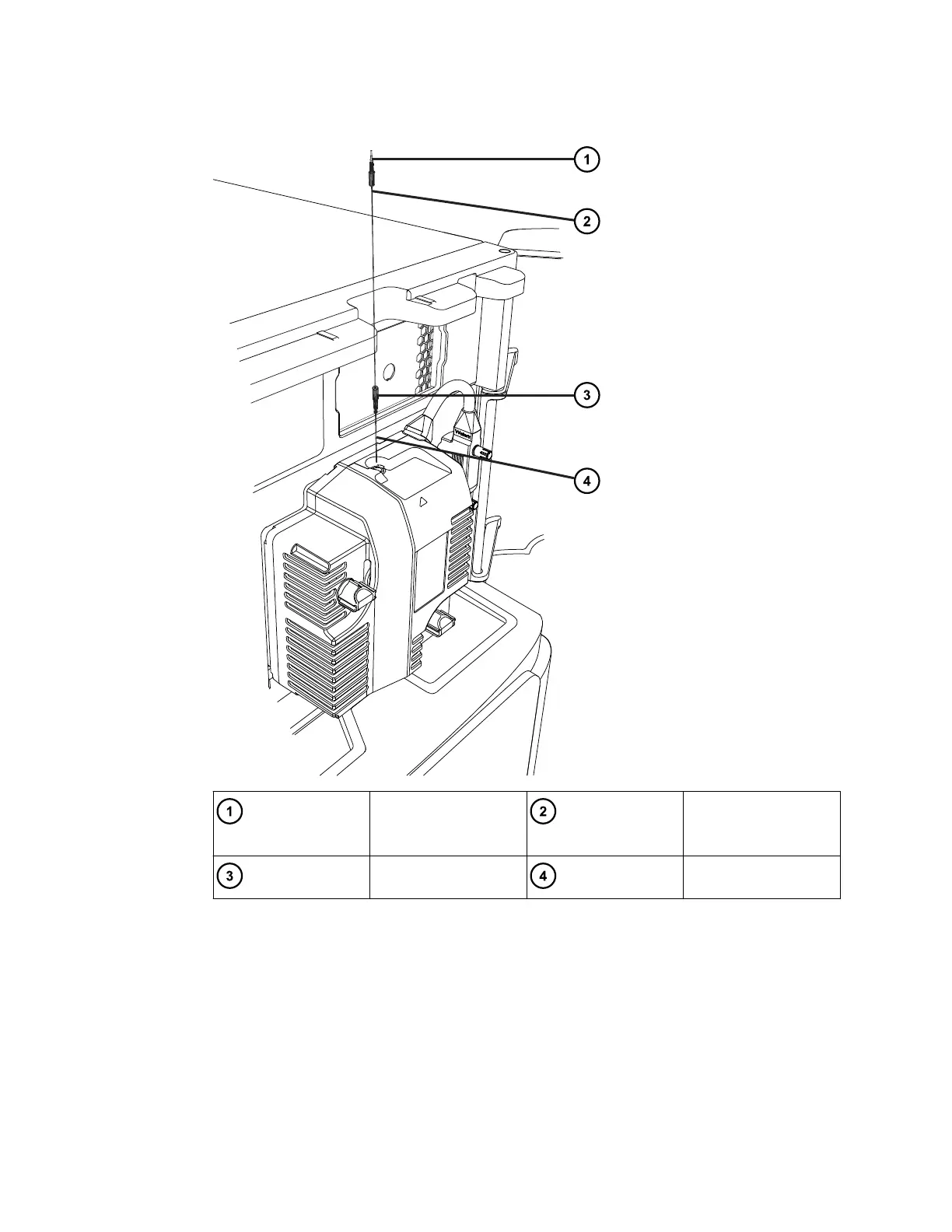
Figure 3–19: Fitting the probe capillary assembly
PEEK fitting Probe capillary
assembly
Probe fitting Capillary
8. Fit the PEEK fitting end of the probe capillary assembly to the port S on the divert valve
and secure until finger-tight.
Important: To avoid dead volumes, ensure that the capillary bottoms out in the valve.
9. To avoid trapping and damaging the capillary in the instrument door, slide the capillary
beneath the retaining clips.
10. Close the instrument door.
11. In the UNIFI software, click Operate to put the instrument into Operate mode.
August 20, 2021, 715005003 Ver. 04 (Previously released as Revision C)
Page 54



 To Next Page