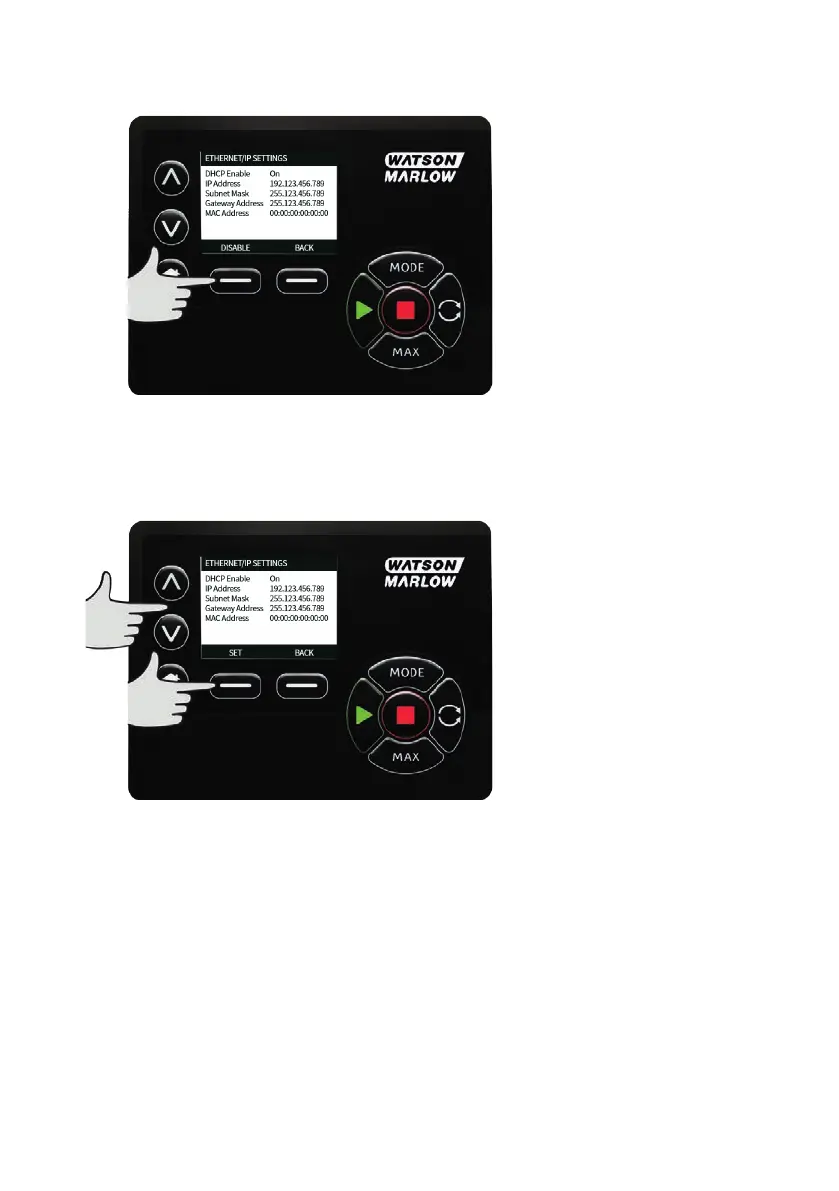
Setting DHCP Enable
4. Press the ‘DISABLE’ soft key to set ‘DHCP Enable’ to ‘Off’.
Setting the IPAddress, Subnet mask and Gateway address
Configure each of the IPAddress, subnet mask and gateway address in turn using the following
method:
5. Use the UPand DOWN arrow keys to select the setting to configure
6. Press 'SET' to enter the SETADDRESS menu
92 m-630un-en-08












 To Next Page