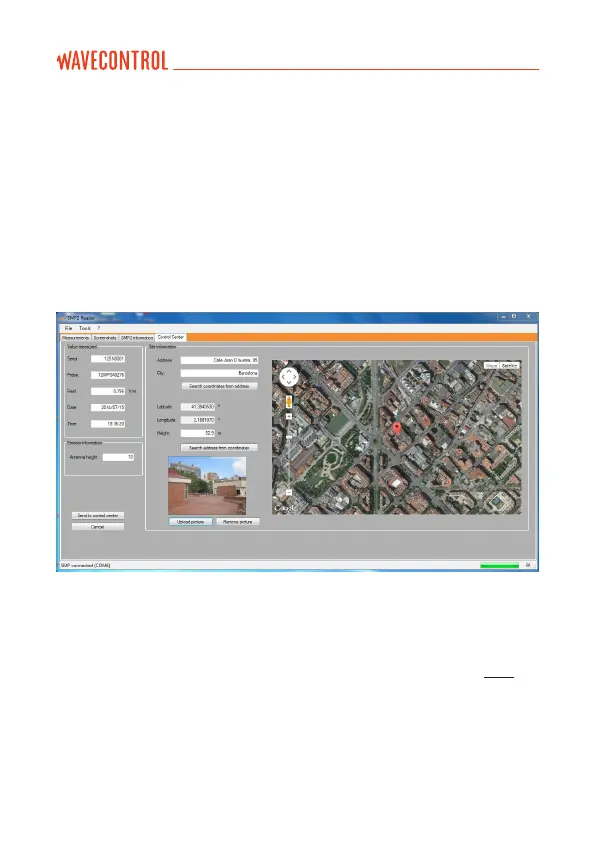
A new window will open with a new tab “Control Centre” (Figure 17), where you
can:
• Find the co-ordinates using an address.
• Find the address using the co-ordinates.
• Adjust the actual position of the measurement by dragging the position icon
on the map.
• Upload a photograph associated with the measurement. When this is done,
click on “Send to Control Centre”.
8.4. Live measurements
This screen is only available with a bre optic connection (see section 4.3.2). It
provides a real-time display on your PC screen of the data being measured by
the SMP2. It also allows you to change settings for the device, such as:
• Measurement mode (time, frequency or time at one frequency).
• Field type (electric or magnetic).
• Limit, span, lter (for WP400 and WP400-3).
Figure 17: Settings screen to upload data to a control centre
User’s Manual Electromagnetic Field Meter SMP2 P. 54



 To Next Page