Playback Mode
To enter the playback mode, press “SEARCH” of status bar, or press right button of mouse and enter [FUNC]
[SEARCH] in monitoring mode.
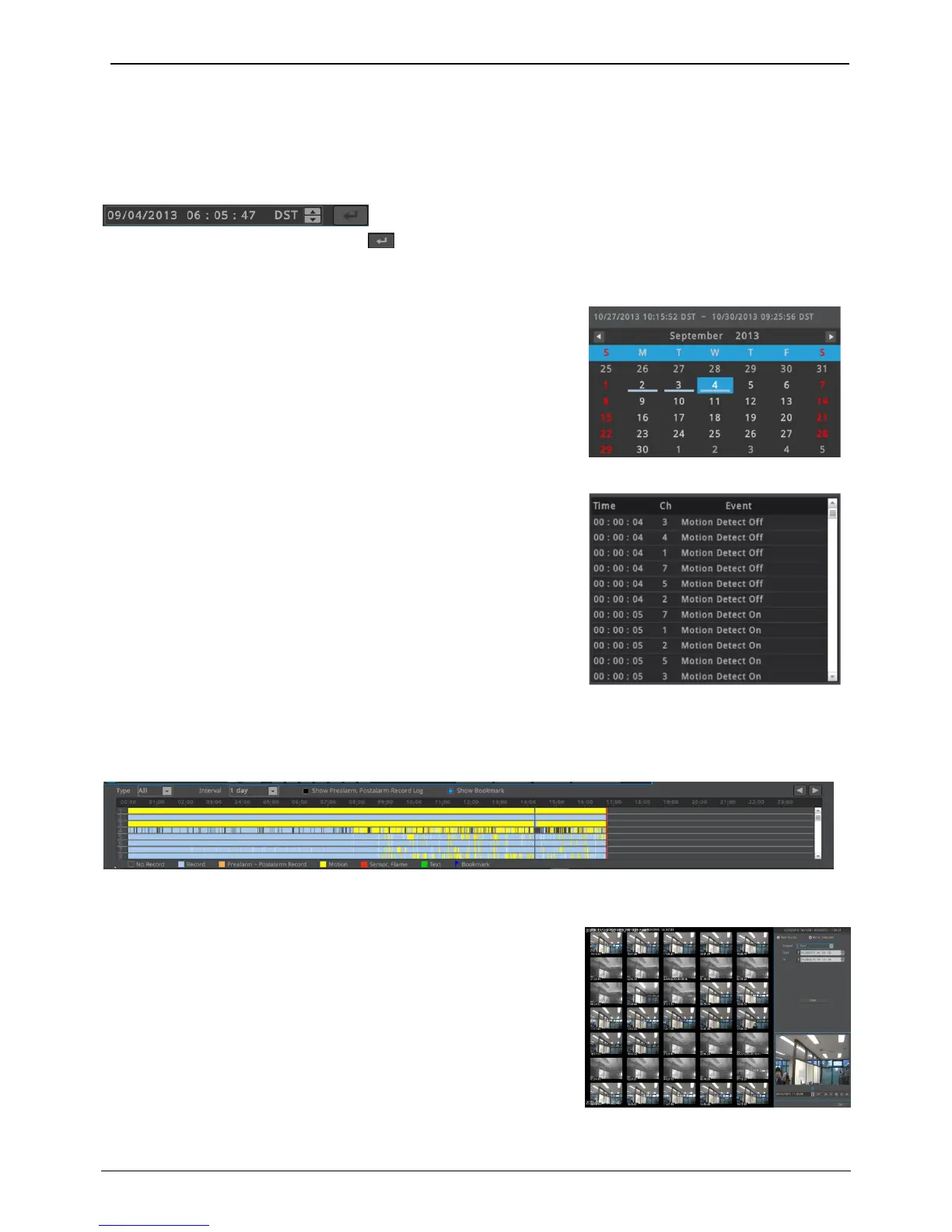
Time search
Set the time to want to play and press . Then the playback time will be moved to set time.
Calendar search
When calendar search is run, it marks the dates on which there were
Recordings. Select a date from calendar you want to search, and it
Moves to that date.
Event information on timeline (All, Motion, Sensor, Text, None) will be
Shown on log viewer. If the user select one of the list, NVR’s playback
Time moves to the event time.
Timeline search
If the user clicks a position on the timeline, NVR’s playback time moves
to that time. User can click ◀ or ▶ button to move the previous/next
time duration.
Thumbnail Search
Thumbnail search will show 35 different thumbnail image on
detected images by time interval or motion. Click on selected image
for playback or copy.
• Time interval: 35ea thumbnail images are displayed by searching
image between entered start and end time.
• Motion detection: 35ea thumbnail images are displayed by
searching image on the motion between entered start and end
time.



 To Next Page