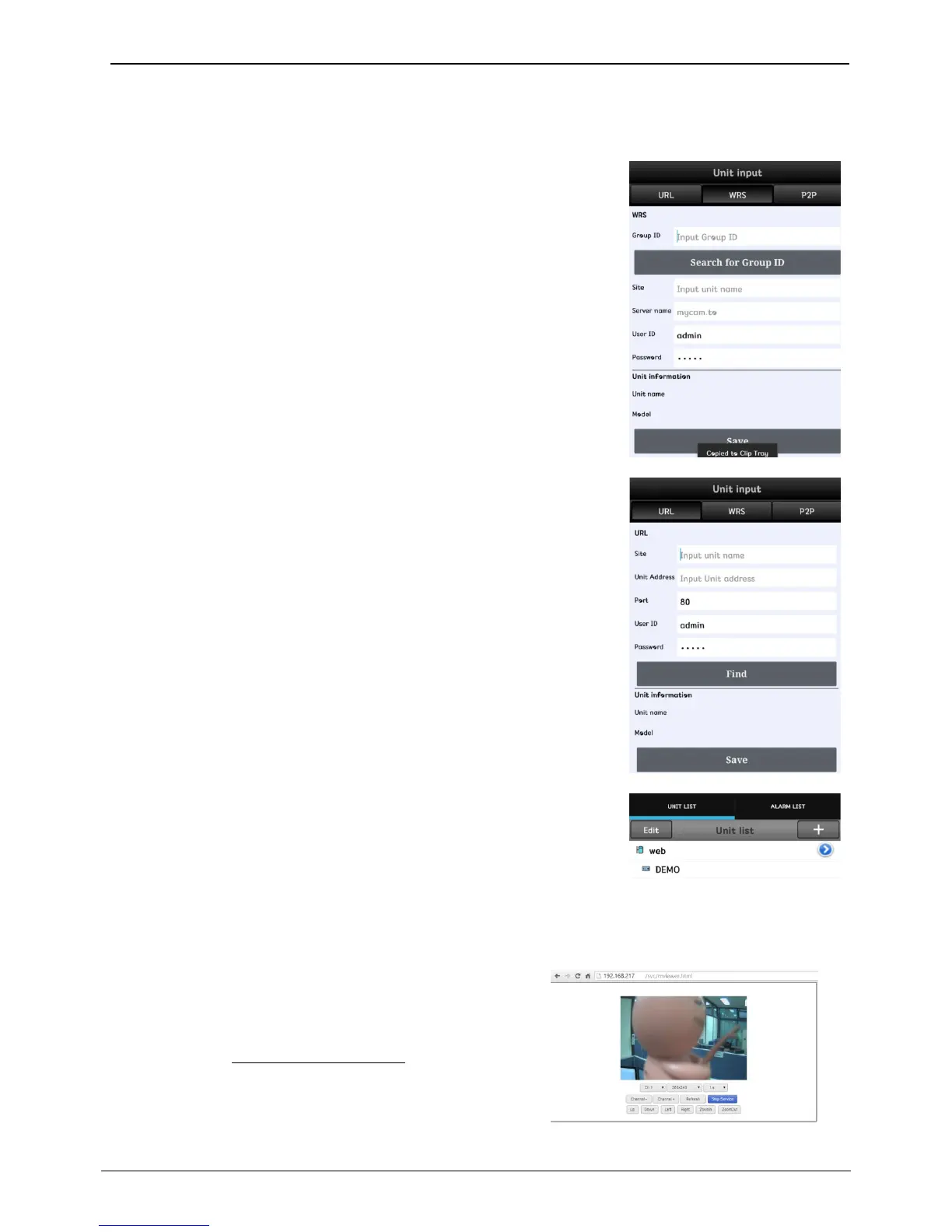
URL register
1. Touch “+” button after application installed.
2. Select URL in category.
3. Touch “Find” button then there’s unit name and IP address shown. Touch
save button to finish unit register.
4. Touch unit created to enter unit’s screen.
WRS register
1. Select WRS in category.
2. Enter group ID created in the NVR.
3. Click on “search by group ID”.
4. Touch “Find” button then there comes unit name of searched NVR and IP
address and touch save button to finalize unit register.
5. Touch unit created to enter unit’s screen.
<Note>
WRS of NVR and port forwarding must be enabled to register unit.
*P2P feature might not be included based on types of model.
This service allows users to view video by accessing to NVR
from mobile device’s web browser without certain applications.
The device must support either wifi, 3G or Lte.
Input the form of http://IP/svc/mviewer.html to access to NVR
from the web browser



 To Next Page