HTML5 Webviewer
HTML5 is the new technology which does not require any active-x or plug-ins and is not depend on OS. NVR
supports HTML5 webviewer which can monitor the NVR with web browsers supporting HTML5. (Currently HTML5
Webviewer does not support 4M and 4K video input. HTML5 Webviewer will support 4M and 4K in the near
future)
System Requirements
1024MB PCI-E Graphic Card Support AGP Accelerate
Support PCI-E 16X or higher
Windows 7 / Windows 8 / Windows 10 / OS X Mavericks (version 10.9)
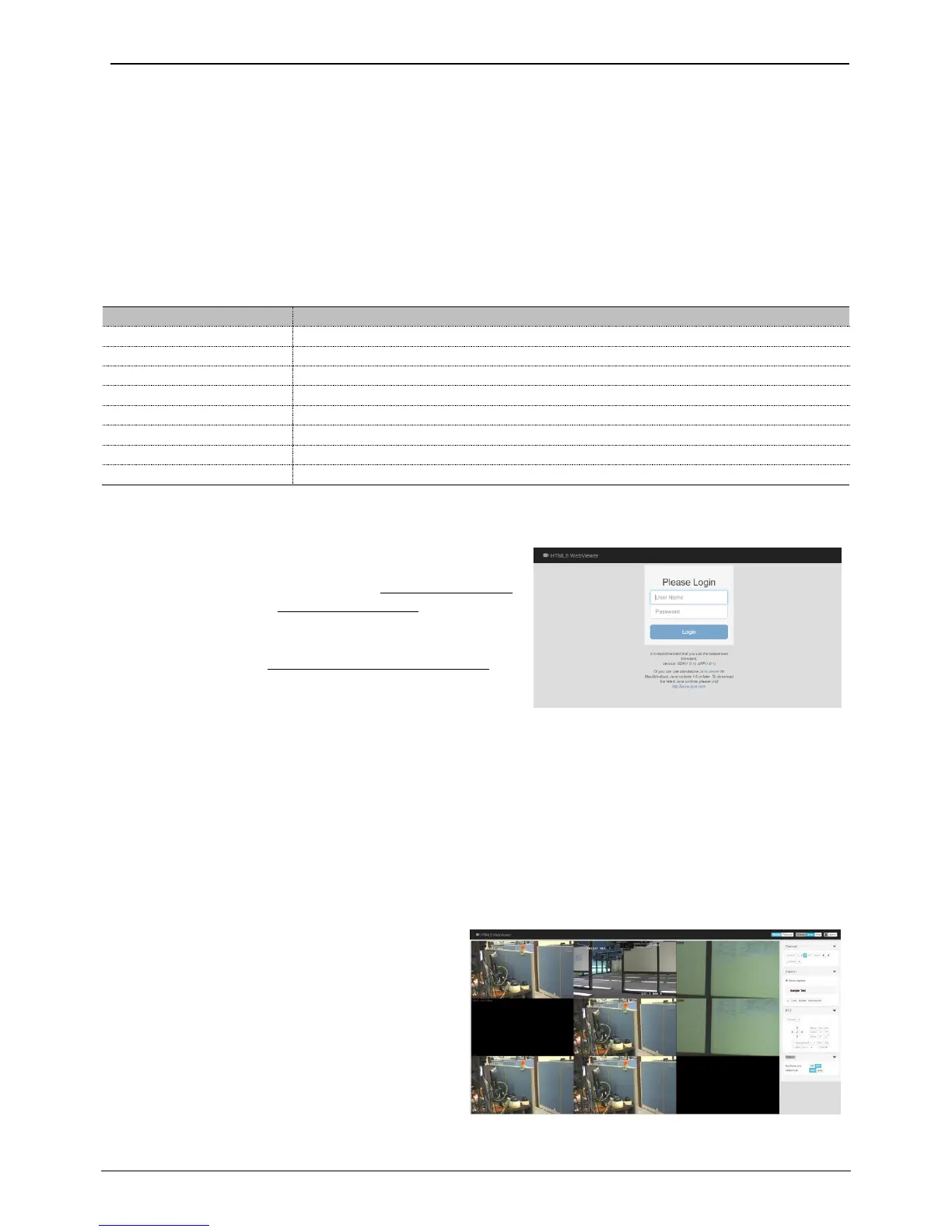
After inputting an IP address or domain address of NVR on
web browser’s address box, the Webviewer’s Login page will
be connected. (Examples of address are http://192.168.1.100
as an IP address type or www.addresstest.com as a domain
address.) Default port number is 80. If you change the port
number, then please input the changed port number to web
browser’s address box (http://192.168.1.100:
port_number
).
Input the user ID and password of NVR, and click ‘Login’ to
access. Default ID is admin and default password is 12345.
<Note>
1. If you connect the NVR via Internet Explorer, then previous Webviewr page will be shown. If you connect the NVR using
mobile devices, then Mobile viewer page will be shown.
2. If you connect the NVR via web browsers supporting HTML5 such as Edge, Chrome, Firefox, Safari, etc., then HTML5
Webviewer page will be shown. (Currently, HTML5 Webviewer officially supports Chrome, Firefox and Safari.)
3. You can also use JavaViewer for Mac/Windows.
4. Supporting language is only English.
Monitor
When it is authorized with User ID &
Password input at Login page, it moves to
monitor page.
At monitor page, user can monitor the real
time video of connected NVR and can
control PTZ camera, Relay, and Microphone
functions according to user’s authorization.



 To Next Page