Copy
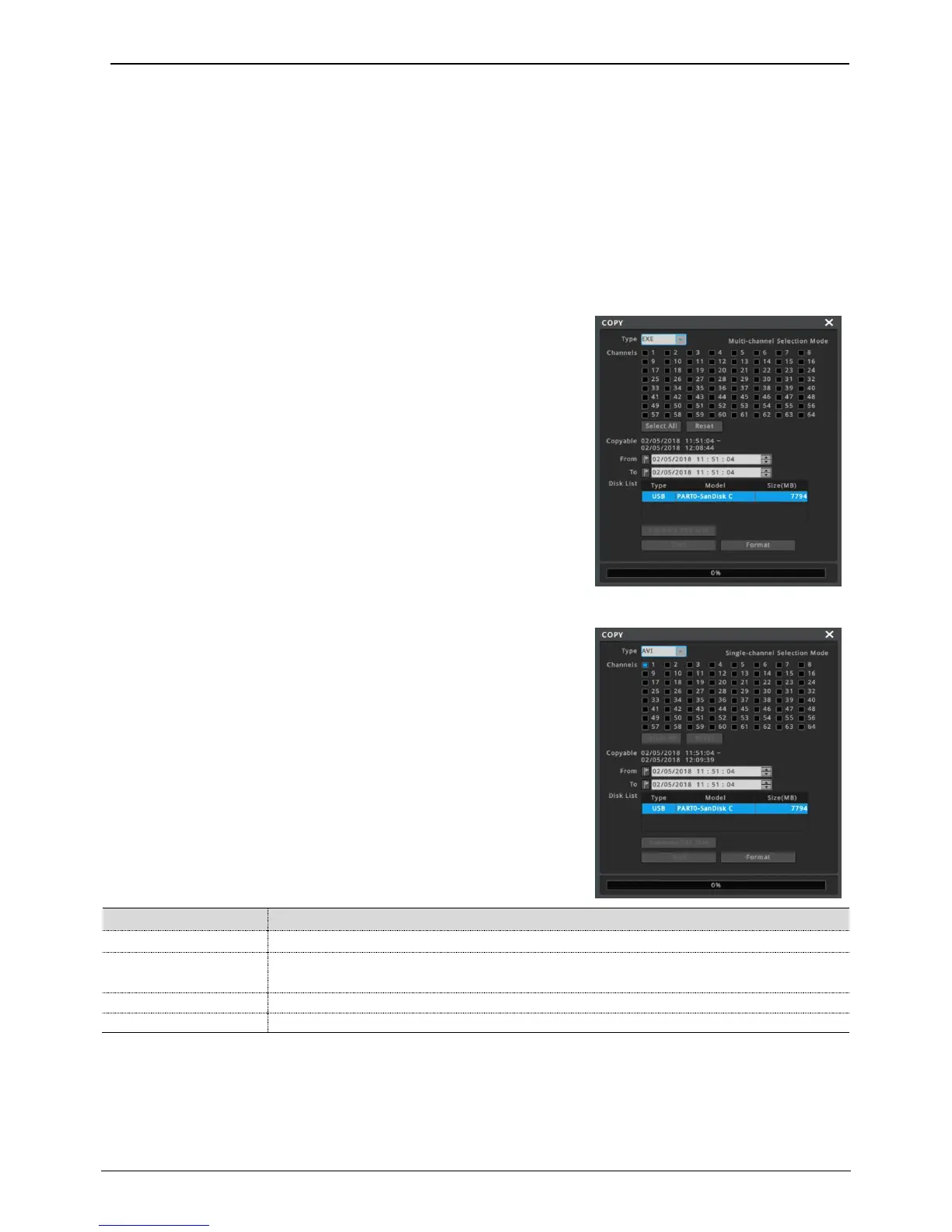
This menu is for copying (backup) recorded videos. There are 2 types of copying, EXE, and AVI.
Only authorized users by security settings can use the Copy function. For more about authority settings, please
refer to (user setup) section.
To run copy function, click COPY button under Function menu.
If a user runs copy menu during playback, playback time will be set as backup start time.
EXE
Multiple selected channels can be copyed as one exe file. Copyed exe
file can be played on Windows PC without any other software. Also, it
can played with Miniplayer or Control Center Playback.
Only one channel can be copied as AVI file. AVI file can be played
with general media player on PC or mobile.
Select the type of backup, EXE or AVI.
Select channels to copy. Only one channel is available for AVI type.
(Select All : select all channels / Reset : cancel the selection of all channels)
Display the estimated file size to copy in MB.
Can format a USB memory before copying. FAT32 file format is supported.
<Note>
Backup file which is not 100% completed cannot be played at PC.
Please install unified CODEC if the PC cannot be played according to the CODEC problem.
It could take long time if user set the copy duration too long.
Only FAT32 format is supported. Please be sure that the USB memory is formatted in FAT32.



 To Next Page