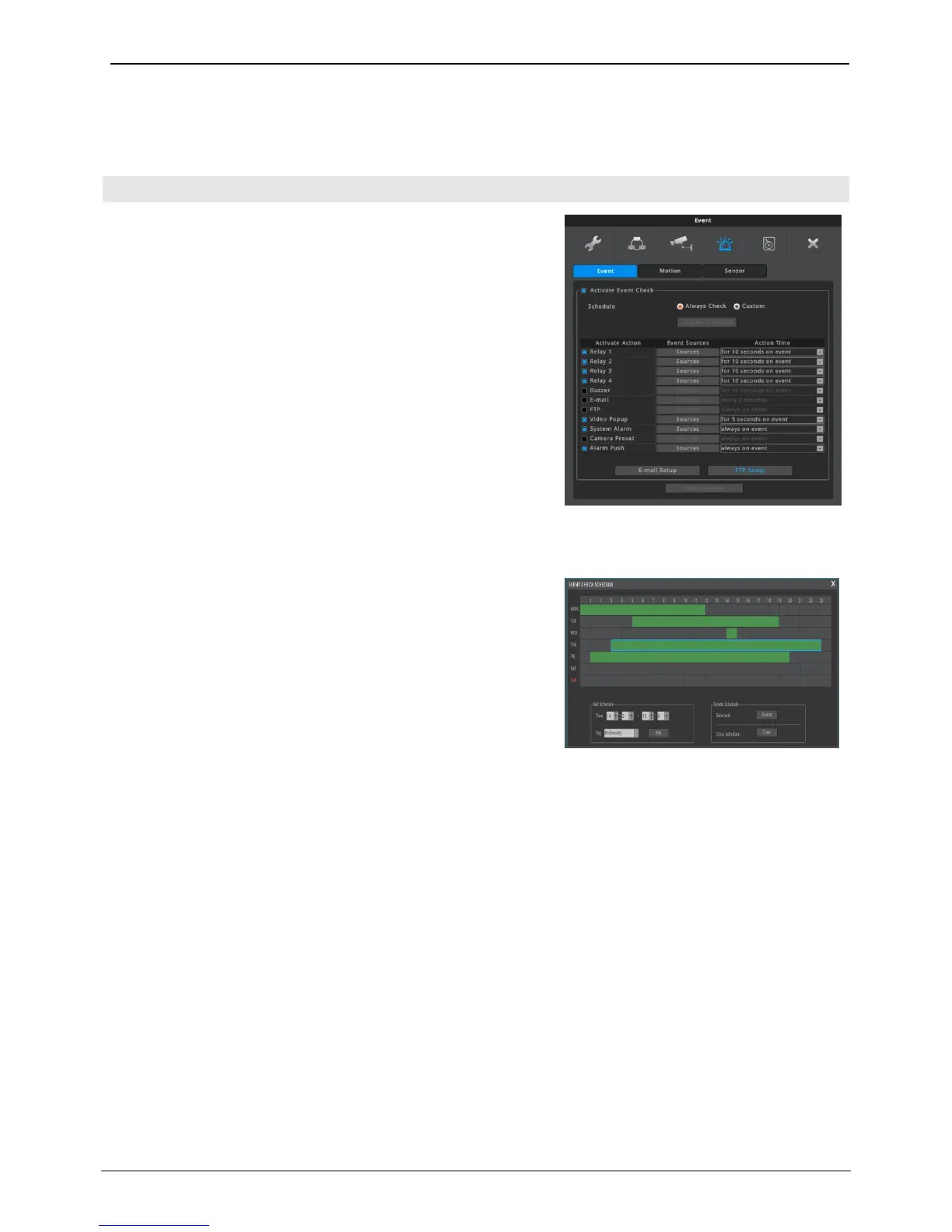
Event set up has 3 set up procedures, event, motion, and sensor.
Activate Event Check
User can activate the event check. If not checked, all events will
be ignored.
If schedule is set to ‘Always Check’, event will always be checked.
If schedule is set to ‘Custom’, event will be checked during only
user defined schedule.
If schedule is set to ‘Custom’, user can define schedule by using
‘EVENT CHECK SCHEDULE’ window.
<Caution>
If not selected time, or ‘Activate Event Check’ menu is not
checked, NVR ignores all events and event action or event
recording is not performed.
Custom Schedule
Set begin/end of event checking time and day, and click “Add”.
The corresponding info will be graphically displayed on day/time
table.
• Day: set applicable day
• Time: set applicable time from begin to end of event
checking time
• Add: schedule registration
• Delete Selected: Schedule unit which is graphically selected
will be deleted. If user does not select schedule and click
‘Delete’, then previously selected item will be deleted first
and deletion will be achieved in reverse of time set up.
• Delete All: whole schedule will be deleted



 To Next Page