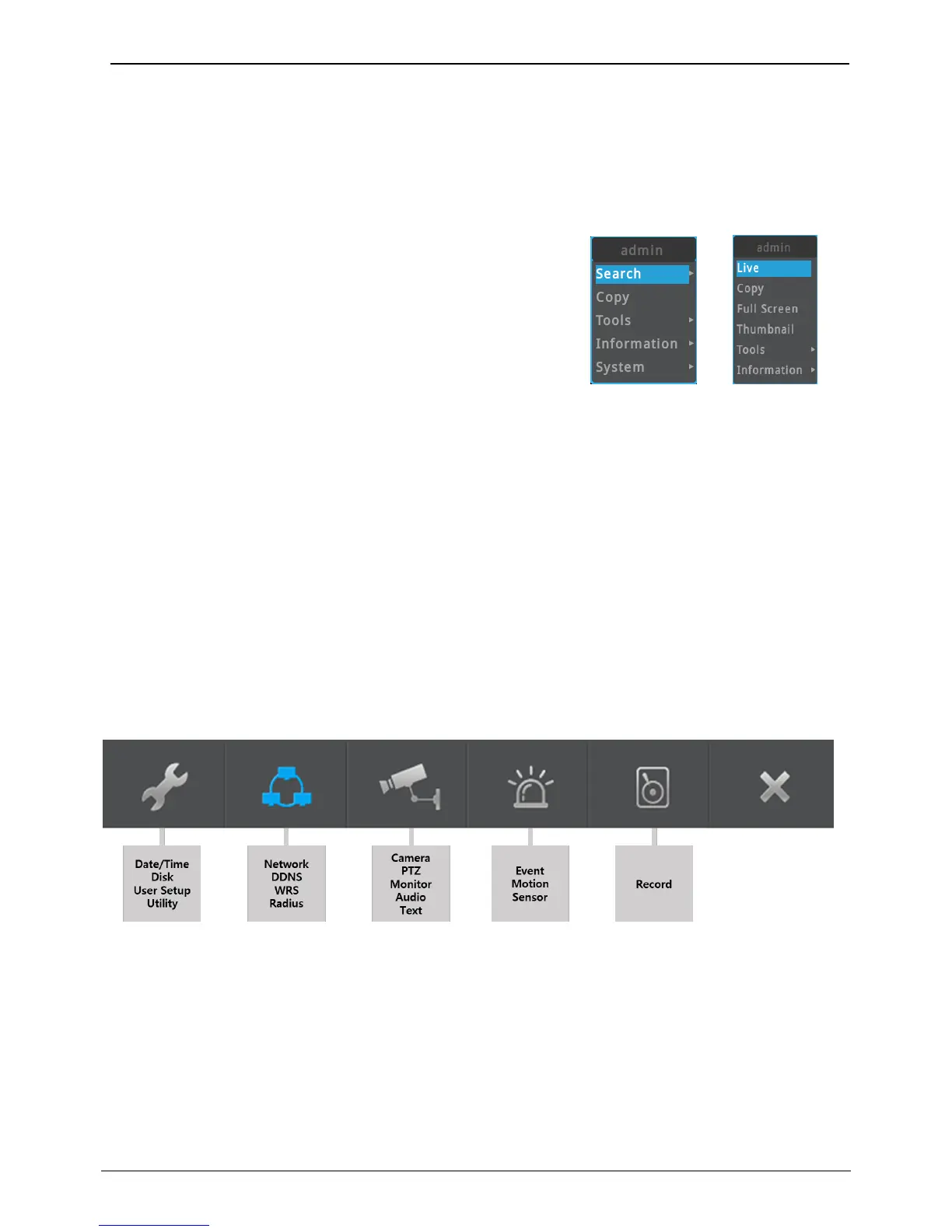
All NVR functions can be controlled by using Mouse.
To open FUNC menu, click the mouse’s right button at live or
playback screen.
FUNC menu at Live screen
Search - Recording data Search/Playback
Copy – Copy recorded data
Tools - PTZ, Instant PTZ, Camera Setup, Multi, SEQ, Set
Custom, Digital Zoom, Freeze, Snapshot, Manual Relay,
Emergency Recording, All Event Confirm, Bookmark
Information – Screen, Camera, Network, Recording, Disk,
System, System Alarm
System - Menu, Lock, Logout, Power off, Reboot
FUNC menu at Search/Playback
Live – Tun into live screen
Copy – Copy recorded data
Full Screen – Turn into full sized screen
Thumbnail – Run thumbnail search
Tools – Digital Zoom, Snapshot, Multi screen, Bookmark
Information – Screen configuration



 To Next Page