WebViewer
WebViewer is Web application program loaded to monitor real-time image or to monitor the images recorded
through Web browser to PC located remotely.
System requirement
1024MB PCI-E Graphic Card Support AGP Accelerate (AMD Radeon HD 7000 Series or
Higher)
Support PCI-E 16X or higher
Windows 7(x64) / Windows 8(x64) / Windows 10(x64)
Internet Explorer 8 or higher
Installation
Webviewer Installer
Auto installation program is provided from login page to use Webviewer function. ActiveX installation is required
to a PC which has first connection.
<Caution>
Please close all programs related to Control Center while Webviewer Installer is being installed. Otherwise, it may affect the
installation.
login
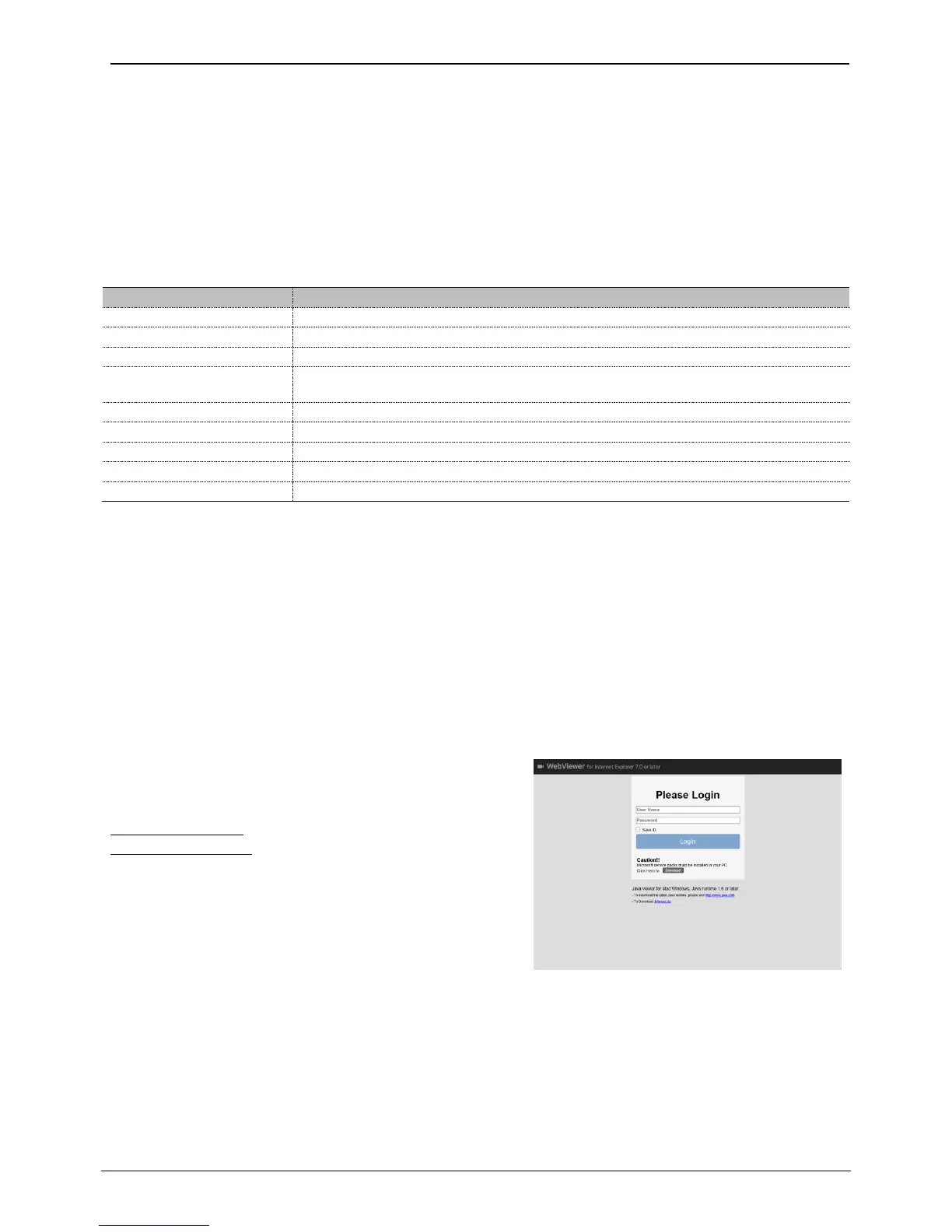
After inputting an IP address that is set to the system, the
WebViewer Login page will be connected.
Examples of input method in address box are
http://192.168.1.100 as IP address type or
www.addresstest.com as domain address. In case of
changing the port value besides default value 80, just input
the changed port value.
Input the set of User ID & Password, click ‘LOGIN’ to access.
If password didn’t change tin Control Center, ID and
Password will be admin/12345.
User set up
To access WebViewer, user authority and password can be changed in NVR or the account menu of Control
Center configuration.



 To Next Page