32x, 64x, and All’.
⑤ It is the function to set play area. After click the button, it can select play area ‘10min, 30min, 1hour,
3hour, 6hour, 12hour, 24hour’.
⑥ It can select DirectX use or not. If check DirectX mode, it can play image into Direct Draw based on
graphic card and performance of PC.
⑦ It is the function to set audio play or not, and volume
Remote DVR
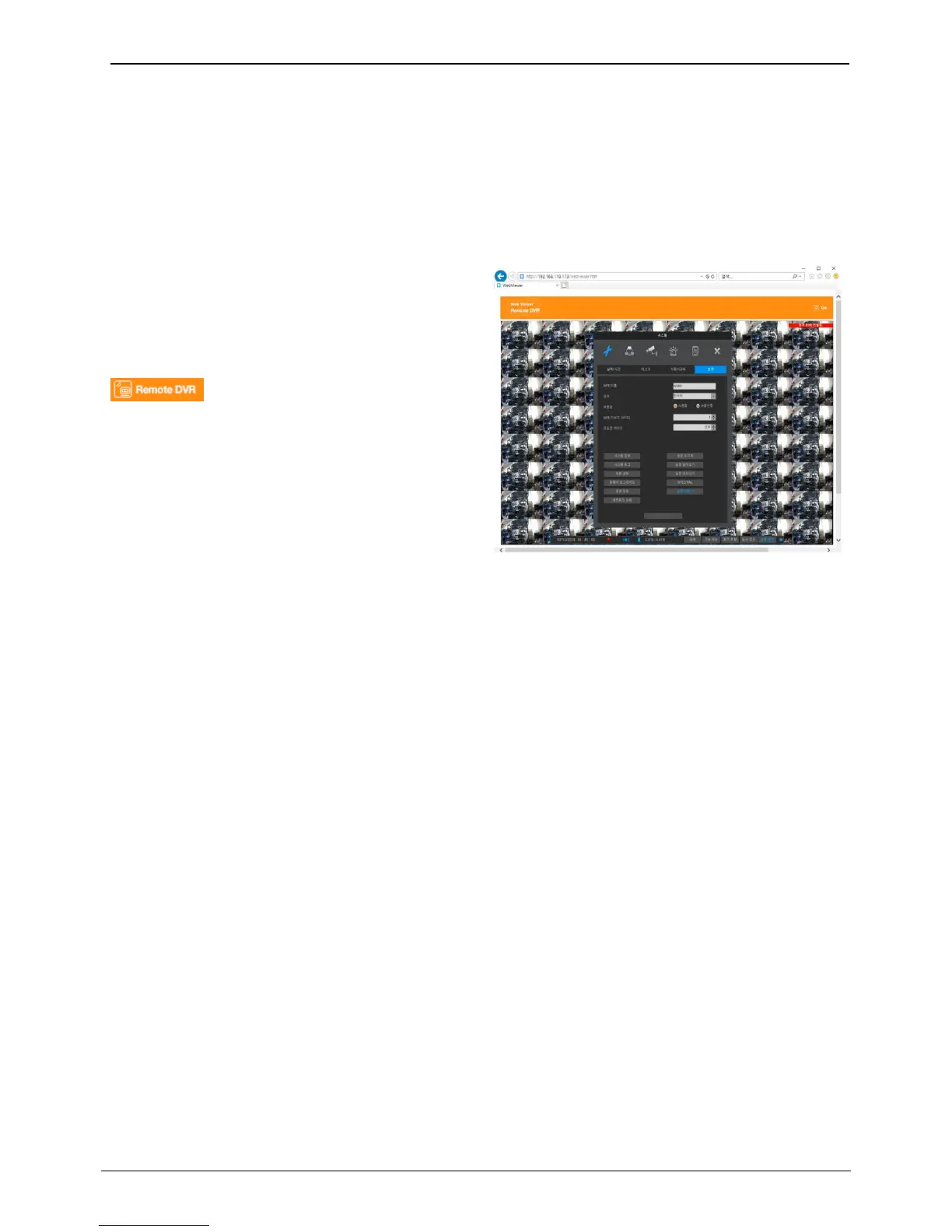
Weviewer supports Remote DVR function. Remote
DVR is similar to the Remote Desktop of Windows PC
and it can show the NVR’s video output and can
control NVR at remote location.
To use Remote DVR, click [Remote DVR] icon located
in the right upper side.
`



 To Next Page