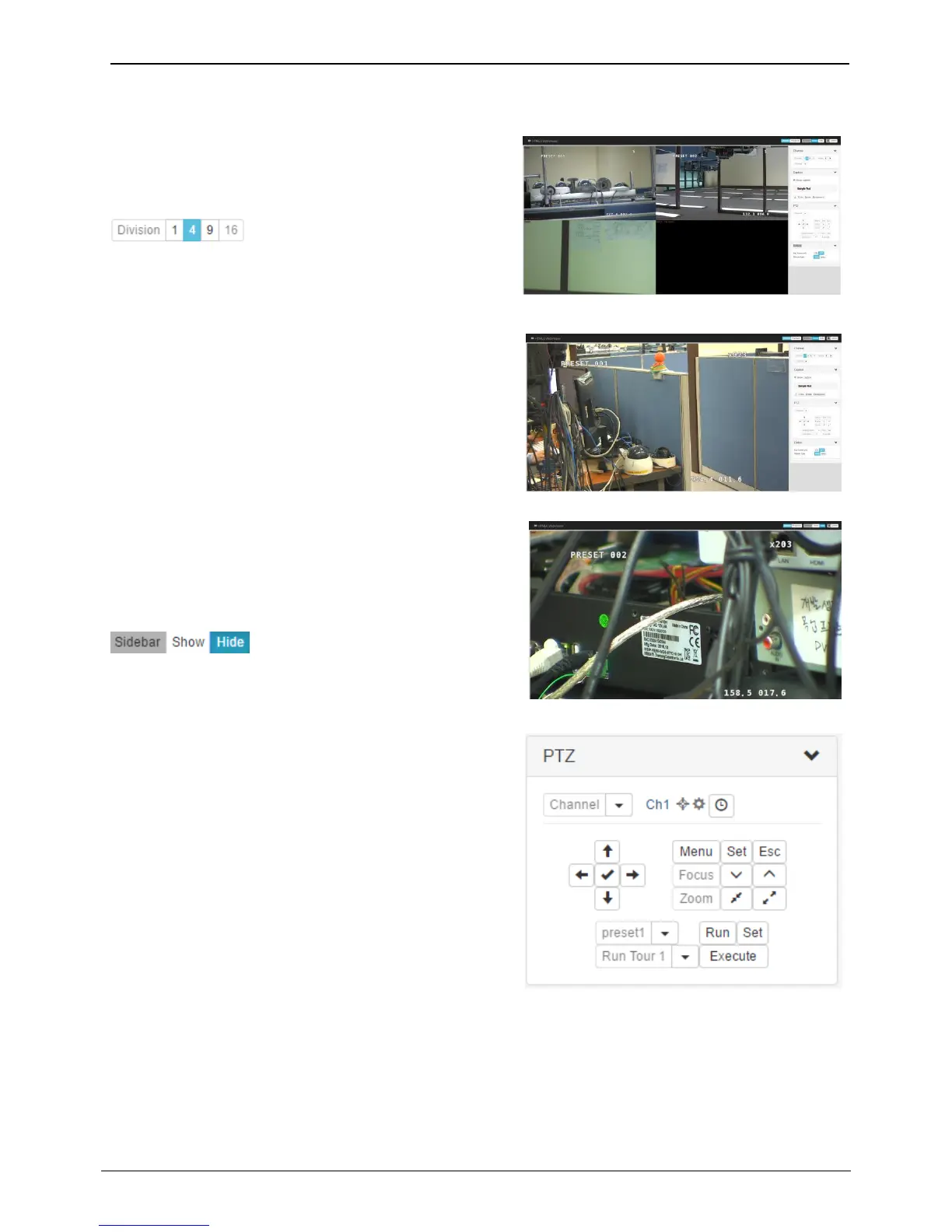
At initial monitor page, all video channels will be shown
with the maximum division. The number of video channels
will be depend on the NVR model.
You can change the screen division mode by clicking
Icon.
Double click the video channel to see with single division
mode. If double click again, the previous screen division
mode will be shown.
Using full screen function of browser (such as F11 key), user
can monitor the NVR with full screen.
<Note>
User can show or hide the ‘Sidebar’ by clicking
Icon.
User can control the PTZ by using PTZ menu on sidebar.
After selecting video channel, user can control Pan/Tilt,
Zoom/Focus, Preset, Auxiliary functions of PTZ camera.



 To Next Page