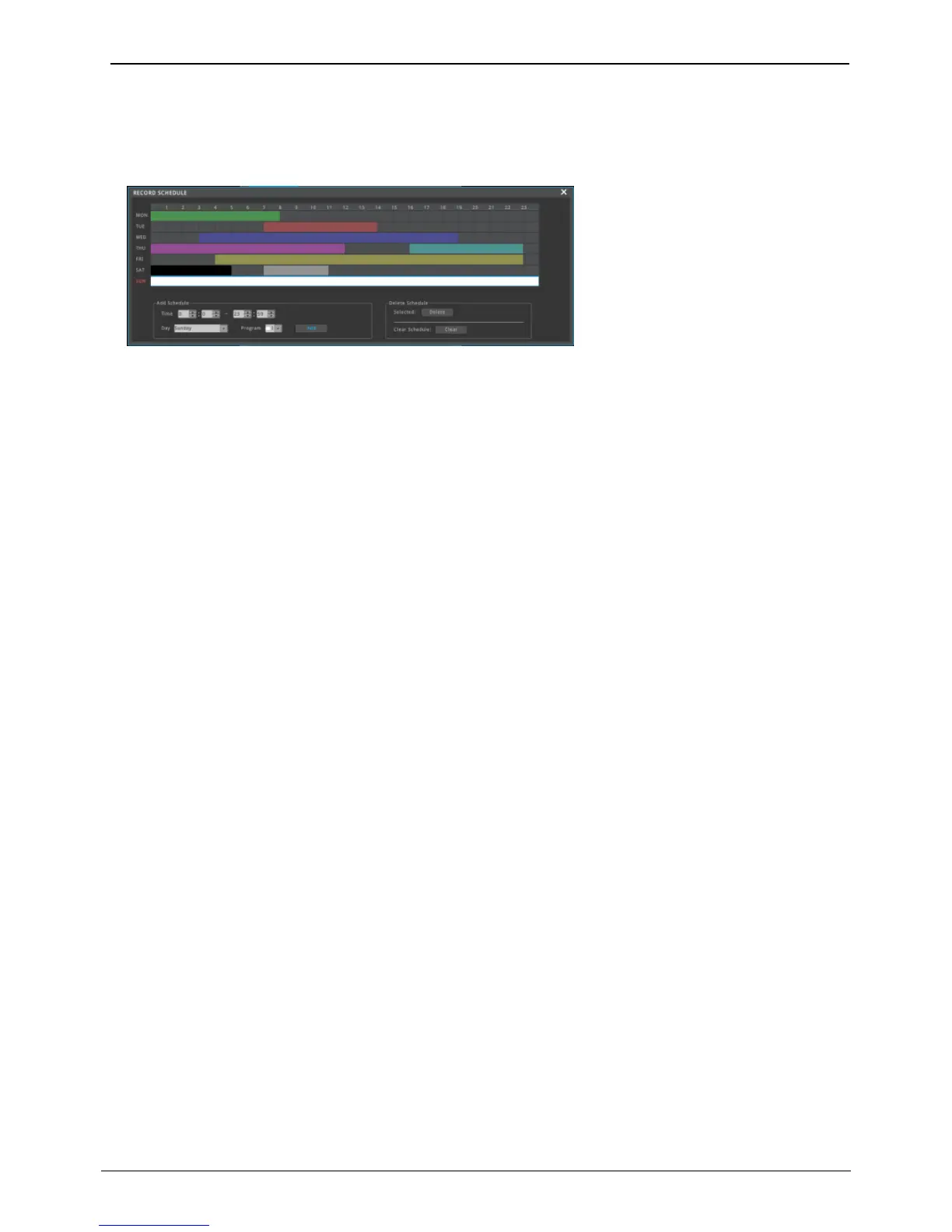
be deleted. If user does not select schedule and click ‘Delete’,
then previously selected item will be deleted first and deletion
will be achieved in reverse of time set up.
• Delete All: whole schedule will be deleted
<Warning>
The time zone can not overlap with the previously set time zone. Max 50 schedules can be registered.
Pre Event Duration (Record time before event)
User can select between 1~5sec and time ahead of event will be recorded as much as time set by user.
Post Event Duration (Record time after event)
User can select between 1~30mins and time after event will be recorded as much as time set by user
Emergency Record
Emergency record is configured as ‘On’ and click [FUNC menu]-[Tool]-[Emergency Recording]. Then emergency
recording is started. It always records at max fps regardless of record mode and program until user click [FUNC
menu]-[Tool]-[Emergency Recording] again. After stop emergency recording, record mode will be changed to
previous mode.



 To Next Page