It can On or Off Relay of the unit. Click the number button to activate
Relay On, then the icon Changes from Blue to orange color.
Not activated Relay button means, the product is no supported. Relay is need user’s authority. Refer to user
manual in the unit for the setup of User’s authority of Relay.
Microphone can be set On or Off. Default is Off and it is changed from
the projected type button to orange when click the button for the use
Mic.
Event information
It shows real time event data occurred at the bottom of monitoring page.
Indicated Event data list are as follow
Video recording & save
Video recording
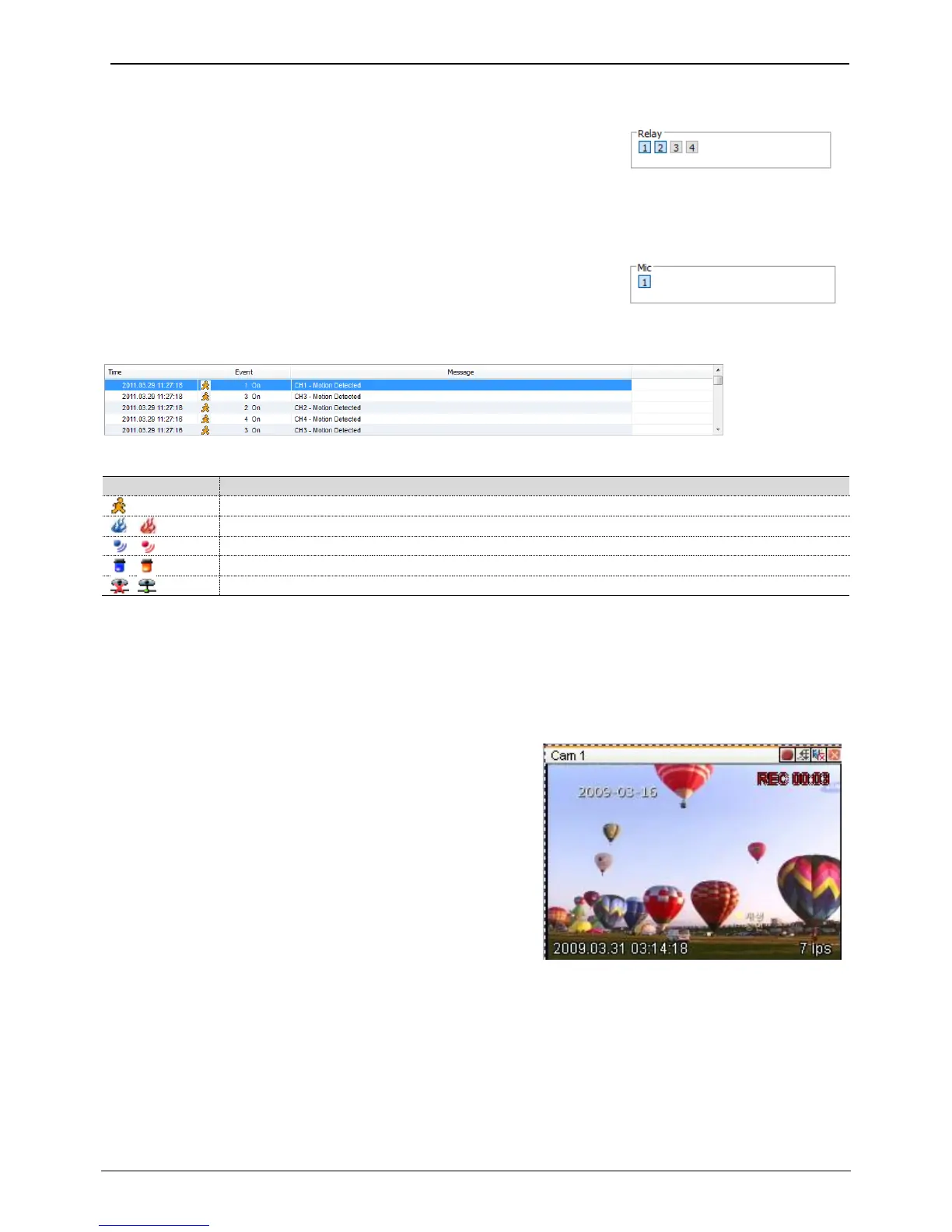
Select by clicking “Rec Start” in right button of Mouse after selecting channel user wants to record during
monitoring. It can record max. 10 minutes of video During Quick Recording, recording time is indicated on video.
If “Rec Stop” is pressed by clicking right mouse button,
recroding stopped. Then, open the dialogue box to store
recorded files. At this time, user can save it to the directory
with any file name by user.
Saved recording file is saved into “*.re4” file format. re4 file can
playback through Control Center Playback program or Mini
Player program.
Saving video
There are 2 types for saving Video – jpg and bmp. Saving video means the function to record 1 frame of current
monitoring channel.
To save video, select the channel and click right button of mouse. And select “Save As” and point out the location
and press save button.



 To Next Page