50
Wegaconcept
Technical manual
25.2 Resetting of dosers alarm
To reset the counters of the doser alarms, proceed
as follows:
insert the USB drive in the •
programming reader (7);
hold down the • ENTER but-
ton for at least 5 seconds.
scroll the menu until the •
item “10 COUNTERS” is high-
lighted.
press • ENTER to view the
menu
press (• ) to
switch to the
doser alarms
page;
press (• ) to re-
set the alarms;
con rm by press-•
ing () for 3 sec-
onds.
09 FILTER REGENERAT.
10 COUNTERS
11 CLOCK SETUP
12 WORKING DAYS
DOSER ALARMS
XXX XXX XXX XXX
RESET COUNTS?
PRESS KEY ^ 3 SEC
25 Data reset
25.1 Resetting of selection counters
To reset the counters of each section, proceed as
follows:
insert the USB drive in the •
programming reader (7);
hold down the • ENTER but-
ton for at least 5 seconds.
scroll the menu until the •
item “10 COUNTERS” is high-
lighted;
press • ENTER to
view the menu
press (• ) to re-
set the partial
counters;
con rm by press-•
ing () for 3 sec-
onds.
09 FILTER REGENERAT.
10 COUNTERS
11 CLOCK SETUP
12 WORKING DAYS
TOTAL COFFEES
00000
RESET COUNTS?
PRESS KEY ^ 3 SEC
7
7
i
With this procedure only the partial selections are
reset (for each key). it is impossible to reset the
total count (machine life).
1 2 3 4
i
In case of inactivity of the operator, after 10 seconds,
the display will return to the main menu.
1
1
1
2
2
2
3
34
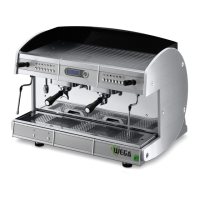
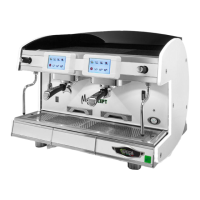
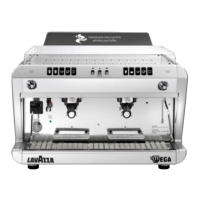
Correspondence diagram between the display alarm position
and the machine group position
DOSER ALARMS
000 000 000 000



 To Next Page