CMP100 User Guide
25
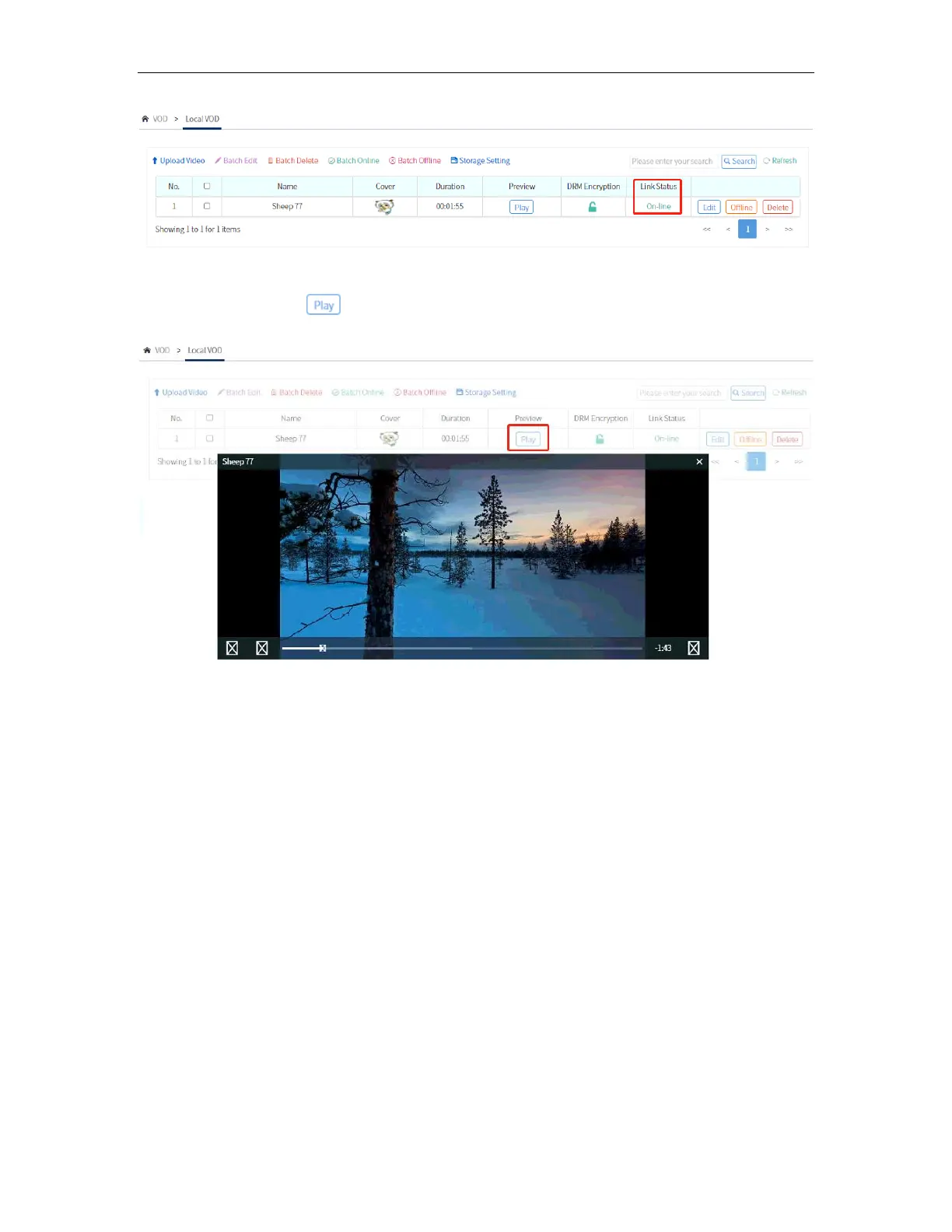
Once the Status is “Offline”, you can now click on “Online” to let the video to appear on
the APP. The Status will be changed to “Online” after this.
You can also click on under Preview to watch the video uploaded for VOD.
After the video is uploaded, you can now polish the video by adding some details about
the video. You can set a Display picture and some details like Director, Producer, and
other info of the video/movie.



 To Next Page