CMP100 User Guide
35
3.7 APK Settings
On this page, you can modify the settings on the APK on which the user will view upon
entering the application. See more information in the following submenu:
• APK Layout
• APK Background
• APK Management
• WGT Management
• APK Layout Theme
3.7.1 APK Layout
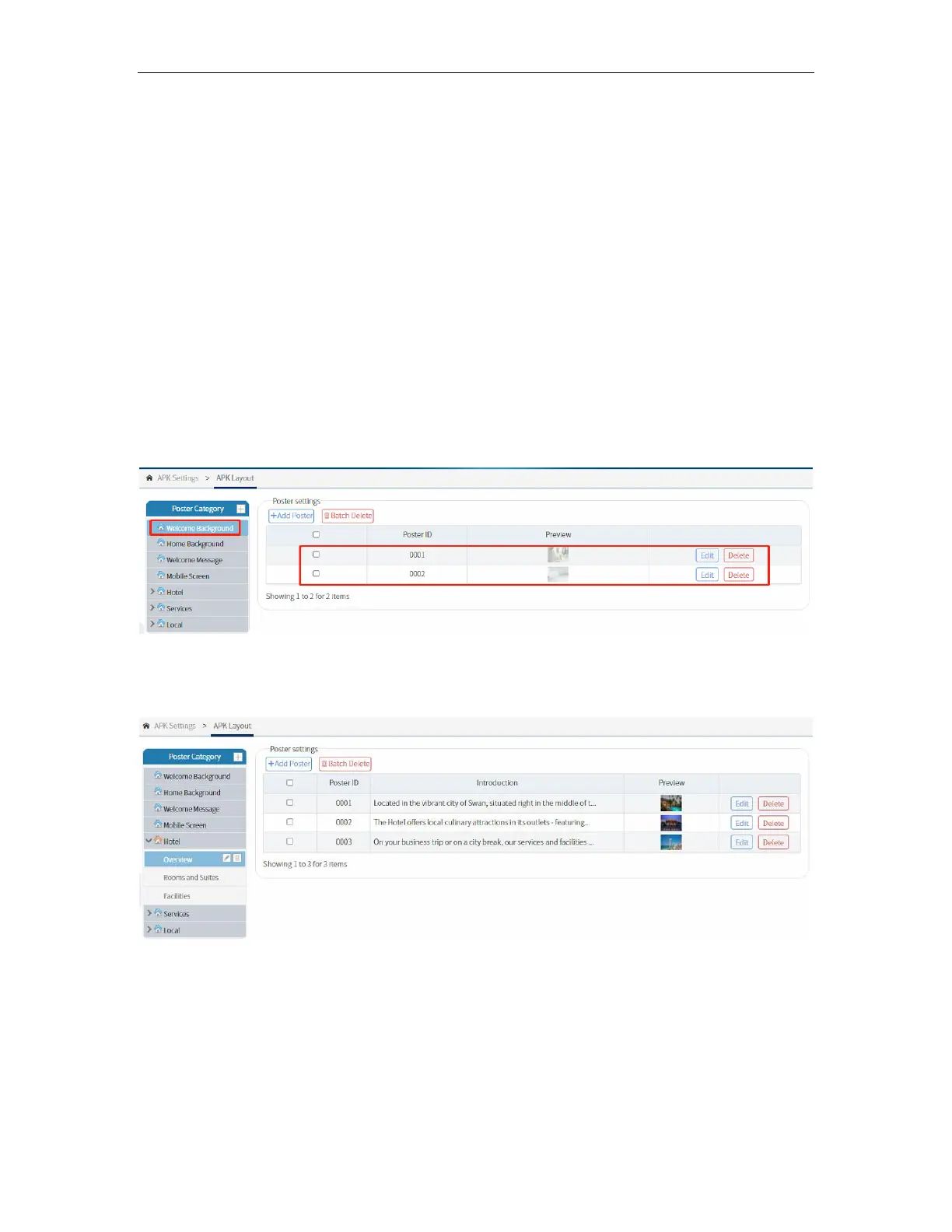
This page displays the APP interface. This shows pages in APP and the posters
displaying on them. For example, for the Welcome Background it will show its two
posters in the APP. You can add more pictures for the Welcome Background as slides.
You can also easily add or customize the APP menu by adding categories. The next
picture shows the Hotel menu and its sub-menu. It gives the hotel more options to
advertise hotel rooms, food, and amenities.



 To Next Page