CMP100 User Guide
64
3.11 Tools
You can capture packets with the Tools menu. This can be used when there is some
issue encountered on unit. This allows you to capture the traffic on a certain port to help
fixing /identifying issues.
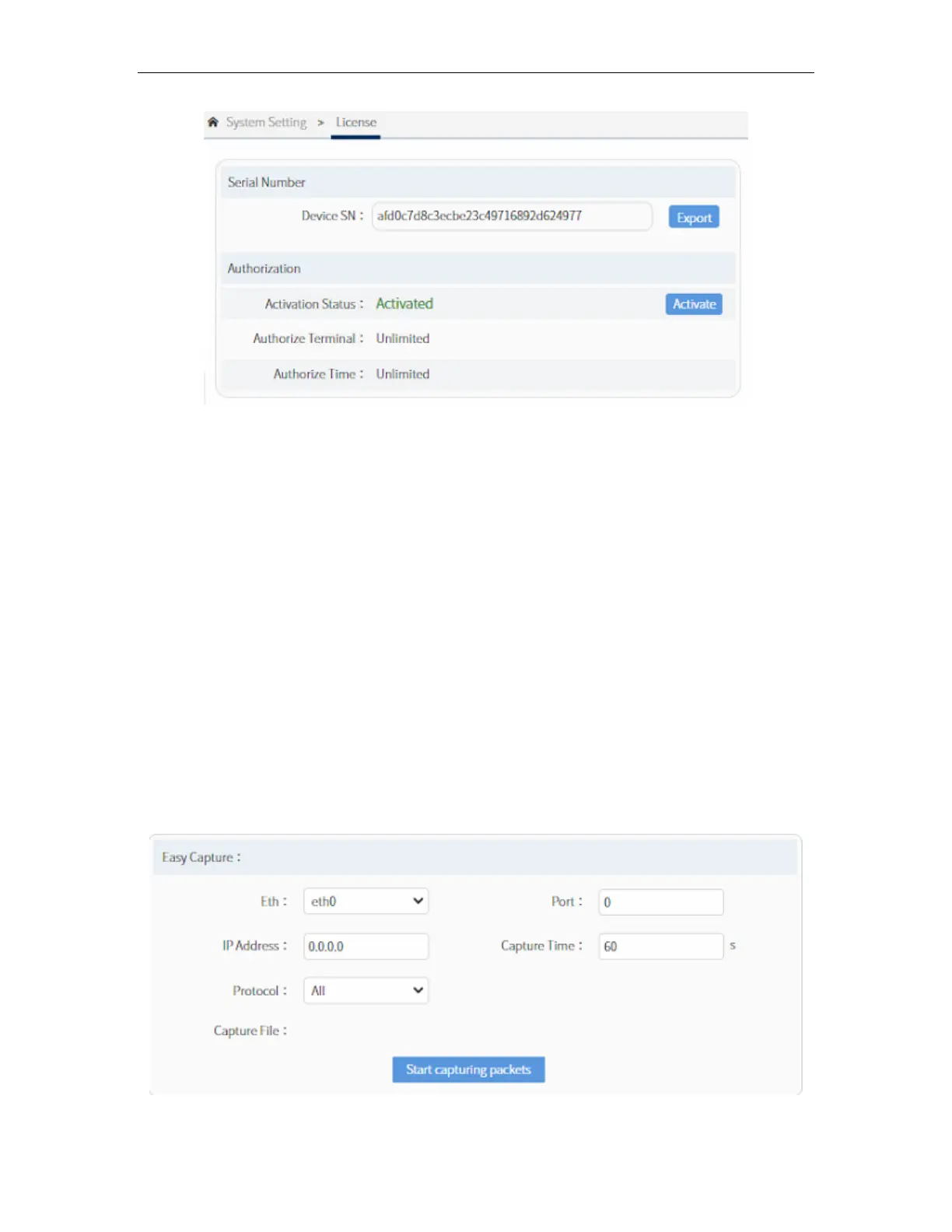
Easy Capture is for recording or capturing streams in the system. You can select the
Ethernet port (ETH0, ETH1, ETH2, ETH3, ETH4, ETH5), IP address, time (for how long
the capture will be) and protocol (All, TCP, UDP, ICMP). After setting the parameters,
click on “Start Capturing Packets” and wait till it is finished. The captured packets will be
in .pcac format. You can use this tool to help analysing and troubleshooting a certain
issue.



 To Next Page